Download and Install digital games on Xbox Series S
TL;DR
Learn how to easily install digital games on your Xbox console and take advantage of convenient features for a faster gaming experience.
Transcript
[XBOX SOUND] [MUSIC PLAYING] DANIEL (VOICEOVER): Hey there, Daniel here, and welcome to the third episode of our How To Digital Gaming series, where we walk through the process of finding, purchasing, downloading, and installing games digitally from the Microsoft store and Xbox. In our last two videos, we covered how to find and purchase games off... Read More
Key Insights
- 👾 Digital games on Xbox don't take up more space than physical discs do.
- 👻 Preinstalling games saves time and allows immediate access upon release.
- 💌 Remote Install feature lets you start downloads from a distance.
- 😀 Utilize the Xbox web store and phone app for convenient game installations.
- 👾 Manage game installations and storage space effectively on your console.
- 👾 Enjoy faster access to games with Ready to Start feature.
- 🎮 Xbox Game Pass and EA Play offer additional game sources.
Install to Summarize YouTube Videos and Get Transcripts
Explore YouTube Video Summarizer or Get YouTube Transcript Extractor
Questions & Answers
Q: How can you check the install progress of a game on your Xbox console?
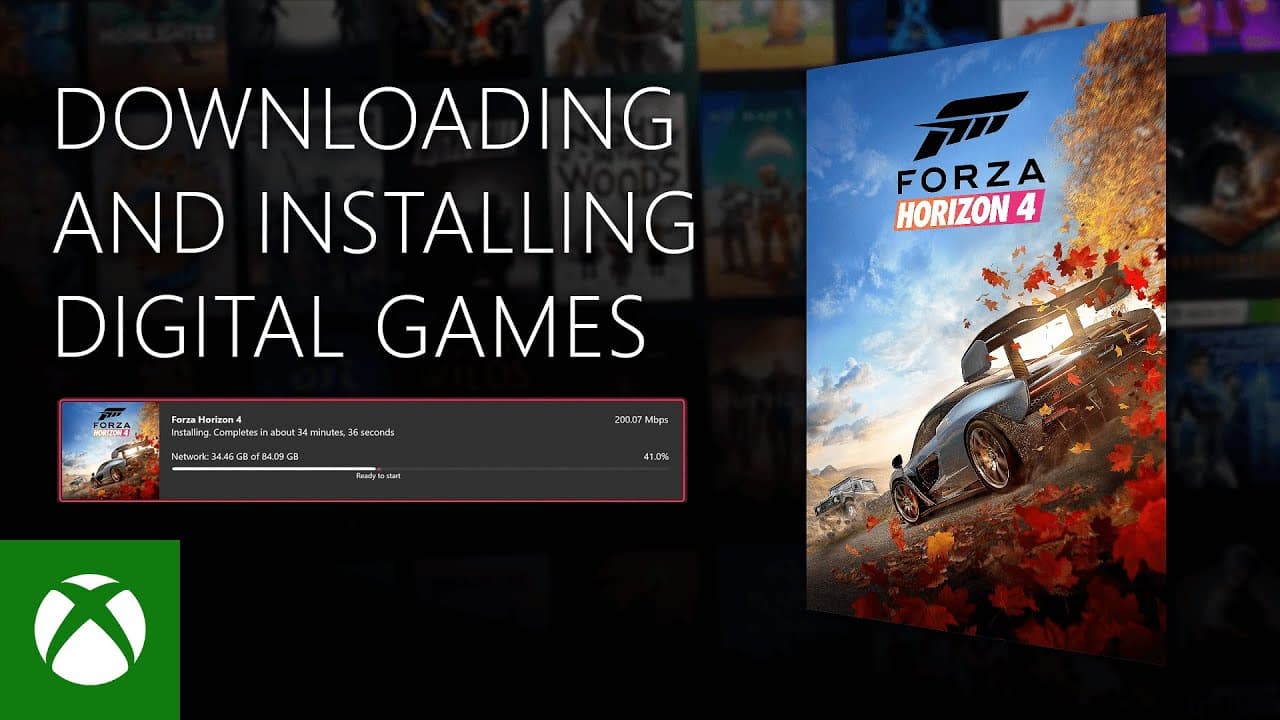
To check the install progress, go to the Manage tab and select Queue. Look for the marker showing Ready to Start on the progress bar, indicating the game is ready to play.
Q: What is the benefit of preinstalling a game from the Microsoft store on Xbox?
Preinstalling a game allows you to have it downloaded and ready to play as soon as it officially launches, saving you time and ensuring immediate access.
Q: How can you remote install games to your Xbox console?
You can remote install games by purchasing or redeeming a code on the Xbox web store or app, choosing to install the game to your console from a remote location.
Q: What are the steps to install a game to your console from the Xbox web store or phone app?
On the web store, hit the three dots next to Install and select Install to My Devices. On the phone app, navigate to the Library section, choose Download to Console, and select the device.
Summary & Key Takeaways
-
Step-by-step guide on installing digital games from Xbox store.
-
Explanation of game installation process and storage space management.
-
Tips on preinstalling games, using Remote Install feature, and installing games from web store or phone app.
Read in Other Languages (beta)
Share This Summary 📚
Summarize YouTube Videos and Get Video Transcripts with 1-Click
Try YouTube Summary with ChatGPT & Claude or YouTube Transcript Generator