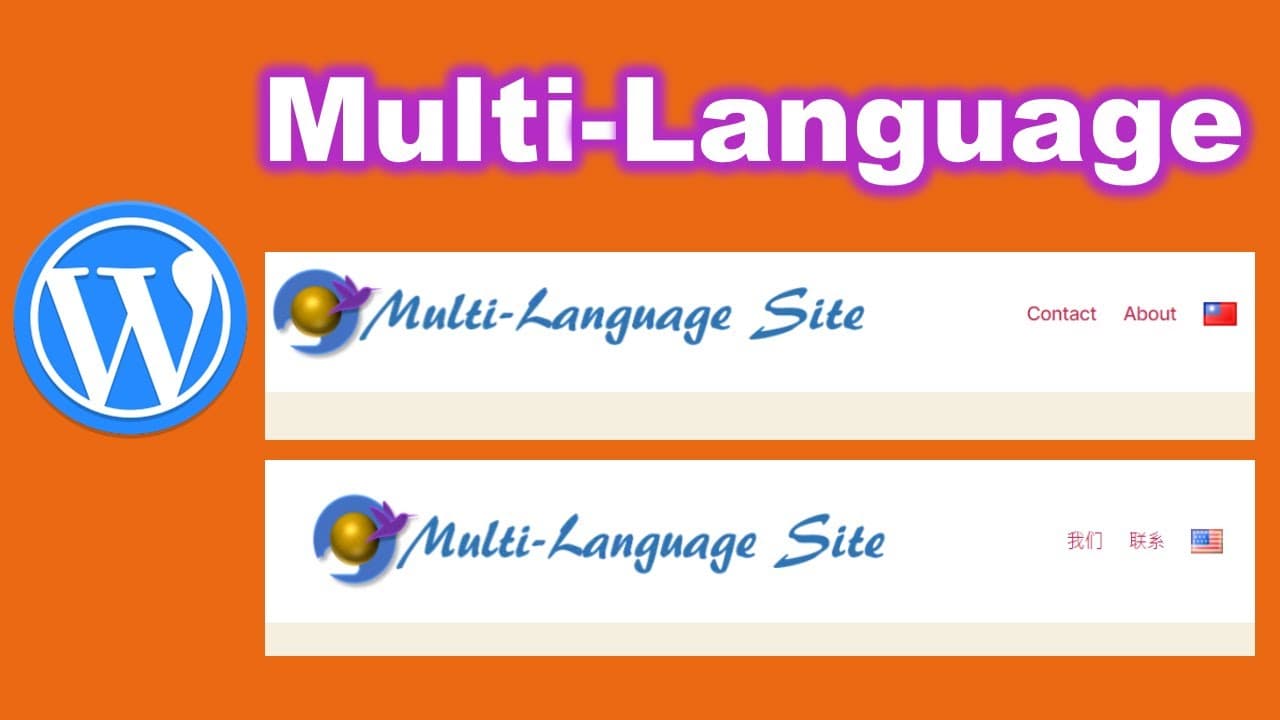
Create multi language website with WordPress polylang
TL;DR
Learn how to effectively create a multi-language website using the right plugins and setup.
Transcript
hello today we will talk about how to build multi-language website using world price so when you think about building multi-language website you'll you think about which planning you are using so there are two types of plug-in so the first type is automatically transfer your current website to another language and as the other type of plug-in is to... Read More
Key Insights
- 🫰 Automatic translation plugins may compromise SEO by creating content that search engines cannot index properly.
- 👻 Manual translation plugins allow for better control of translated content, making it easier for search engines to link and index pages.
- 🍻 The setup process includes configuring the plugin, adding languages, and ensuring that linked pages are synchronized for a seamless experience.
- 👤 User experience can be improved by customizing the language switch menu to show either flags or language names based on user needs.
- 🚗 The tutorial highlights the importance of testing the language switch functionality on both desktop and mobile devices for accessibility.
- 👤 Implementing additional CSS can enhance the aesthetic appearance of language flags, making them more noticeable and user-friendly.
- ❓ Unique challenges may arise depending on the website's theme, necessitating adjustments to header and menu configurations for language selection features.
Install to Summarize YouTube Videos and Get Transcripts
Explore YouTube Video Summarizer or Get YouTube Transcript Extractor
Questions & Answers
Q: What are the two types of plugins mentioned for creating multi-language websites?
The two types of plugins are those that automatically translate content using services like Google Translate and more manual-focused plugins that allow users to create translated pages independently. The latter is preferred for better SEO since it ensures that search engines can index these translated pages.
Q: Why is it important for search engines to index translated pages?
It is crucial for search engines to index translated pages to improve visibility and accessibility. If the translated content cannot be found by search engines, it fails to reach the target audience effectively, which ultimately undermines the purpose of creating a multi-language website in the first place.
Q: How do you set up new languages using the recommended plugin?
To set up new languages, first, you need to add the desired language through the plugin's settings in the dashboard. After adding a language, you can specify default languages and link them with existing pages, ensuring that they are associated correctly and will be accessible from the language menu.
Q: What is the process for customizing the language switch menu?
To customize the language switch menu, you'll need to create a new menu specifically for the languages. You can choose to display language names or flags, adjust styles, and configure visibility options for each language, ensuring users can switch languages easily according to preferences.
Q: Can you make language flags larger for better visibility?
Yes, you can easily make language flags larger by adding specific CSS code in the website's customization settings. The tutorial provides sample code to adjust the height of the flags, enhancing their visibility for users navigating the site.
Summary & Key Takeaways
-
Multi-language websites can be created using plugins that either automate translation or allow manual input. The choice of plugin affects SEO and user accessibility.
-
The tutorial emphasizes the importance of ensuring that translated pages are searchable and indexable by search engines, which can be accomplished with specific settings in plugin configurations.
-
The process involves adding languages, linking pages, configuring menus, and customizing the appearance of language switches effectively, providing users with a seamless experience.
Read in Other Languages (beta)
Share This Summary 📚
Summarize YouTube Videos and Get Video Transcripts with 1-Click
Try YouTube Summary with ChatGPT & Claude or YouTube Transcript Generator
Explore More Summaries from E Micro Tech 📚

Summarize YouTube Videos and Get Video Transcripts with 1-Click
Try YouTube Summary with ChatGPT & Claude or YouTube Transcript Generator