Fetch As Googlebot (How To Use it And Common Issues)
TL;DR
Learn how Fetch as Googlebot helps optimize website indexing.
Transcript
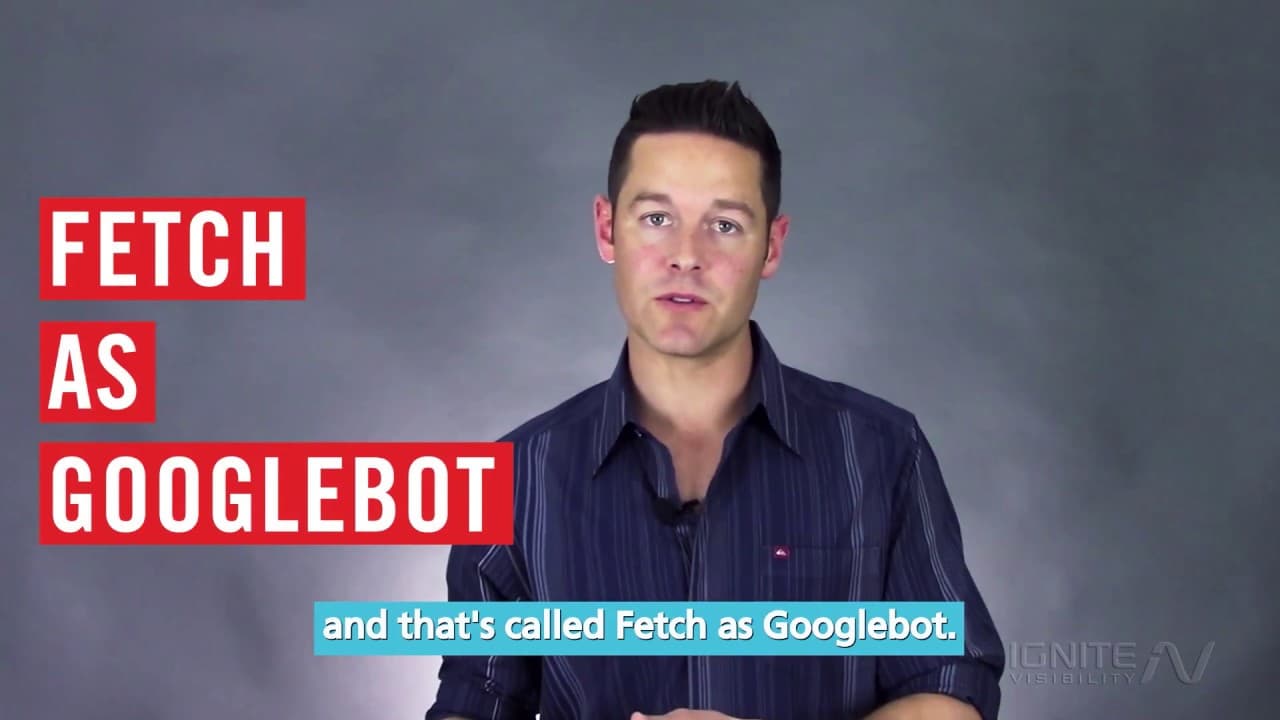
hi I'm John Lincoln with ignite visibility and today I'm talking to you about a really important tool in any SEO or webmasters arsenal and that's called fetch as Googlebot so if you don't know what fetch as Googlebot is this is a perfect video for you I'm gonna tell you about it and I'm gonna give you some tricks that are gonna help you be more suc... Read More
Key Insights
- Fetch as Googlebot is an essential tool within Google Search Console that helps webmasters see how Google interprets their website pages, providing insights into status codes and potential issues.
- The tool allows users to see whether a page returns a 200 OK status, is redirected, or encounters server errors, which can help diagnose and resolve indexing issues.
- Fetch as Googlebot can differentiate between desktop and mobile versions, allowing users to understand how Google renders their site across different devices.
- This tool is particularly useful for websites that use AJAX or JavaScript heavily, as it helps determine if Google can render the content properly.
- Users can submit individual pages or a page along with its linked pages directly to Google for indexing, speeding up the process of getting new or updated content into the search index.
- Fetch as Googlebot can also be used to remove content from the index by showing Google changes such as 301 redirects or robots.txt blocks.
- There are limitations to the tool, such as a cap on the number of submissions and occasional discrepancies in how pages are displayed.
- Despite its limitations, Fetch as Googlebot is a valuable tool for fast indexing and ensuring that Google sees web pages as intended, making it a staple for SEO professionals.
Install to Summarize YouTube Videos and Get Transcripts
Explore YouTube Video Summarizer or Get YouTube Transcript Extractor
Questions & Answers
Q: What is Fetch as Googlebot?
Fetch as Googlebot is a tool within Google Search Console that allows webmasters to see how Google interprets their website pages. It provides insights into the status codes, such as 200 OK or redirects, and helps diagnose potential issues that might affect how Google indexes and displays the site.
Q: How does Fetch as Googlebot help with mobile and desktop versions?
Fetch as Googlebot can fetch both desktop and mobile versions of a webpage, allowing users to see how Google renders their site across different devices. This is particularly useful for websites with complex elements like AJAX or JavaScript, ensuring that content is displayed correctly on both desktop and mobile platforms.
Q: What are the submission capabilities of Fetch as Googlebot?
Fetch as Googlebot allows users to submit individual pages or a page along with its linked pages directly to Google for indexing. This capability speeds up the process of getting new or updated content into the search index, which is crucial for launching new products or updating important information quickly.
Q: Can Fetch as Googlebot be used to remove content from Google's index?
Yes, Fetch as Googlebot can be used to remove content from Google's index by showing Google changes such as 301 redirects or robots.txt blocks. This allows webmasters to control which pages are visible in search results and manage their site's presence effectively.
Q: What are the limitations of using Fetch as Googlebot?
Fetch as Googlebot has some limitations, including a cap on the number of submissions a user can make and occasional discrepancies in how pages are rendered and displayed. Despite these limitations, it remains a valuable tool for ensuring that Google sees web pages as intended.
Q: Why is Fetch as Googlebot important for SEO professionals?
Fetch as Googlebot is important for SEO professionals because it allows them to ensure that Google accurately interprets and indexes their web pages. By diagnosing and resolving issues with page rendering and status codes, SEO professionals can optimize their sites for better visibility and performance in search results.
Q: How does Fetch as Googlebot handle AJAX or JavaScript-heavy websites?
Fetch as Googlebot helps determine if Google can render content on AJAX or JavaScript-heavy websites. By fetching pages as Googlebot, webmasters can see if these elements are displayed correctly, allowing them to make necessary adjustments to ensure proper indexing and visibility in search results.
Q: What role does Fetch as Googlebot play in fast indexing?
Fetch as Googlebot plays a significant role in fast indexing by allowing webmasters to submit pages directly to Google for quick inclusion in the search index. This capability is essential for rapidly updating content or launching new pages, ensuring timely visibility and competitive advantage in search results.
Summary & Key Takeaways
-
Fetch as Googlebot, part of Google Search Console, is crucial for webmasters to see how Google interprets their website. It helps identify status codes and potential issues with page rendering, offering insights for optimization.
-
The tool can fetch both desktop and mobile versions of a webpage, which is helpful for sites with AJAX or JavaScript. It allows users to submit pages for indexing and manage how content appears in Google's index.
-
Though there are submission limits and some display inconsistencies, Fetch as Googlebot is invaluable for quick indexing and troubleshooting. It enables webmasters to ensure Google sees their pages correctly, aiding in effective SEO strategies.
Read in Other Languages (beta)
Share This Summary 📚
Summarize YouTube Videos and Get Video Transcripts with 1-Click
Try YouTube Summary with ChatGPT & Claude or YouTube Transcript Generator
Explore More Summaries from IgniteVisibility 📚



Summarize YouTube Videos and Get Video Transcripts with 1-Click
Try YouTube Summary with ChatGPT & Claude or YouTube Transcript Generator