How To Teach English On Zoom (groups and 1:1)
TL;DR
Learn how to teach online using Zoom, a free and versatile software, ideal for English teachers transitioning to online lessons.
Transcript
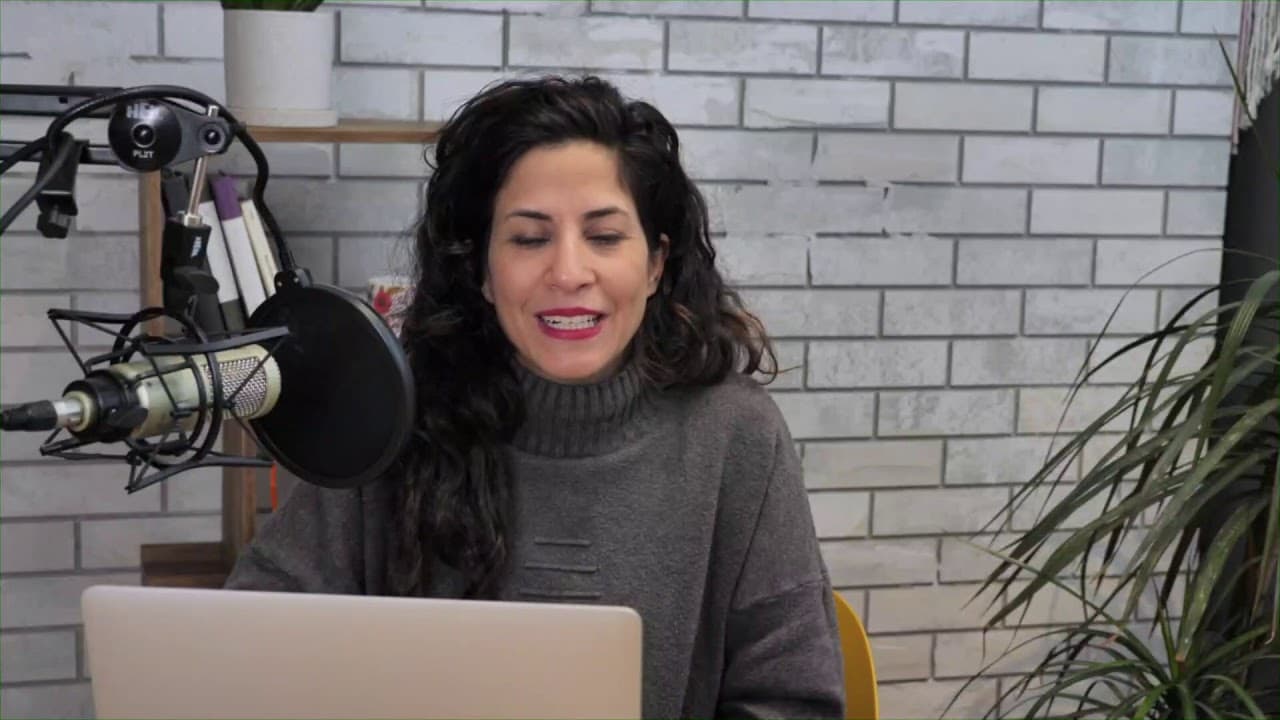
welcome to my studio this is a little different than usual little different video than usual because I'm going live and I'm introducing you to my workstation this is where I work and record and teach so first of all I want to say hello and to make sure that to make sure to just send you my health wishes and I hope you are doing well I hope you're s... Read More
Key Insights
- 👤 Transitioning to online teaching requires basic equipment like a computer and webcam, with Zoom offering a user-friendly interface for effective teaching.
- 🧑🎓 Maintaining routine and community connection is crucial for student engagement and well-being during online lessons.
- 🧑🎓 Zoom's features, such as screen sharing, whiteboard tools, and recording options, enhance the online teaching experience for both teachers and students.
- 🧑🏫 Effective communication, engagement strategies, and technical troubleshooting are essential skills for teachers conducting online lessons.
- 🥶 Practicing with friends and offering free sessions can help teachers build confidence in using Zoom for online teaching.
- 🧑🎓 Creatively engaging students through interactive features like muting, unmuting, and group activities can simulate a real classroom experience.
- 🧑🎓 Recording Zoom sessions can serve as valuable resources for students and provide opportunities for additional teaching materials or tutorials.
Install to Summarize YouTube Videos and Get Transcripts
Explore YouTube Video Summarizer or Get YouTube Transcript Extractor
Questions & Answers
Q: Why is it essential to maintain routine and community connection while teaching online?
Maintaining routine helps students adapt to the new online learning environment, while community connection fosters engagement and support during challenging times.
Q: How can teachers effectively engage students during online lessons?
Teachers can engage students by using interactive features like screen sharing, whiteboard tools, and live chat, along with encouraging active participation and interaction.
Q: What are the benefits of using Zoom for online teaching compared to other platforms like Skype?
Zoom offers recording features, easy sharing of recordings through cloud storage, and a user-friendly interface that simplifies online teaching tasks.
Q: How can teachers ensure a smooth online teaching experience in terms of audio and video quality?
Teachers should check audio and video settings before each session, encourage students to use headphones for better audio, and ensure a stable internet connection to avoid disruptions.
Summary & Key Takeaways
-
Introduction to teaching online with Zoom, focusing on the speaker's workstation and addressing health concerns.
-
Explanation of how Zoom can be used effectively for online teaching, emphasizing the importance of routine and community connection.
-
Practical tips and step-by-step instructions on using Zoom for teaching, including managing audio, video, screen sharing, and engaging students effectively.
Read in Other Languages (beta)
Share This Summary 📚
Summarize YouTube Videos and Get Video Transcripts with 1-Click
Try YouTube Summary with ChatGPT & Claude or YouTube Transcript Generator
Explore More Summaries from Accent's Way English with Hadar 📚
![The Most Mispronounced Words in Tech [part 1] thumbnail](/_next/image?url=https%3A%2F%2Fi.ytimg.com%2Fvi%2F-qWiBtYY04A%2Fhqdefault.jpg&w=750&q=75)
![#1 STRATEGY to become FLUENT in English [and why you DON'T NEED to 'speak like a native speaker’] thumbnail](/_next/image?url=https%3A%2F%2Fi.ytimg.com%2Fvi%2F0V0WeEnsec0%2Fhqdefault.jpg&w=750&q=75)
Summarize YouTube Videos and Get Video Transcripts with 1-Click
Try YouTube Summary with ChatGPT & Claude or YouTube Transcript Generator