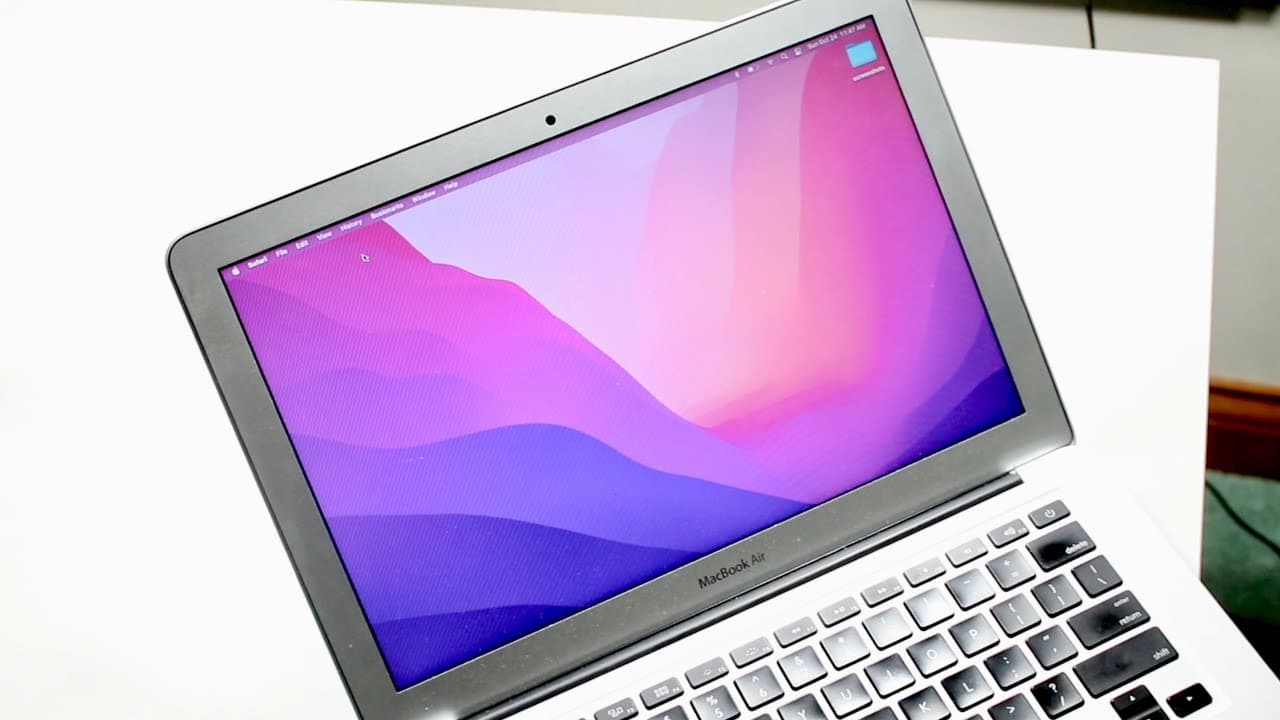
Oldest Supported MacBook Air On MacOS Monterey
TL;DR
macOS Monterey works surprisingly well on the 2015 MacBook Air, but installations are risky.
Transcript
welcome back everyone as most of you know mac os monterey has officially came out today or it's going to be coming out very soon and the mac os monterey for some reason was randomly installed on a 2015 macbook air that you know we have and surprisingly this software doesn't really run too bad on this specific device which i'm actually pretty surpri... Read More
Key Insights
- 🥶 The 2015 MacBook Air can run macOS Monterey better than anticipated, defying expectations for older hardware.
- 👶 Users are advised against immediate installations of new macOS versions to avoid performance issues.
- 💝 Features exclusive to the latest hardware, like Universal Control, are not supported on the 2015 MacBook Air.
- 👤 Performance improvements could still be noted with use, although initial experiences may vary widely among users.
- 🥶 Battery life on older models may decline temporarily post-installation before stabilizing in subsequent updates.
- 🎏 The software has an inherent lag in optimization, especially evident in initial rollout weeks.
- 📈 Historical trends suggest that early adopters typically experience more issues due to unrefined software.
Install to Summarize YouTube Videos and Get Transcripts
Explore YouTube Video Summarizer or Get YouTube Transcript Extractor
Questions & Answers
Q: Why was macOS Monterey randomly installed on the 2015 MacBook Air?
The video mentions that macOS Monterey was randomly installed on the 2015 MacBook Air, possibly due to an automatic update feature in system settings. Such updates can occur without user intervention if automatic updates are enabled, though users can typically manage when these updates take place.
Q: What are the performance implications of running macOS Monterey on older Mac models?
Running macOS Monterey on older models like the 2015 MacBook Air may present mixed results. While this device surprisingly handles the software decently, older hardware might struggle with some features, leading to sluggish performance or app crashes. Users should expect varied experiences and might benefit more from waiting to see how the system stabilizes over time.
Q: What is the Universal Control feature in macOS Monterey, and why is it significant?
Universal Control allows users to control multiple Apple devices seamlessly, using a single mouse or keyboard. You can drag and drop files between a Mac and iPad or among different Macs. This feature enhances productivity but is limited to newer, higher-end models, making it irrelevant for the 2015 MacBook Air, which does not support it.
Q: How does the battery life of the 2015 MacBook Air compare now after installing macOS Monterey?
Battery life on the 2015 MacBook Air, while historically strong, may not be as effective post-installation of macOS Monterey. Users have reported varied performance declines, particularly shortly after an OS upgrade; historical data suggests battery optimization often improves over time as updates roll out and stabilize, so experiences may vary.
Q: What should users do if they experience issues after installing macOS Monterey?
If users face issues after installing macOS Monterey, they should consider reverting to a previous macOS version if possible or looking for updates that may fix specific bugs. It's highly recommended to participate in support forums or consult Apple's user support for specific troubleshooting steps relevant to their device.
Summary & Key Takeaways
-
The 2015 MacBook Air, despite being the oldest supported model for macOS Monterey, performs better than expected, showcasing reasonable app response times and overall smooth operation.
-
However, users are strongly advised against immediate installation of macOS Monterey on any MacBook not originally equipped with the OS, as it may lead to performance issues.
-
Noteworthy features of macOS Monterey, like Universal Control, are not supported on the older MacBook Air, limiting the upgrade's benefits for these devices.
Read in Other Languages (beta)
Share This Summary 📚
Summarize YouTube Videos and Get Video Transcripts with 1-Click
Try YouTube Summary with ChatGPT & Claude or YouTube Transcript Generator
Explore More Summaries from Simple Alpaca 📚






Summarize YouTube Videos and Get Video Transcripts with 1-Click
Try YouTube Summary with ChatGPT & Claude or YouTube Transcript Generator