How to Leverage LinkedIn Video and SEO Updates
TL;DR
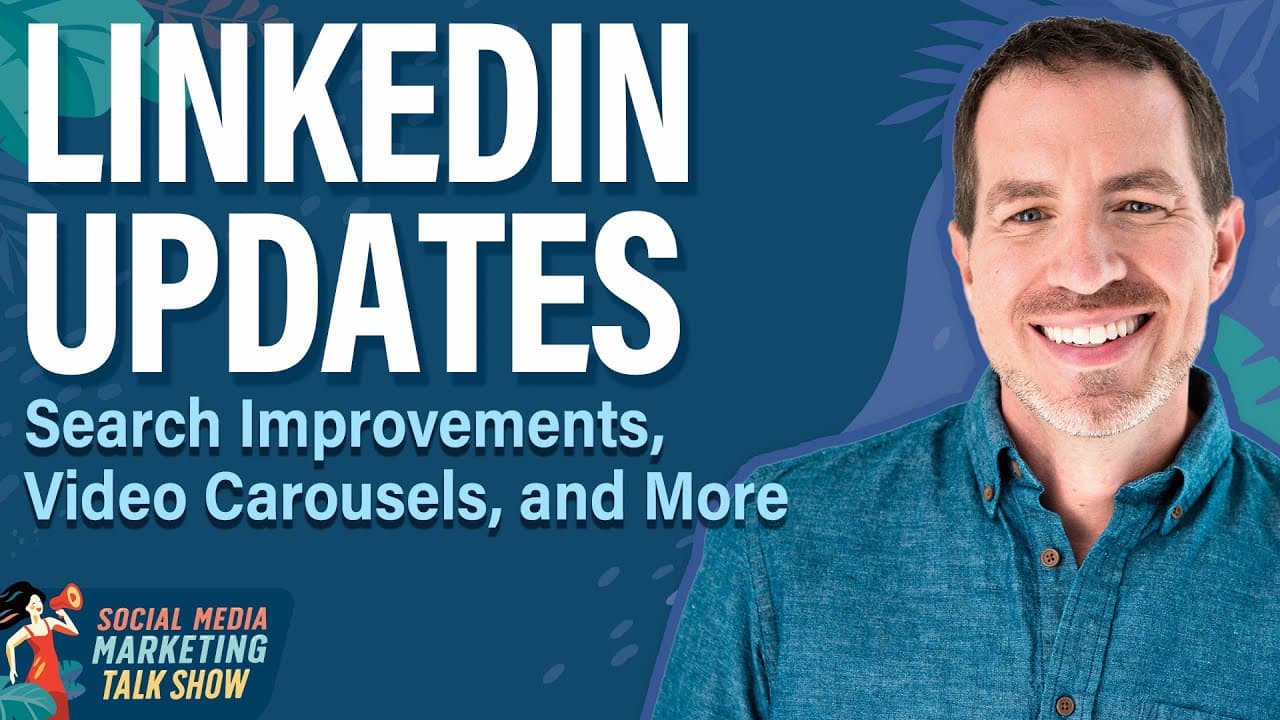
LinkedIn is enhancing its platform with new features like video carousels and improved search capabilities. Video content is becoming more prominent, and marketers should focus on creating engaging short-form videos. Additionally, LinkedIn's improved semantic search highlights the importance of SEO, allowing content to remain relevant for longer periods.
Transcript
On today's show, we're gonna be exploring the most important LinkedIn updates for us as marketers and how to apply them, including more signs that LinkedIn is going all in on video. It's come a long way, hasn't it? Also a new easy way to recycle your LinkedIn newsletters and articles. And is it time to invest more effort into SEO? on LinkedIn. It j... Read More
Key Insights
- LinkedIn is introducing video carousels to enhance user engagement with short-form videos.
- Video carousels allow users to scroll through video clips, similar to Facebook and Instagram feeds.
- The importance of compelling thumbnails and opening hooks in videos is emphasized to capture user attention.
- LinkedIn's new feature allows users to share text highlights from newsletters, promoting content recycling.
- Improved semantic search on LinkedIn enhances content discoverability, making SEO more crucial.
- Audience penetration is a new metric in LinkedIn ads, measuring the reach of targeted audiences.
- LinkedIn has streamlined billing management for agencies with a new invoicing system.
- CRM data integration in LinkedIn ads allows advertisers to target high-quality leads more effectively.
Install to Summarize YouTube Videos and Get Transcripts
Explore YouTube Video Summarizer or Get YouTube Transcript Extractor
Questions & Answers
Q: How do LinkedIn video carousels work?
LinkedIn video carousels allow users to scroll through a series of video clips side by side, similar to the experience on Facebook and Instagram. This feature enhances user engagement with short-form videos. The carousels are primarily visible on desktop, and marketers should focus on creating compelling thumbnails and opening hooks to capture user attention quickly.
Q: What is the significance of LinkedIn's improved semantic search?
LinkedIn's improved semantic search enhances the discoverability of content by providing more accurate search results. This is achieved through AI integration, allowing content to surface even without exact keyword matches. As a result, creating evergreen content with strong SEO is crucial for maintaining visibility and relevance over time.
Q: How can marketers recycle content using LinkedIn newsletters?
Marketers can recycle content by using LinkedIn's new feature that allows users to share text highlights from newsletters. By highlighting notable quotes or insights, users can create new posts that link back to the original newsletter, extending the reach and lifespan of the content. This approach is particularly effective for evergreen content that remains relevant over time.
Q: What is audience penetration in LinkedIn ads?
Audience penetration is a metric in LinkedIn ads that measures the percentage of a target audience that an ad campaign has successfully reached. For example, a 40% audience penetration indicates that 40% of the defined target audience has seen the ads. This metric helps advertisers assess the effectiveness of their targeting strategies and optimize ad spend accordingly.
Q: How does LinkedIn's new billing management system benefit agencies?
LinkedIn's new billing management system streamlines the invoicing process for agencies. It allows business admins to apply for monthly invoicing and link all relevant ad accounts to a single payment method. This simplifies financial management by consolidating billing, reducing the need to log in and out of multiple accounts, and ensuring a more efficient workflow.
Q: What is the role of CRM data in LinkedIn ads?
CRM data integration in LinkedIn ads allows advertisers to target leads who meet specific criteria based on information pulled directly from their CRM systems. This enhances the quality of leads by focusing on high-value prospects most likely to convert. The feature is currently in beta testing and promises to improve targeting precision for advertisers.
Q: Why is SEO important for LinkedIn content?
SEO is crucial for LinkedIn content because improved semantic search capabilities mean that well-optimized content is more likely to be discovered. As LinkedIn's search results become more accurate, content with strong SEO can maintain its relevance and visibility for extended periods. This underscores the importance of using relevant keywords and creating evergreen content.
Q: What types of video content perform well on LinkedIn?
On LinkedIn, short-form videos, especially those with engaging hooks and compelling thumbnails, perform well. Content that resembles TikTok-style videos, including skits and sketches related to business and entrepreneurship, tends to engage users effectively. Marketers are encouraged to experiment with creative formats that capture attention quickly to maximize engagement.
Summary & Key Takeaways
-
LinkedIn is rolling out video carousels, allowing users to engage with short-form videos in a Facebook-like feed. This feature emphasizes the importance of compelling video thumbnails and hooks. Marketers should focus on creating engaging content to capture attention quickly.
-
LinkedIn's improved semantic search capabilities make SEO more important than ever. Content creators are encouraged to produce evergreen content that remains relevant, as search results are now more accurate due to AI integration, allowing content to surface even without exact matches.
-
New LinkedIn ad features include audience penetration metrics and improved billing management for agencies. Advertisers can now target leads using CRM data, enhancing the quality of leads. These updates provide marketers with better tools for reaching and engaging their target audiences.
Read in Other Languages (beta)
Share This Summary 📚
Summarize YouTube Videos and Get Video Transcripts with 1-Click
Try YouTube Summary with ChatGPT & Claude or YouTube Transcript Generator
Explore More Summaries from Social Media Examiner 📚



Summarize YouTube Videos and Get Video Transcripts with 1-Click
Try YouTube Summary with ChatGPT & Claude or YouTube Transcript Generator