Why iPad OS is Game Changing for Businesses
TL;DR
iPadOS enhances business productivity with focus and multitasking features.
Transcript
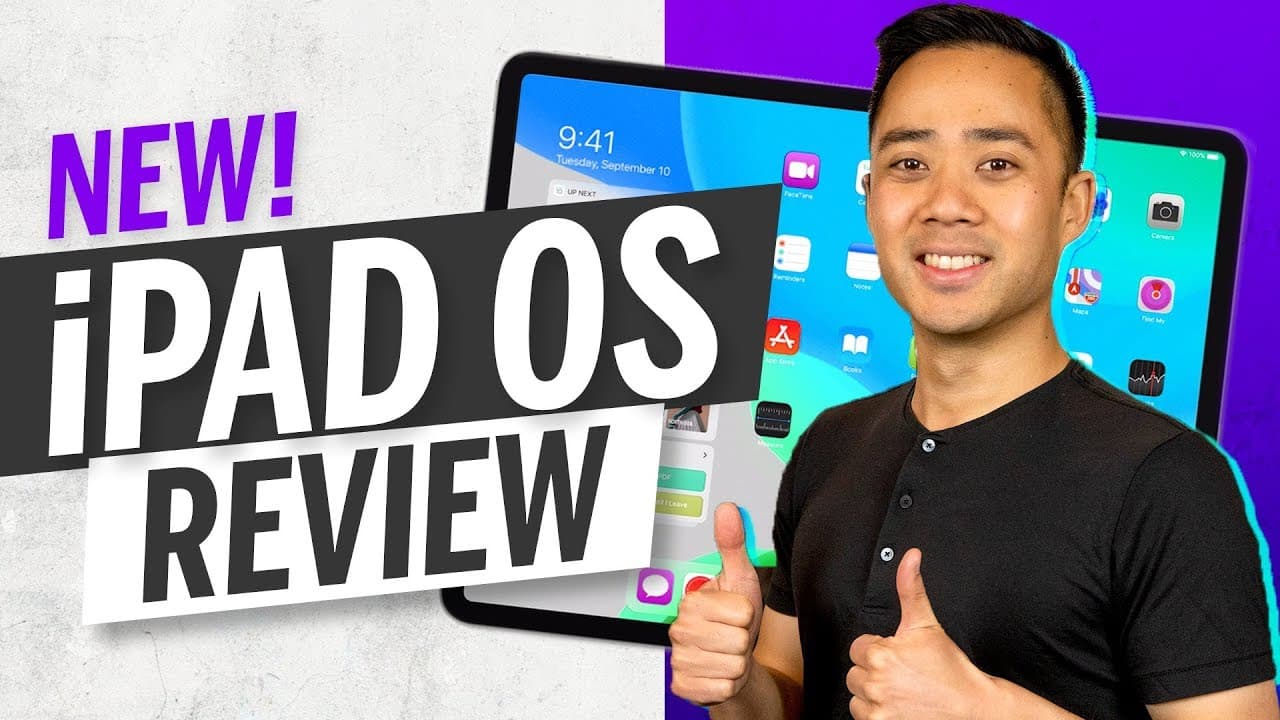
Today we are going to talk about if the iPad OS is actually good for business. But before we do don't forget to subscribe, whatever platform you are coming from, if you want to grow predictably in business and in life, so let's talk about this the iPad OS I'm using it on the iPad Pro right now. Apple felt the need to make a new operating system jus... Read More
Key Insights
- The iPadOS was developed to enhance the iPad Pro's functionality as a main workstation, providing a focused and distraction-free environment.
- With an impressive battery life, the iPad Pro can last a full workday and beyond, even with extensive use such as watching videos.
- The Apple Pencil, combined with apps like Notability, enhances note-taking and drawing capabilities, converting handwriting to text seamlessly.
- iPadOS allows for dual-screen functionality, enabling efficient multitasking by using web apps in a desktop-like environment.
- Mission Control on iPadOS offers quick access to essential apps and information, customizable to suit individual needs and streamline workflow.
- The iPad Pro can serve as a secondary screen and a drawing device when paired with a laptop, enhancing its utility in creative and professional settings.
- The operating system supports password management and text expansion, adding convenience and efficiency to daily tasks.
- iPadOS transforms the iPad Pro into a viable primary device for business, reducing reliance on traditional laptops and increasing productivity.
Install to Summarize YouTube Videos and Get Transcripts
Explore YouTube Video Summarizer or Get YouTube Transcript Extractor
Questions & Answers
Q: How does the iPadOS improve multitasking capabilities?
iPadOS enhances multitasking by allowing dual-screen functionality, enabling users to open multiple apps side by side. This feature allows users to work on different tasks simultaneously, such as browsing the web and taking notes, without switching between apps, thus improving productivity and efficiency.
Q: What are the benefits of using the Apple Pencil with iPadOS?
The Apple Pencil, when used with iPadOS, offers enhanced note-taking and drawing capabilities. Apps like Notability allow users to take handwritten notes, draw, and convert handwriting to text, making it easy to organize and share information. This integration helps maintain focus during meetings and presentations.
Q: How does iPadOS address the issue of web browsing on the iPad?
iPadOS addresses web browsing issues by enabling desktop-like web app usage. Previously, websites were viewed in mobile format, which limited functionality. Now, users can view websites as they would on a desktop, allowing for full access to features and improving the overall browsing experience.
Q: What role does battery life play in the iPadOS experience?
The iPad Pro's impressive battery life, enhanced by iPadOS, allows it to last a full workday and beyond. Users can work from morning until evening without needing to recharge, even with tasks like video streaming, making it a reliable device for professionals on the go.
Q: How does Mission Control enhance productivity on iPadOS?
Mission Control enhances productivity by providing a customizable space for quick access to essential apps and information. Users can add shortcuts to frequently used apps, access news, weather, and calendar events, and streamline their workflow, reducing time spent searching for information.
Q: Can the iPad Pro be used as a secondary screen with iPadOS?
Yes, the iPad Pro can be used as a secondary screen with iPadOS. This feature allows users to extend their workspace by pairing the iPad with a laptop, providing additional screen real estate for multitasking. It also serves as a drawing device, enhancing creative work.
Q: What is the impact of iPadOS on business productivity?
iPadOS significantly impacts business productivity by transforming the iPad Pro into a viable primary device. With features like multitasking, desktop-like web app usage, and enhanced note-taking, users can perform complex tasks efficiently, reducing reliance on traditional laptops and improving overall workflow.
Q: How does iPadOS handle password management and text expansion?
iPadOS supports password management through features like Face ID and apps such as 1Password, ensuring secure and convenient access to accounts. It also allows text expansion with apps like TextExpander, enabling users to quickly insert frequently used text, saving time and reducing repetitive typing tasks.
Summary & Key Takeaways
-
The iPadOS enhances the iPad Pro's functionality, making it a powerful tool for business by providing a focused, distraction-free environment. Its long battery life and multitasking capabilities allow users to work efficiently throughout the day without needing to recharge frequently.
-
With features like dual-screen functionality and desktop-like web app usage, iPadOS enables users to handle complex tasks seamlessly. The Apple Pencil and apps like Notability further enhance productivity by allowing easy note-taking and drawing, with the ability to convert handwriting to text.
-
Mission Control and customizable shortcuts provide quick access to essential apps and information, streamlining workflow. The iPad Pro can also be used as a secondary screen and drawing device, making it versatile for creative and professional use, significantly improving productivity and efficiency.
Read in Other Languages (beta)
Share This Summary 📚
Summarize YouTube Videos and Get Video Transcripts with 1-Click
Try YouTube Summary with ChatGPT & Claude or YouTube Transcript Generator
Explore More Summaries from Leveling Up with Eric Siu 📚


Summarize YouTube Videos and Get Video Transcripts with 1-Click
Try YouTube Summary with ChatGPT & Claude or YouTube Transcript Generator