Conditionals and Loops + Calculator Program
TL;DR
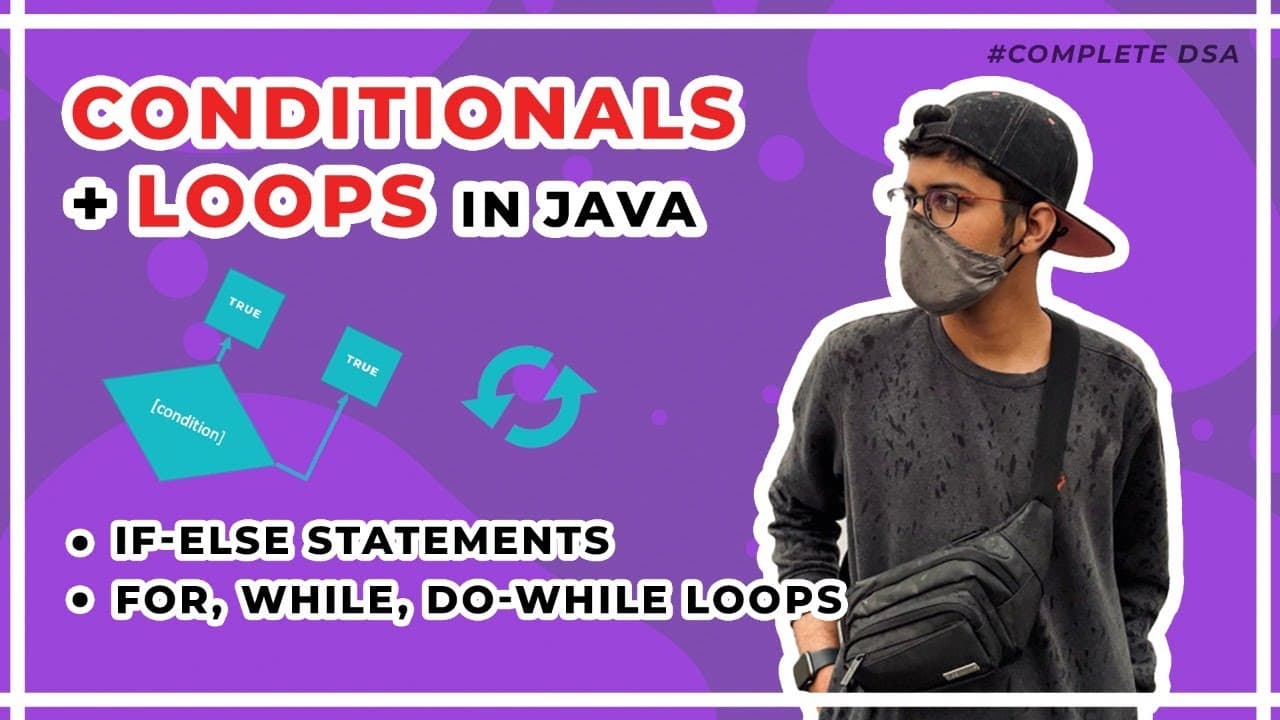
Learn about conditionals and loops in Java, including if-else statements, for loops, while loops, and do-while loops. Build a calculator program that performs addition, subtraction, multiplication, and division.
Transcript
hey everyone welcome back to another video and in this video we are going to look into conditionals and loops in java so when we were learning about flowcharts we saw that you take you know input and output you do some processing and you have some conditions as well we have already seen about input output we've already seen a little bit about like ... Read More
Key Insights
- 👻 Conditionals in Java, such as if statements, allow for the execution of specific code based on certain conditions.
- 🔁 Loops in Java, including for loops, while loops, and do-while loops, enable repetitive execution of code until a specified condition is met.
- 👨💻 The syntax for if-else statements in Java involves specifying a condition within parentheses and providing the code to be executed in the if and else blocks.
- 🔁 For loops are useful when the number of iterations is known in advance, while while loops are useful when the number of iterations is unknown.
- 🔁 The do-while loop is similar to the while loop but guarantees at least one execution of the code block.
- 🔢 Building a calculator program in Java involves taking user input for an operator and two numbers, performing the corresponding operation, and displaying the result.
Install to Summarize YouTube Videos and Get Transcripts
Explore YouTube Video Summarizer or Get YouTube Transcript Extractor
Questions & Answers
Q: What are conditionals in Java and how do we use them?
Conditionals in Java are used to execute specific code based on certain conditions. They are implemented using if statements, where the condition is specified within the parentheses. If the condition evaluates to true, the code within the if block is executed. Otherwise, the code within the else block, if provided, is executed.
Q: How can we use loops in Java?
There are three types of loops in Java: for loops, while loops, and do-while loops. For loops are used when you know the number of iterations in advance. While loops are used when you don't know the number of iterations and only want to continue iterating while a certain condition is true. Do-while loops are similar to while loops, but they always execute the code block at least once before checking the condition.
Q: How can we build a calculator program in Java?
To build a calculator program in Java, you can use a while loop to continuously take user input until the user enters 'x' to exit the program. Within the loop, you can prompt the user to enter an operator (+, -, *, /) and two numbers. Based on the operator, perform the corresponding operation and display the result. Repeat this process until the user chooses to exit.
Q: What is the syntax for a for loop in Java?
The syntax for a for loop in Java is as follows: "for (initialization; condition; update) { // code block }". The initialization statement is executed once before the loop begins. The condition is evaluated before each iteration, and if it evaluates to true, the code block is executed. After each iteration, the update statement is executed. The loop continues until the condition becomes false.
Key Insights:
- Conditionals in Java, such as if statements, allow for the execution of specific code based on certain conditions.
- Loops in Java, including for loops, while loops, and do-while loops, enable repetitive execution of code until a specified condition is met.
- The syntax for if-else statements in Java involves specifying a condition within parentheses and providing the code to be executed in the if and else blocks.
- For loops are useful when the number of iterations is known in advance, while while loops are useful when the number of iterations is unknown.
- The do-while loop is similar to the while loop but guarantees at least one execution of the code block.
- Building a calculator program in Java involves taking user input for an operator and two numbers, performing the corresponding operation, and displaying the result.
- The program can run continuously until the user chooses to exit by entering 'x'.
Summary & Key Takeaways
-
The video discusses conditionals in Java and how to use if statements to execute specific code based on certain conditions.
-
It covers the syntax of if-else statements and demonstrates how to use them in practical examples.
-
The video also explains the concept of loops in Java, including for loops, while loops, and do-while loops, and provides examples on how to use them.
-
Lastly, it walks through the process of building a calculator program in Java that can perform addition, subtraction, multiplication, and division operations.
Read in Other Languages (beta)
Share This Summary 📚
Summarize YouTube Videos and Get Video Transcripts with 1-Click
Try YouTube Summary with ChatGPT & Claude or YouTube Transcript Generator
Explore More Summaries from Kunal Kushwaha 📚




Summarize YouTube Videos and Get Video Transcripts with 1-Click
Try YouTube Summary with ChatGPT & Claude or YouTube Transcript Generator