Awesome iPhone Calendar Tips & Tricks
TL;DR
Learn useful tips for enhancing your iPhone calendar experience.
Transcript
so the iPhone calendar application has so many different things within it it's not even funny but there are also some really cool tips and tricks that I'd recommend everyone to kind of think about when they're using their calendar app now the first thing I'd probably kind of like checking out is actually within the icon itself did you actually know... Read More
Key Insights
- 😀 The iPhone calendar app is rich in functionality, providing features that enhance user experience, such as displaying the current date on the app icon.
- 👻 Users can toggle between daily, monthly, and yearly views, allowing for more efficient event management and easier access to past and future events.
- 👏 Voice commands through Siri significantly simplify the process of adding events, promoting hands-free use for busy individuals.
- 👤 Event alerts can be customized, making it easy to stay organized and ensuring users are reminded in plenty of time before events begin.
- 👨🦱 The ability to attach URLs and notes to events ensures that users have all relevant information consolidated in one place, improving event preparation.
- 👪 Calendar sharing options foster teamwork and collaborative scheduling, making it seamless to coordinate with family, friends, or colleagues.
- 🪡 The drag-and-drop feature simplifies rearranging events, aligning with dynamic lifestyle needs where users may need to adjust plans frequently.
Install to Summarize YouTube Videos and Get Transcripts
Explore YouTube Video Summarizer or Get YouTube Transcript Extractor
Questions & Answers
Q: What unique feature does the iPhone calendar icon offer?
The iPhone calendar icon displays the current date, allowing users to quickly check today's day while navigating their device. This convenience reflects attention to user experience, ensuring that important information is readily accessible without needing to open the app.
Q: How can users efficiently navigate their calendar?
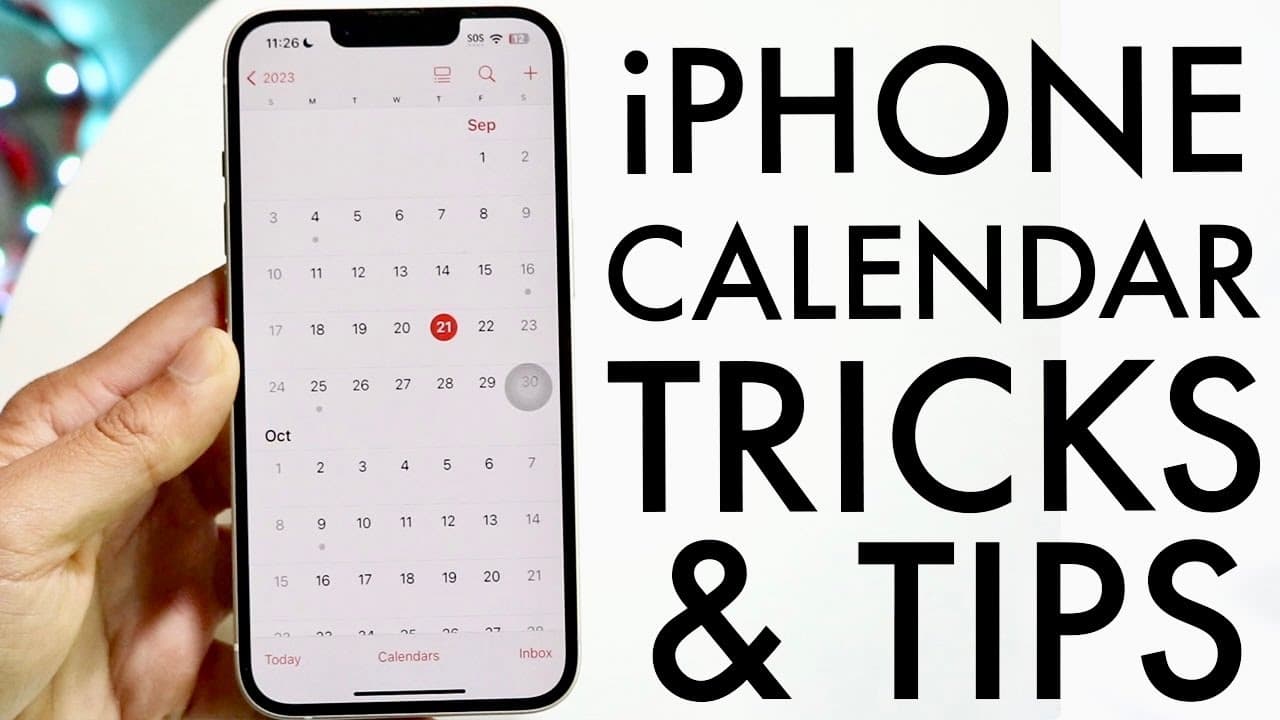
Users can easily switch between different views of their calendar. By clicking on the calendar button, they can display months or even scroll through an entire year instead of navigating one day or month at a time, making it simpler to find past or future events.
Q: In what ways can Siri assist with calendar management?
Siri can streamline calendar event creation by responding to voice commands. For instance, users can instruct Siri to create events, such as scheduling lunch for tomorrow at a specific time, allowing a hands-free approach to managing schedules effortlessly.
Q: What customization options do users have for calendar events?
Users can customize calendar events by editing various aspects such as changing the event type, adding alerts, attaching URLs, and including notes. These features enhance organization and ensure that all important details related to the event are easily accessible.
Q: Can users share their calendars with others?
Yes, the iPhone calendar allows users to share their calendars with other individuals, which is particularly useful for work projects or event planning. Users can adjust settings like color, event alerts, and add people to the shared calendar for collaborative scheduling.
Q: What is the drag-and-drop feature for calendar events?
The calendar app enables a drag-and-drop functionality that allows users to move events effortlessly from one day to another. This feature enhances flexibility and makes it easier to adjust schedules without entering edit mode.
Q: What options are available for customizing calendars on the iPhone?
Users can customize their calendar settings by changing colors, setting event alerts, and managing visibility. They can create public calendars or keep them private, giving users control over how their calendar is shared and organized.
Q: Why is the ability to add notes to calendar events beneficial?
The ability to add notes to calendar events can help jog the user’s memory or remind them of important details relevant to meetings or appointments. This feature enhances planning, ensuring that users have all necessary information at their fingertips during events.
Summary & Key Takeaways
-
The iPhone calendar app offers an array of features, including viewing the current date directly on the icon and easy navigation through monthly and yearly views.
-
Siri can assist you in creating calendar events effortlessly, and you can customize alerts and add notes or URLs to your events for better organization.
-
Users can easily manage and share their calendars with others, allowing for collaborative planning and personalized calendar settings, including color coding.
Read in Other Languages (beta)
Share This Summary 📚
Summarize YouTube Videos and Get Video Transcripts with 1-Click
Try YouTube Summary with ChatGPT & Claude or YouTube Transcript Generator
Explore More Summaries from Simple Alpaca 📚






Summarize YouTube Videos and Get Video Transcripts with 1-Click
Try YouTube Summary with ChatGPT & Claude or YouTube Transcript Generator