iPod Touch Is Not Recognized by the USB : Tech Yeah!
TL;DR
Check USB type, cable condition, and Apple mobile device service for iOS device recognition in iTunes.
Transcript
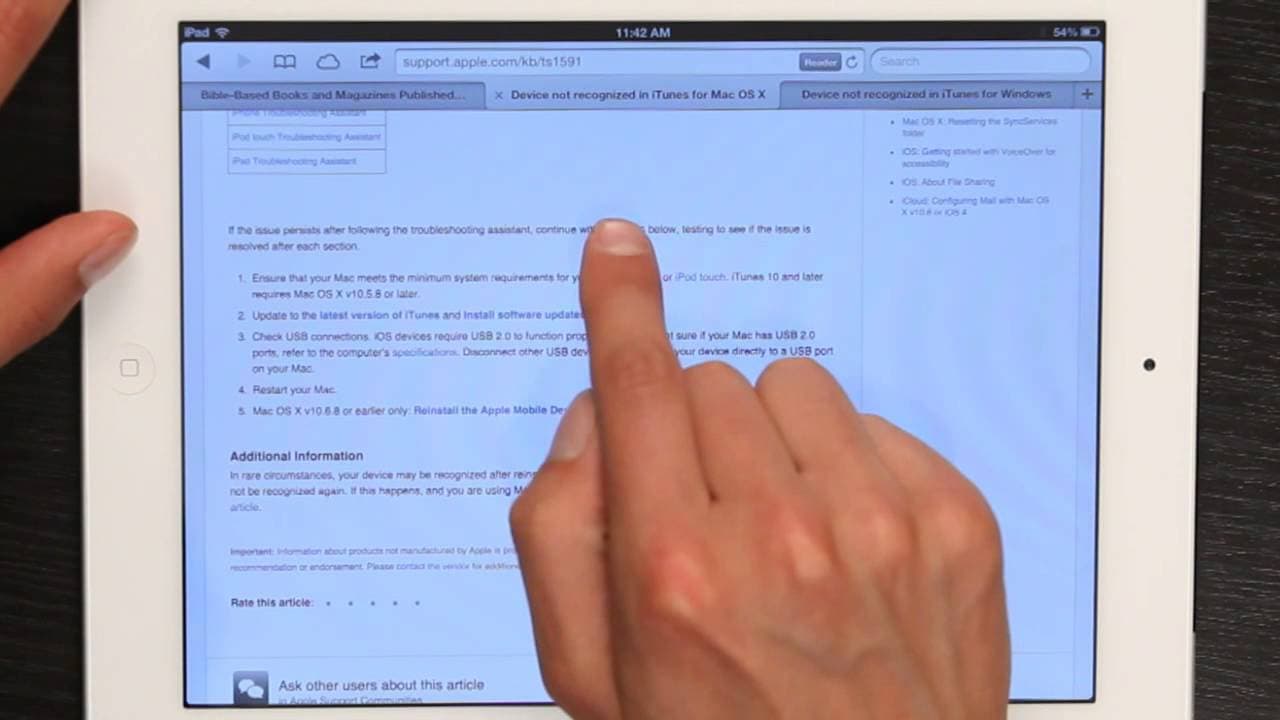
hi I'm Skyler if you're trying to connect an iPad or iPod Touch or any iOS device to a Mac or PC and you get some sort of message that says that the device is not recognized in iTunes via a USB there could be a number of reasons for that first of all USB 2.0 is required for iOS devices so an iPod Classic or an iPod shuffle could connect to an older... Read More
Key Insights
- 💻 iOS devices require USB 2.0 or 3.0 for proper connection to computers.
- 🚙 Checking cable and port condition is essential in troubleshooting device recognition issues.
- 💻 Updating iTunes and restarting the computer can resolve many iOS device connectivity problems.
- 🐕🦺 Troubleshooting the Apple mobile device service is a common solution to iOS device recognition issues.
- 👤 Windows users should verify the Apple mobile device service and check for software conflicts for successful device recognition.
- 🆘 Following detailed troubleshooting steps can help resolve iOS device recognition problems efficiently.
- 💻 Ensuring compatibility between the iOS device and the computer's hardware is crucial for successful connectivity.
Install to Summarize YouTube Videos and Get Transcripts
Explore YouTube Video Summarizer or Get YouTube Transcript Extractor
Questions & Answers
Q: Why do iOS devices require USB 2.0 or 3.0 for connection to a computer?
iOS devices need the higher USB versions for faster data transfer speeds and compatibility with modern hardware.
Q: How can I troubleshoot if my iOS device is not recognized in iTunes?
Start by checking the cable, port, and updating iTunes. If the issue persists, troubleshoot the Apple mobile device service and look for software conflicts.
Q: What steps can I take to ensure my iOS device is recognized by a Windows PC?
Verify the Apple mobile device service, restart it if needed, and check for third-party software conflicts as outlined by Apple's support resources.
Q: How important is updating iTunes in troubleshooting iOS device recognition issues?
Updating iTunes is crucial as it often includes fixes for device recognition problems, making it a key step in resolving connectivity issues.
Summary & Key Takeaways
-
USB 2.0 or 3.0 is required for iOS devices to connect to a Mac or PC.
-
Check cable and port condition on the device for any damage or obstruction.
-
Update iTunes, restart the computer, and troubleshoot the Apple mobile device service for issue resolution.
Read in Other Languages (beta)
Share This Summary 📚
Summarize YouTube Videos and Get Video Transcripts with 1-Click
Try YouTube Summary with ChatGPT & Claude or YouTube Transcript Generator
Explore More Summaries from ehow 📚

Summarize YouTube Videos and Get Video Transcripts with 1-Click
Try YouTube Summary with ChatGPT & Claude or YouTube Transcript Generator