Let's Design it with Canva: A Tear Off Flyer
TL;DR
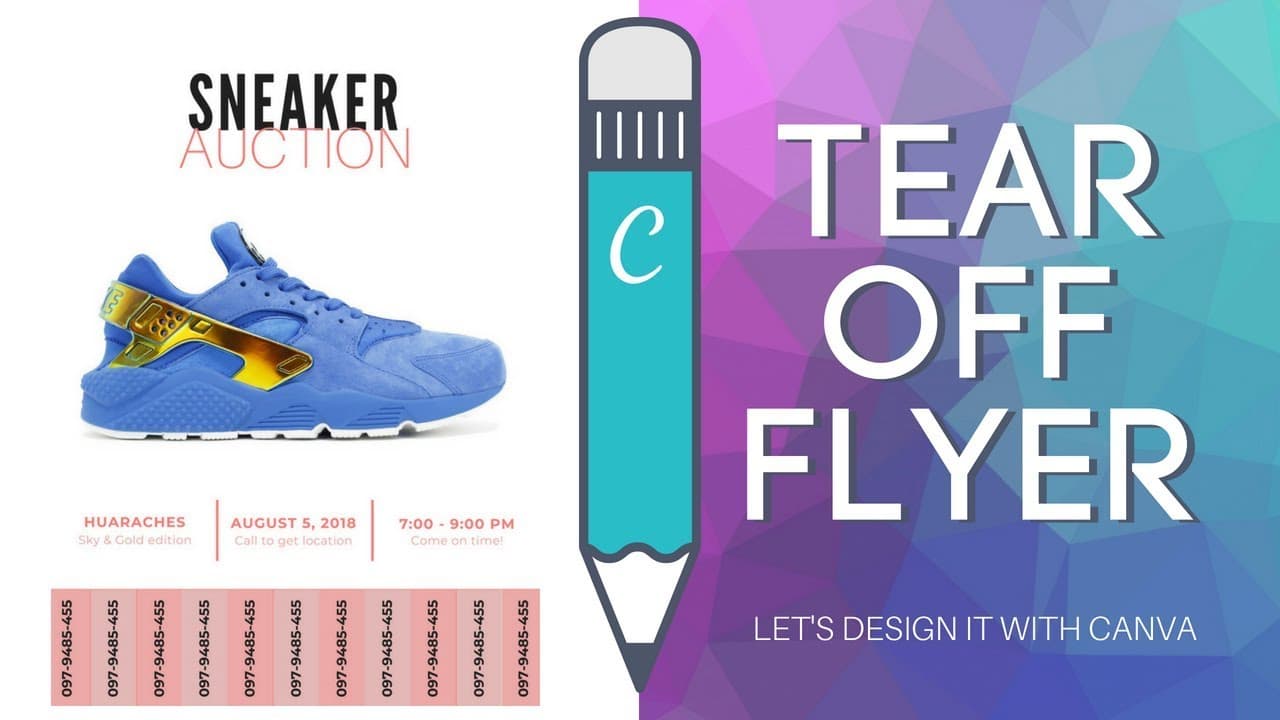
Learn how to create a tear-off flyer using Canva for free.
Transcript
but if this is Ronnie with another tutorial about canva today we are going to answer Madison's question Melissa asked has anyone created a tier of flyer in canva so if so can you share your design with me please so I was not quite sure what she meant by a tier of flyer but then I followed up with a question and I asked is does that mean that you wa... Read More
Key Insights
- 😂 Canva offers tools like shapes and alignment features to create a tear-off section in a flyer.
- 🎨 Customizing font styles and sizes can enhance the readability and visual appeal of the flyer design.
- 😂 Using opacity adjustments can help distinguish tear-off sections from the main flyer content.
- 😂 Canva's export feature allows you to preview and make necessary adjustments before finalizing your tear-off flyer design.
- 😂 Consider design elements such as colors and layout to create a visually appealing and functional tear-off flyer.
- 🥶 Canva's free account provides access to essential design tools for creating various promotional materials.
- 😂 Alignment tools in Canva can assist in creating a well-structured tear-off section on a flyer.
Install to Summarize YouTube Videos and Get Transcripts
Explore YouTube Video Summarizer or Get YouTube Transcript Extractor
Questions & Answers
Q: How can you create a tear-off flyer in Canva?
You can design a tear-off flyer in Canva by selecting an appropriate layout, adding images, text, and shapes, and customizing a tear-off section for contact information.
Q: What tools in Canva can help create a tear-off section on a flyer?
Canva offers shapes like rectangles that can be duplicated for a tear-off section, allowing you to add contact information that people can easily tear off and keep.
Q: How can one ensure the tear-off section is aligned and visually appealing in Canva?
In Canva, you can use alignment tools and opacity adjustments to ensure the tear-off sections are aligned properly and visually distinct from the main flyer design.
Q: Are there any design considerations to keep in mind when creating a tear-off flyer in Canva?
When designing a tear-off flyer in Canva, consider the layout, font choices, colors, and alignment to create a cohesive and visually appealing design that effectively communicates the desired information.
Summary & Key Takeaways
-
Tutorial on creating a tear-off flyer in Canva for free.
-
Use Canva's layout, shapes, and text tools to design the flyer.
-
Customize the tear-off section with contact information for easy sharing.
Read in Other Languages (beta)
Share This Summary 📚
Summarize YouTube Videos and Get Video Transcripts with 1-Click
Try YouTube Summary with ChatGPT & Claude or YouTube Transcript Generator
Explore More Summaries from Design with Canva 📚






Summarize YouTube Videos and Get Video Transcripts with 1-Click
Try YouTube Summary with ChatGPT & Claude or YouTube Transcript Generator