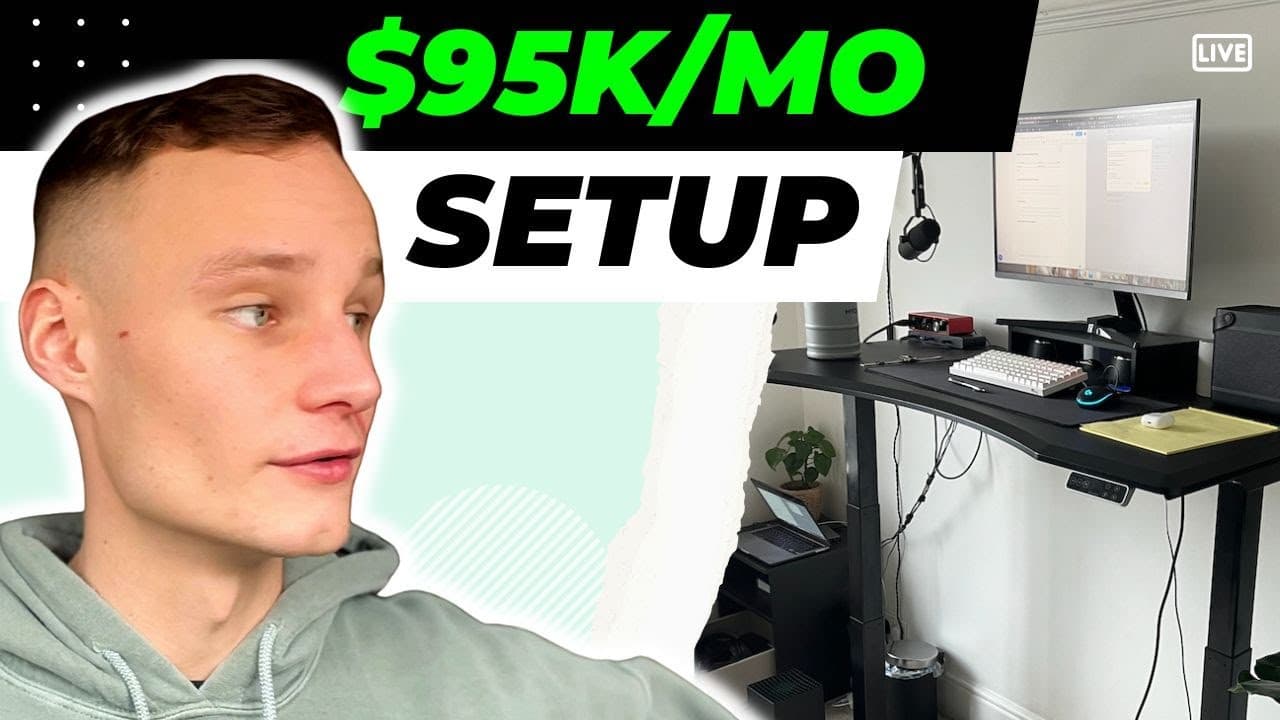
This Phone & Laptop Setup Makes My Agency $95k/mo
TL;DR
Learn how to optimize your digital life for maximum productivity and efficiency.
Transcript
okay hey everybody how's it going it's charlie morgan and welcome to another video so for those of you who don't know who i am um i built and scaled an agency called norflow consulting and now i help other people basically build and scale their own agencies now what i want to do in today's video is go ahead and cover a topic i'm not sure i'm going ... Read More
Key Insights
- 📣 Focus on essentials by minimizing distractions on devices like phones and laptops.
- 🔨 Utilize tools like Momentum and Undistracted to enhance productivity and remove unnecessary clutter.
- 💦 Opt for browser settings that prioritize work-related tasks and block distractions like suggestions or autoplay features on YouTube.
Install to Summarize YouTube Videos and Get Transcripts
Explore YouTube Video Summarizer or Get YouTube Transcript Extractor
Questions & Answers
Q: How does Charlie optimize his phone for minimal distractions?
Charlie sets up his phone with essential messaging apps only, removes social media apps, and uses affirmations as screen backgrounds to stay focused on work and family interactions.
Q: Why does Charlie recommend using a Mac for productivity?
Charlie finds Macs cleaner, faster, and more conducive to focus and work, but acknowledges that personal preferences or business operations may vary based on individual needs.
Q: What are the benefits of using the Momentum app?
Momentum helps in eliminating distractions by adjusting browser settings to prioritize essential tasks and block unnecessary recommendations or thumbnails, enhancing productivity and focus.
Q: How does Charlie manage email distractions?
Charlie emphasizes unsubscribing from unwanted emails and staying attentive to the incoming messages, ensuring that the inbox is organized to maintain efficiency.
Summary & Key Takeaways
-
Charlie Morgan shares his expertise in building and scaling agencies, focusing on digital efficiency.
-
Describes strategies to minimize distractions on devices for enhanced productivity.
-
Demonstrates techniques for managing desktop, phone apps, and browser settings effectively.
Read in Other Languages (beta)
Share This Summary 📚
Summarize YouTube Videos and Get Video Transcripts with 1-Click
Try YouTube Summary with ChatGPT & Claude or YouTube Transcript Generator
Explore More Summaries from Charlie Morgan 📚



Summarize YouTube Videos and Get Video Transcripts with 1-Click
Try YouTube Summary with ChatGPT & Claude or YouTube Transcript Generator