How Does the Hash Operator Enhance Excel 365?
TL;DR
The hash operator in Excel 365 simplifies dynamic array handling, allowing users to manipulate and analyze data efficiently. By using this operator, you can count, sum, and calculate averages within spill ranges seamlessly, ensuring your analysis adjusts automatically with any data changes.
Transcript
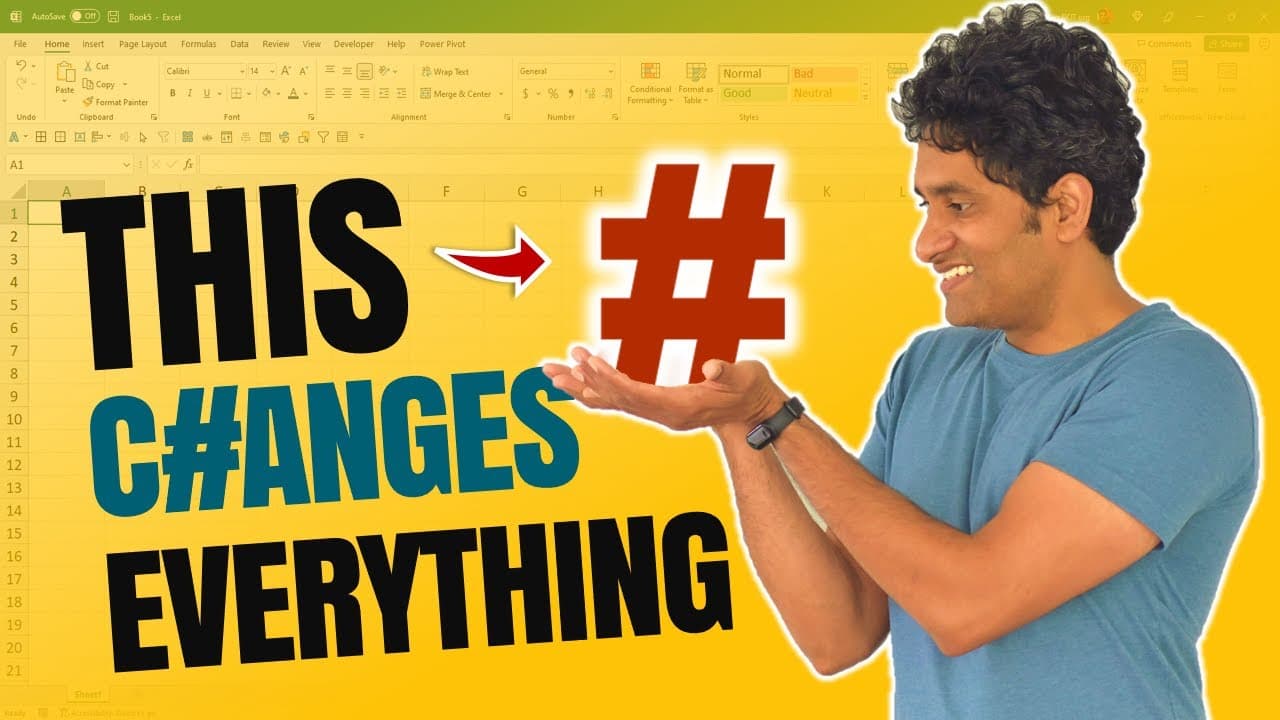
hash for the found key is the newest operator to be introduced into excel this particular operator allows you to work with the dynamic array ranges within xl365 in this video let me explain what is the hash operator when you should be using and two practical advanced tips on working with hash operator within excel let's go in this file i have some ... Read More
Key Insights
- 🧡 The spill operator simplifies working with dynamic array ranges in Excel 365.
- 🧡 The spill range represents the output of a formula that returns multiple values.
- 🧡 The spill operator can be used to count, sum, and calculate averages within a spill range.
- 🧡 Creating a named range attached to the spill operator enables dynamic drop-down lists.
- 🧡 The INDEX function is essential for performing calculations on specific columns within a spill range.
- ❓ The spill operator and dynamic array functionality enhance data analysis capabilities in Excel.
- 🧡 Changes in conditions or ranges automatically update calculations with the spill operator.
Install to Summarize YouTube Videos and Get Transcripts
Explore YouTube Video Summarizer or Get YouTube Transcript Extractor
Questions & Answers
Q: What is the spill operator in Excel?
The spill operator, represented by the hash symbol, is a new operator introduced in Excel 365. It enables working with dynamic array ranges and simplifies data analysis.
Q: How does the spill range behave in Excel?
The spill range is the output of a formula that returns multiple values. It can expand vertically or horizontally, depending on the number of values. Think of it as an "iceberg" where you can only see the tip.
Q: What can you do with the spill operator?
The spill operator allows you to perform various calculations on a spill range. For example, you can use it to count values, calculate totals, or find averages within the spill range.
Q: How can you create a drop-down list of department names in Excel?
You can generate a list of department names using the UNIQUE function. Then, use the spill operator to create a named range that is attached to the data validation for a dynamic drop-down list.
Q: How can you perform analysis on a spill range with multiple columns?
To calculate values in a specific column within a spill range, you can use the INDEX function. By specifying the desired row number and column, you can extract values for calculations like averages.
Key Insights:
- The spill operator simplifies working with dynamic array ranges in Excel 365.
- The spill range represents the output of a formula that returns multiple values.
- The spill operator can be used to count, sum, and calculate averages within a spill range.
- Creating a named range attached to the spill operator enables dynamic drop-down lists.
- The INDEX function is essential for performing calculations on specific columns within a spill range.
- The spill operator and dynamic array functionality enhance data analysis capabilities in Excel.
- Changes in conditions or ranges automatically update calculations with the spill operator.
- The spill operator has the potential to streamline data manipulation and reporting tasks in Excel.
Summary & Key Takeaways
-
The spill operator, represented by the hash symbol, is used to work with dynamic array ranges in Excel 365.
-
The spill range, represented by a blue box, is the output of a formula that returns multiple values.
-
The spill operator can be used to count values, calculate totals, and find averages within a spill range.
Read in Other Languages (beta)
Share This Summary 📚
Summarize YouTube Videos and Get Video Transcripts with 1-Click
Try YouTube Summary with ChatGPT & Claude or YouTube Transcript Generator
Explore More Summaries from Chandoo 📚




Summarize YouTube Videos and Get Video Transcripts with 1-Click
Try YouTube Summary with ChatGPT & Claude or YouTube Transcript Generator