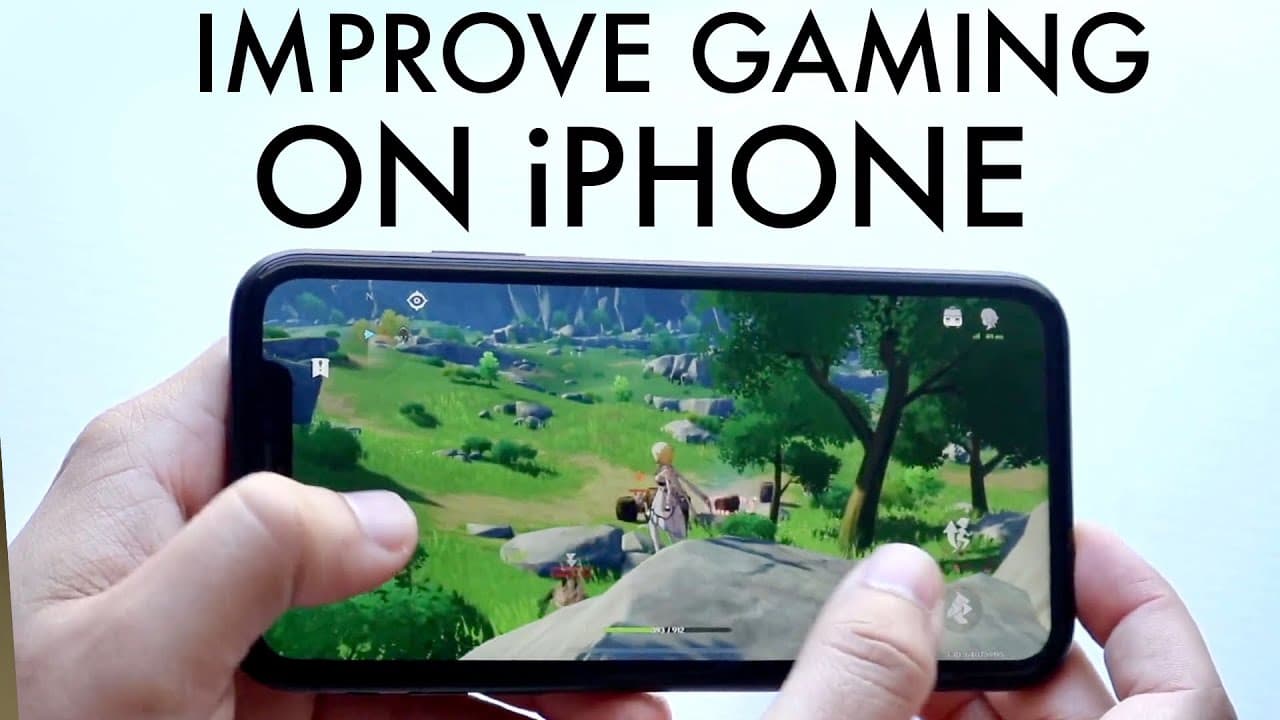
How To Boost Gaming Performance On ANY iPhone! (Increase FPS)
TL;DR
Learn effective strategies to enhance gaming performance on your iPhone.
Transcript
well everyone you might be in a situation where you want to go ahead and boost your gaming performance on your iPhone Now iPhones aren't necessarily like the first gaming device you'd ever think of but there are tons and tons of games that you can play on your device and I've been personally playing a bunch of kitchen impacts Call of Duty mobile so... Read More
Key Insights
- 🥶 Closing background applications can vastly improve gaming performance on an iPhone by freeing up RAM.
- 🤩 Adjusting graphics settings to lower levels matching your device capabilities is key to preventing overheating.
- 😎 Keeping your phone in a cooler environment prevents performance throttling during extensive gaming sessions.
- 👾 Regularly updating games can provide essential improvements and new features, enhancing overall performance.
- 🥶 Older iPhones can still run modern games smoothly by optimizing resource usage and adjusting settings appropriately.
- 📈 Maintaining a focused gaming environment without distractions helps in achieving better performance metrics.
- 👤 Users should monitor their device's temperature and take breaks during long gaming sessions to maintain performance.
Install to Summarize YouTube Videos and Get Transcripts
Explore YouTube Video Summarizer or Get YouTube Transcript Extractor
Questions & Answers
Q: Why should I close background apps while gaming on my iPhone?
Closing background apps is crucial because multitasking can consume RAM and processing power, which are essential for running games smoothly. When too many applications are open, they compete for resources, often leading to a decrease in FPS and overall gaming performance. For a better experience, it’s advisable to minimize distractions by focusing solely on your game.
Q: How do graphics settings affect gaming performance on older iPhones?
Graphics settings play a pivotal role in gaming performance, especially on older iPhones. By lowering the graphics settings to match your device's capabilities, you reduce the workload on the CPU and GPU, which can prevent overheating and throttling. This adjustment helps maintain smoother gameplay, even allowing older devices to run demanding games like Genshin Impact effectively.
Q: What environmental factors can impact my iPhone gaming performance?
Environmental factors such as temperature significantly affect iPhone performance during gaming sessions. Gaming in a cooler environment helps prevent the device from overheating, which can lead to throttled performance. Utilizing air conditioning or playing in a temperature-controlled room can help maintain optimal operating conditions, ensuring a better gaming experience.
Q: How important are game updates for performance on iPhones?
Game updates are essential for optimizing performance, as developers often release patches to fix bugs, improve stability, and enhance graphics. By regularly checking for and installing updates, players can ensure they are benefiting from the latest performance improvements, which can lead to a smoother gaming experience and resolve various gameplay issues.
Summary & Key Takeaways
-
To improve gaming performance on your iPhone, close unnecessary background apps as multitasking can drain RAM and impact FPS significantly.
-
Adjusting the graphics settings according to your device's capability helps prevent overheating and enhances smooth gameplay, even on older iPhones.
-
Ensuring that your iPhone operates in a cooler environment and regularly updating games can further optimize performance and maintain a better gaming experience.
Read in Other Languages (beta)
Share This Summary 📚
Summarize YouTube Videos and Get Video Transcripts with 1-Click
Try YouTube Summary with ChatGPT & Claude or YouTube Transcript Generator
Explore More Summaries from Simple Alpaca 📚


Summarize YouTube Videos and Get Video Transcripts with 1-Click
Try YouTube Summary with ChatGPT & Claude or YouTube Transcript Generator