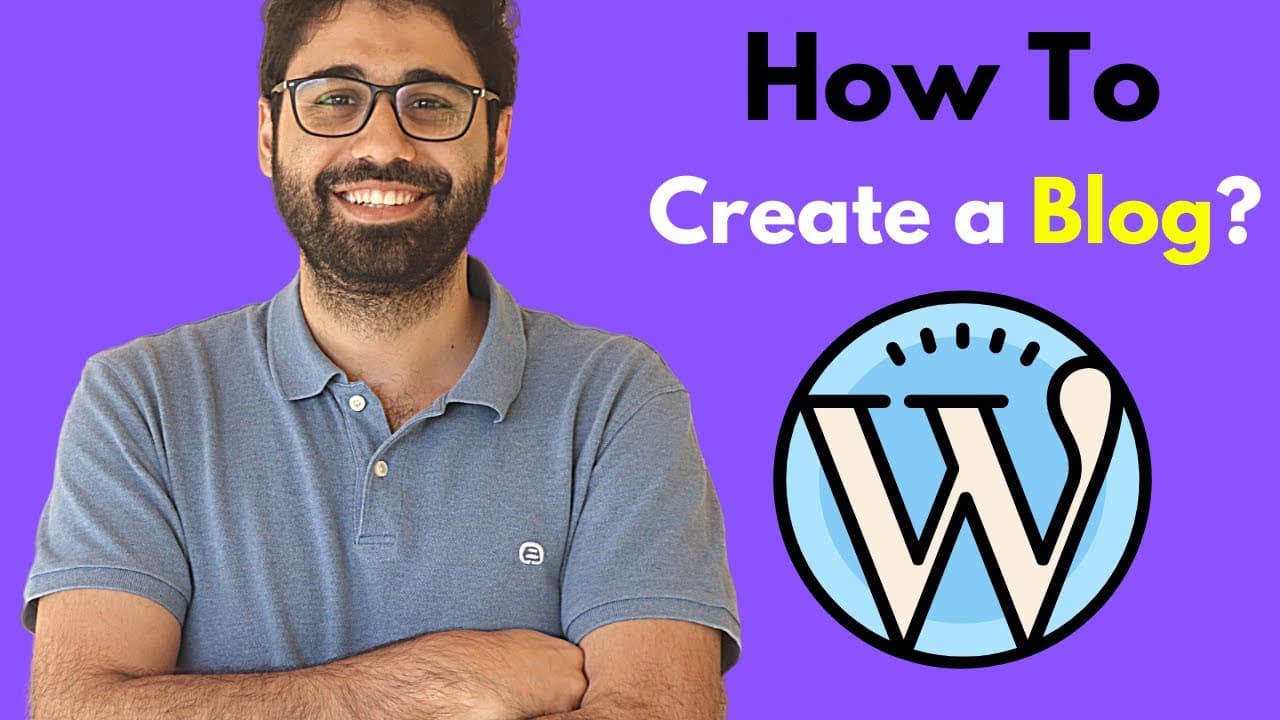
How To Create a WordPress Blog Like H-educate (Step By Step)
TL;DR
Learn how to create your own WordPress website, including choosing a hosting company, installing WordPress, and customizing your site with themes and plugins.
Transcript
hi everyone how are you in this video i will show you exactly how i created my websites H-educate.com and my blog i will share with you everything the hosting companies i'm using the theme i'm using and everything you should know to start your own wordpress websites like mine like H-educate not only that in this video i will have more t... Read More
Key Insights
- 👻 Web hosting is a crucial step in creating a website as it allows your website to be accessible on the internet.
- 🧑🏭 Choosing between VPS server hosting and shared hosting depends on factors such as manageability, performance, and preferred level of control.
- 🛟 Installing WordPress on a VPS server, like DigitalOcean, is relatively simple and can be done in just a few minutes.
- 🥶 The choice of a WordPress theme depends on personal preference and budget, with both free and premium themes available.
- 🏛️ Customizing menus, creating posts and pages, and configuring essential settings are all important aspects of building and managing a WordPress website.
Install to Summarize YouTube Videos and Get Transcripts
Explore YouTube Video Summarizer or Get YouTube Transcript Extractor
Questions & Answers
Q: What is web hosting, and why is it necessary for creating a website?
Web hosting involves setting up a server or using a public server to make a website accessible over the internet. It is necessary because it allows users to access your website and view its content.
Q: What are the two main options for web hosting, and which option does the host prefer?
The two main options for web hosting are VPS server and shared hosting. The host prefers VPS server hosting because it offers more manageability, higher performance, and potentially lower prices.
Q: Can I use a shared hosting company instead of a VPS server?
Yes, you can choose a shared hosting company like SiteGround, Bluehost, or HostGator. However, the host recommends using a VPS server like DigitalOcean for greater control and performance.
Q: How can I install WordPress on a VPS server?
The host demonstrates how to install WordPress on a VPS server using DigitalOcean as an example. However, you can also refer to the host's tutorial on installing WordPress on a Contabo VPS server, available on their blog.
Q: Can I use a free WordPress theme instead of purchasing a premium theme?
Yes, you can choose a free WordPress theme from the WordPress theme repository. The host recommends the Neve theme as a free option, but also highlights the advantages of premium themes like the Breek theme.
Q: How can I customize the menu on my WordPress website?
You can easily edit the menu in WordPress by going to the Appearance tab and selecting Menus. From there, you can add, remove, and rearrange menu items to create a customized navigation menu for your website.
Q: How can I create and edit posts and pages on my WordPress website?
To create a new post, go to the Posts section and click "Add New." You can then write your article, add images, and set a featured image. Pages can be created in a similar way by going to the Pages section and clicking "Add New."
Q: How can I configure essential settings and optimize my WordPress website?
To configure settings like permalinks and site name, go to the Settings section in WordPress. Additionally, the host recommends checking out their WordPress course and videos on driving traffic and monetizing your website for further optimization tips.
Key Insights:
- Web hosting is a crucial step in creating a website as it allows your website to be accessible on the internet.
- Choosing between VPS server hosting and shared hosting depends on factors such as manageability, performance, and preferred level of control.
- Installing WordPress on a VPS server, like DigitalOcean, is relatively simple and can be done in just a few minutes.
- The choice of a WordPress theme depends on personal preference and budget, with both free and premium themes available.
- Customizing menus, creating posts and pages, and configuring essential settings are all important aspects of building and managing a WordPress website.
- Additional resources, such as the host's WordPress course and videos on driving traffic and monetization, can provide further guidance and insights for creating and optimizing a WordPress website.
Summary & Key Takeaways
-
The video provides a detailed step-by-step guide on creating a WordPress website, covering topics such as choosing a hosting company, installing WordPress, selecting a theme, and configuring essential settings.
-
The host announces the winner of a previous giveaway and explains how viewers can participate in future giveaways by watching the full video and following the instructions.
-
The video also promotes the host's premium WordPress course and offers a limited-time discount, as well as additional videos on driving traffic to a website and monetizing it.
Read in Other Languages (beta)
Share This Summary 📚
Summarize YouTube Videos and Get Video Transcripts with 1-Click
Try YouTube Summary with ChatGPT & Claude or YouTube Transcript Generator
Explore More Summaries from H-EDUCATE 📚
Summarize YouTube Videos and Get Video Transcripts with 1-Click
Try YouTube Summary with ChatGPT & Claude or YouTube Transcript Generator