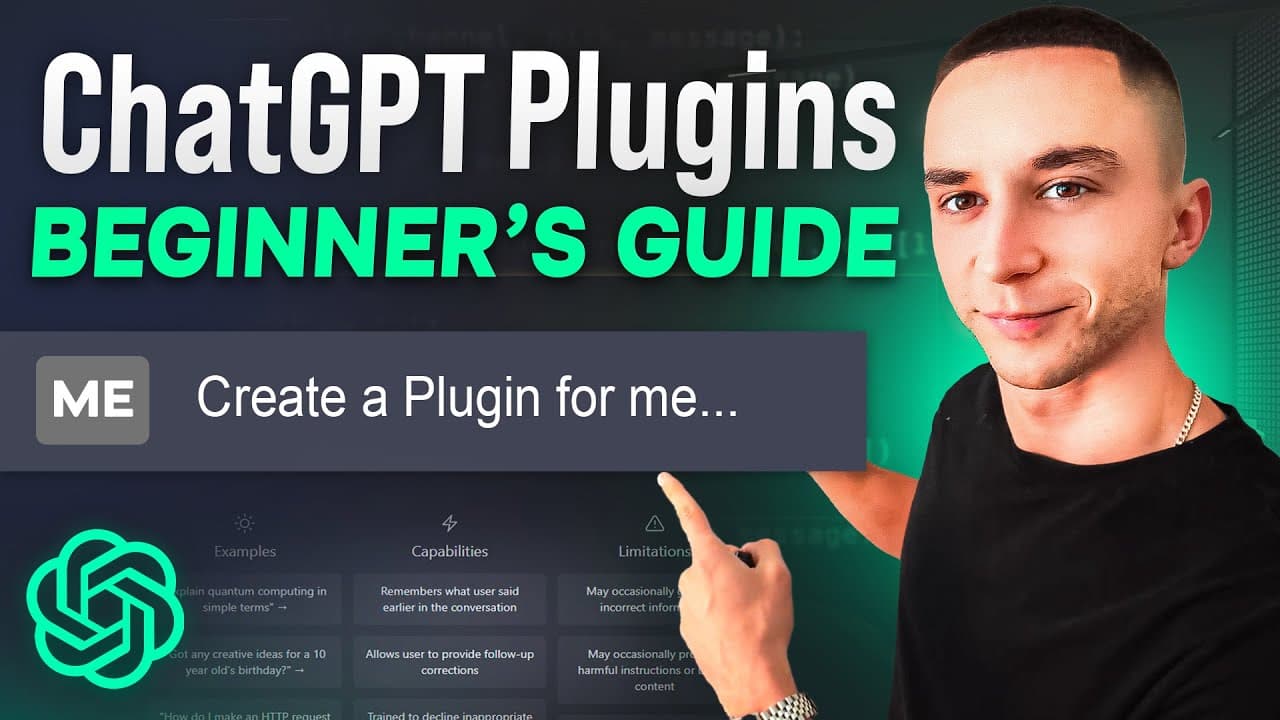
How to Create Your First ChatGPT Plugin with ChatGPT (Step-by-Step Guide)
TL;DR
Learn to create a chat GPT plugin using GPT to write code, Riplets to host, and API access to OpenAI.
Transcript
in this video I'm going to be walking you through step by step the super easy method that I've found to create your very first chat GPT plugin using chat TPT to write the code and rip it to host it now yesterday I got the magical email from openai saying that I've been accepted into the Early Access for the chat GPT plugins API I've been itching to... Read More
Key Insights
- 👊 Utilize chat GPT and Riplets to create prototypes without extensive coding knowledge.
- 🔠 The process involves selecting functionality, finding APIs, creating application codes, establishing API endpoints, and hosting on a server.
- 👨💻 Debugging errors is part of the development process, requiring coding adjustments, code checks, and code saving.
- 👊 Integrating chat GPT with the plugin requires accurate coding and testing before finalizing functionality.
- 👨💻 Learning to navigate code, AI assistance, and platforms like Riplets can enhance plugin development skills.
- 📂 Accessing APIs, manifest files, and open API definitions play crucial roles in plugin creation and integration.
- 👊 Collaborating with AI assistants like chat GPT can streamline coding processes and plugin development.
Install to Summarize YouTube Videos and Get Transcripts
Explore YouTube Video Summarizer or Get YouTube Transcript Extractor
Questions & Answers
Q: How can you create a chat GPT plugin without API access?
You can utilize chat GPT to write most of the code, Riplets to host, and the available APIs to build a plugin prototype.
Q: What are the key components of building a chat GPT plugin?
Key components include building the application, creating API endpoints, crafting a manifest file, detailing the APIs, and deploying/hosting the plugin.
Q: How can you debug issues in a chat GPT plugin?
By copying the code back to the chat GPT, identifying errors or mismatched codes, adjusting, saving, and testing the plugin functionality.
Q: What are the benefits of learning to develop chat GPT plugins?
You can quickly prototype ideas, interact with AI assistants like chat GPT, debug code, and explore the potential of this innovative platform.
Summary & Key Takeaways
-
Learn how to create a chat GPT plugin in under an hour using AI assistance.
-
Select functionality, find APIs, create the application, set up API endpoints, and host the plugin.
-
Debug issues, adjust code, and integrate with chat GPT to create a functional currency converter plugin.
Read in Other Languages (beta)
Share This Summary 📚
Summarize YouTube Videos and Get Video Transcripts with 1-Click
Try YouTube Summary with ChatGPT & Claude or YouTube Transcript Generator
Explore More Summaries from Liam Ottley 📚




Summarize YouTube Videos and Get Video Transcripts with 1-Click
Try YouTube Summary with ChatGPT & Claude or YouTube Transcript Generator