Apple’s Genius 3 App Productivity System: Notes, Reminders, Calendar
TL;DR
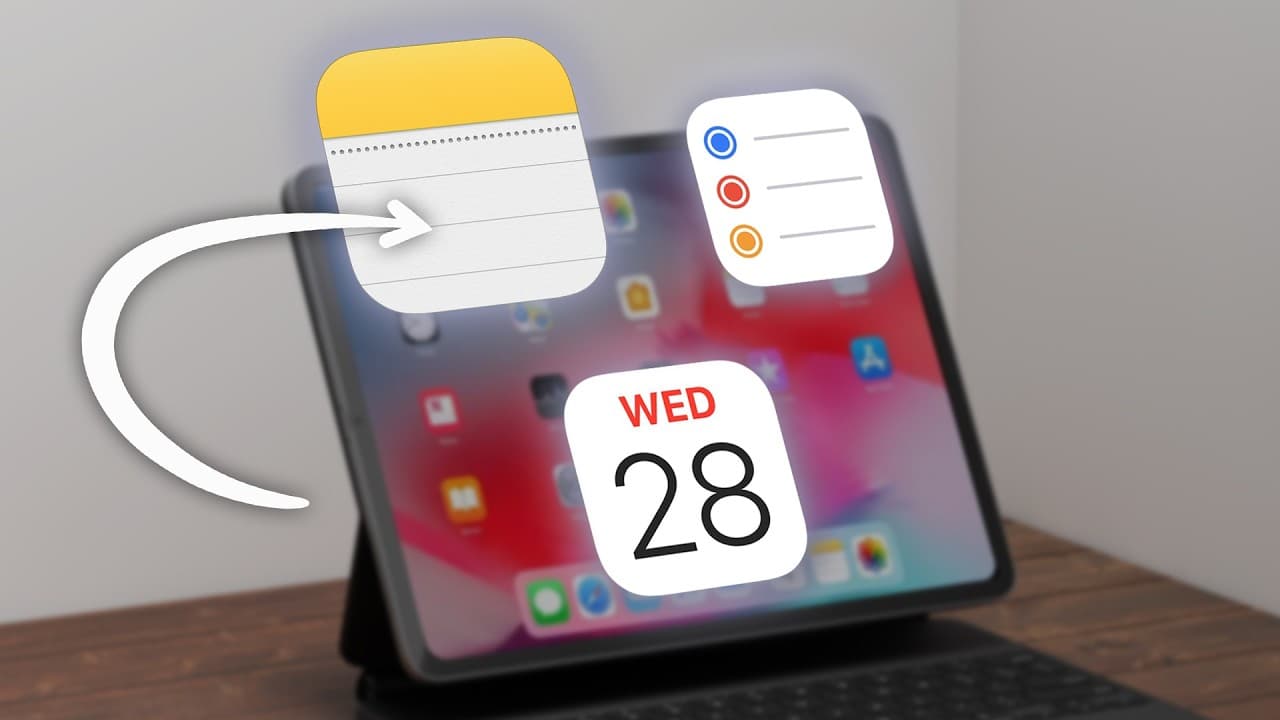
Apple's apps create a seamless productivity system.
Transcript
one of the biggest problems with productivity apps is we're totally over complicating things after testing literally hundreds of productivity apps over the years I'm realizing that in my opinion the most effective productivity system is right on your iPhone and your Mac but this is what's clever Apple devices have been designed to work with each ot... Read More
Key Insights
- Apple's ecosystem allows seamless integration between devices, enhancing the functionality of apps like Notes, Reminders, and Calendar.
- Apple Reminders offers a balance of simplicity and functionality, adapting to both quick tasks and complex projects with location-specific notifications and smart lists.
- Natural language processing in Apple Reminders allows for intuitive task creation, making it feel like a personal assistant that understands your context.
- Apple Notes prioritizes simplicity and speed, with features like searchable content, PDF scanning, and iCloud storage, providing efficient information management.
- The synergy between Notes, Reminders, and Calendar creates a seamless workflow for project management, task reminders, and deadline tracking.
- Using tags in Reminders supports the GTD (Getting Things Done) system, allowing focused task management based on context like location or device.
- Siri integration across Apple's apps enhances productivity by enabling voice commands for task management, note-taking, and calendar checks.
- Regular review and refinement of the system, spending just 5 minutes weekly, ensures smooth operation and prevents tasks from falling through the cracks.
Install to Summarize YouTube Videos and Get Transcripts
Explore YouTube Video Summarizer or Get YouTube Transcript Extractor
Questions & Answers
Q: How do Apple devices enhance productivity within their ecosystem?
Apple devices enhance productivity by providing a seamless ecosystem where apps like Notes, Reminders, and Calendar integrate effortlessly. This integration allows for synchronized task management, reminders, and scheduling across devices, making it easier to manage tasks and projects without switching between multiple apps or systems.
Q: What makes Apple Reminders particularly useful for task management?
Apple Reminders is particularly useful for task management due to its balance of simplicity and functionality. It handles both quick tasks and complex projects, offers location-specific notifications, and features smart lists that automatically organize tasks based on tags. Its natural language processing allows for intuitive task creation, enhancing its usability.
Q: Why do users often return to Apple Notes after trying other note-taking apps?
Users often return to Apple Notes after trying other note-taking apps because of its simplicity and speed. It offers efficient features like searchable content, PDF scanning, and iCloud storage, making information management straightforward. Its integration with other Apple apps and devices further enhances its appeal over more complex alternatives.
Q: How do Apple apps create a cohesive productivity system?
Apple apps create a cohesive productivity system by integrating seamlessly with each other, allowing users to manage tasks, notes, and schedules in a unified manner. Notes can capture project details, Reminders can track tasks, and Calendar can manage deadlines, all working together to streamline productivity without the need for multiple apps.
Q: What is the role of Siri integration in Apple's productivity system?
Siri integration plays a crucial role in Apple's productivity system by enabling voice command functionality across apps like Notes, Reminders, and Calendar. Users can add tasks, check reminders, or view calendar events using voice commands, making task management more convenient and accessible, especially when multitasking or on-the-go.
Q: How does the use of tags enhance task management in Apple Reminders?
The use of tags in Apple Reminders enhances task management by supporting the GTD (Getting Things Done) system. Tags allow users to categorize tasks based on context, such as location or device, enabling focused task retrieval. This systematizes task management, making it easier to prioritize and complete tasks efficiently.
Q: Why is regular review and refinement important in using Apple's productivity system?
Regular review and refinement are important in using Apple's productivity system to ensure that tasks, notes, and schedules remain organized and up-to-date. Spending just 5 minutes weekly to clean up notes, update task priorities, and adjust calendars prevents tasks from falling through the cracks and keeps the system running smoothly.
Q: What security benefits do Apple's native apps offer for productivity?
Apple's native apps offer security benefits by directly integrating with iOS security features and aligning with regular system updates. This integration provides a safer environment for managing tasks, notes, and schedules. Additionally, using a password manager like Keeper Security further enhances security by protecting account information with robust, unique passwords.
Summary & Key Takeaways
-
Apple's ecosystem enhances productivity by seamlessly integrating Notes, Reminders, and Calendar, creating a cohesive system for managing tasks, reminders, and schedules. These apps work together to simplify complex productivity needs, offering features like natural language processing, smart lists, and searchable content.
-
Apple Reminders balances simplicity with functionality, adapting to various task complexities and offering location-specific notifications. Its smart lists and natural language processing make task management intuitive, while collaboration features allow shared lists for joint projects or household tasks.
-
Apple Notes focuses on speed and efficiency, offering features like PDF scanning and iCloud storage. Its simplicity often draws users back from feature-rich apps. The synergy with Apple Reminders and Calendar enables seamless project management and task tracking, enhancing overall productivity.
Read in Other Languages (beta)
Share This Summary 📚
Summarize YouTube Videos and Get Video Transcripts with 1-Click
Try YouTube Summary with ChatGPT & Claude or YouTube Transcript Generator
Explore More Summaries from Mike Dee 📚



Summarize YouTube Videos and Get Video Transcripts with 1-Click
Try YouTube Summary with ChatGPT & Claude or YouTube Transcript Generator