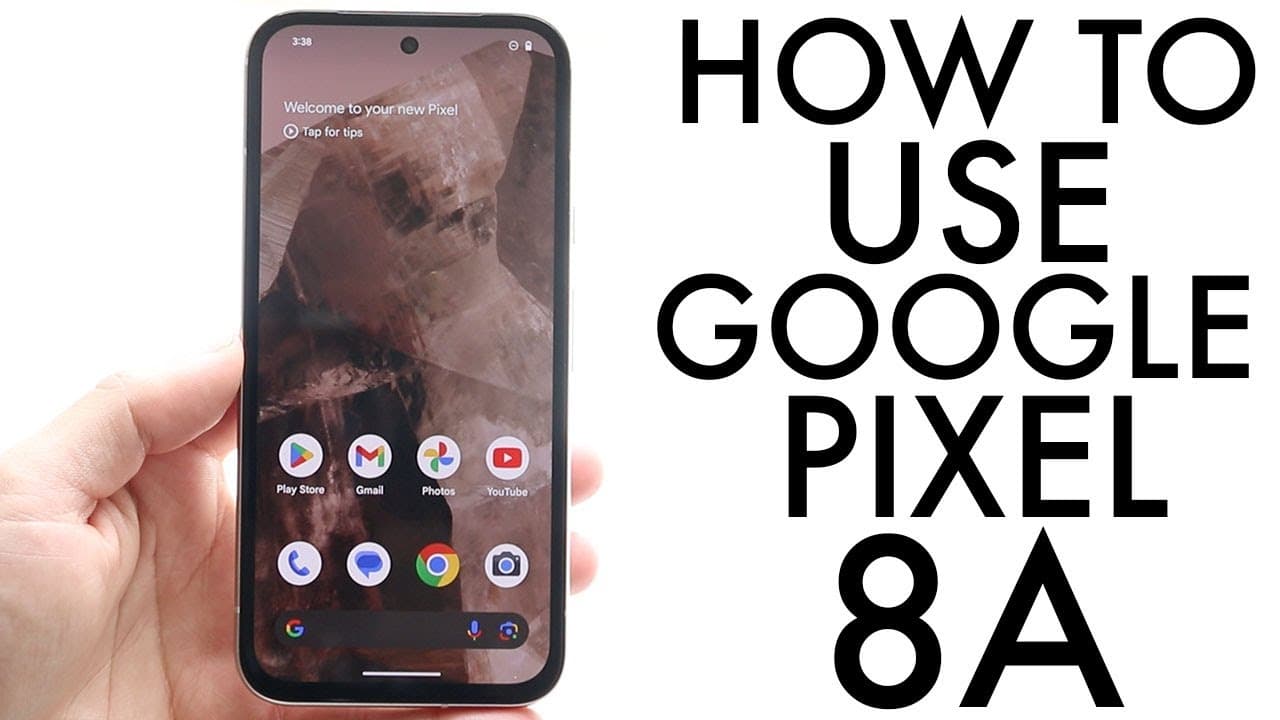
How To Use Google Pixel 8A! (Complete Beginners Guide)
TL;DR
The Google Pixel 8A is a user-friendly mid-range smartphone with excellent features.
Transcript
everyone the Google pixel AA has just officially came out so let's go and show you a quick introduction guide on exactly how to use this particular phone now the first thing I'll definitely tell you the pixel 8A is a very good phone I think you made a really good choice it's a $500 mider phone as this point and I do think it's a really really good ... Read More
Key Insights
- 👤 The Google Pixel 8A's plastic back requires extra protection; users should invest in a case and screen protector.
- 🤑 Its 6.1-inch OLED display delivers rich colors and deep blacks, enhancing the visual experience for users.
- 😀 Gesture-based navigation simplifies moving between apps and screens, making it beginner-friendly.
- 🧡 The dual-camera setup is a highlight for photography enthusiasts looking for quality shots in a mid-range device.
- 👤 Users can customize their lock screen to reflect personal style and preferences, enhancing the phone's usability.
- 👤 Access to a settings application equips users with the tools needed for troubleshooting and adjusting device settings efficiently.
- 👋 Regularly checking for system updates can improve software performance and security, a best practice for all smartphone users.
Install to Summarize YouTube Videos and Get Transcripts
Explore YouTube Video Summarizer or Get YouTube Transcript Extractor
Questions & Answers
Q: What makes the Google Pixel 8A a good choice for buyers?
The Google Pixel 8A is a solid choice due to its user-friendly interface, great OLED display, and well-rounded features like wireless charging and a dual-camera system. Priced at $500, it competes effectively in the mid-range market, appealing to those seeking quality without breaking the bank.
Q: How can users customize the lock screen on the Google Pixel 8A?
Users can easily customize the lock screen by holding down on the screen to reveal a customization option. This allows for changes in color, style, and the information displayed, providing a personalized and engaging experience right from the moment they unlock their phone.
Q: What should new users do after purchasing the Google Pixel 8A?
New users should immediately install a screen protector and a case to protect the device, as the plastic back is susceptible to damage. Additionally, checking for software updates in the settings is essential to ensure the phone operates on the latest version of the operating system, maximizing overall performance.
Q: How does the gesture-based navigation work on the Pixel 8A?
The gesture-based navigation allows users to swipe up from the bottom of the screen to return home or access the applications drawer. Users can switch between open apps by swiping left or right on the gesture bar, making multitasking seamless and intuitive while using their phone.
Q: Can users access their apps easily on the Google Pixel 8A?
Yes, users can access all their applications by swiping up from the home screen to enter the application drawer. This organized task-finding method ensures that all downloaded apps are easily retrievable, enhancing user efficiency and convenience.
Summary & Key Takeaways
-
The Google Pixel 8A features a 6.1-inch OLED display, a dual-camera setup, and wireless charging, making it an attractive mid-range option. Users are encouraged to protect the device with a case and screen protector due to its plastic back.
-
The phone offers customizable lock screens and gesture-based navigation, allowing users to personalize their experience and navigate efficiently. Notifications and quick settings are easily accessible through swiping gestures.
-
Users are advised to familiarize themselves with the settings application for troubleshooting and updates. It's crucial to check for software updates after purchase to ensure optimal performance.
Read in Other Languages (beta)
Share This Summary 📚
Summarize YouTube Videos and Get Video Transcripts with 1-Click
Try YouTube Summary with ChatGPT & Claude or YouTube Transcript Generator
Explore More Summaries from Simple Alpaca 📚






Summarize YouTube Videos and Get Video Transcripts with 1-Click
Try YouTube Summary with ChatGPT & Claude or YouTube Transcript Generator