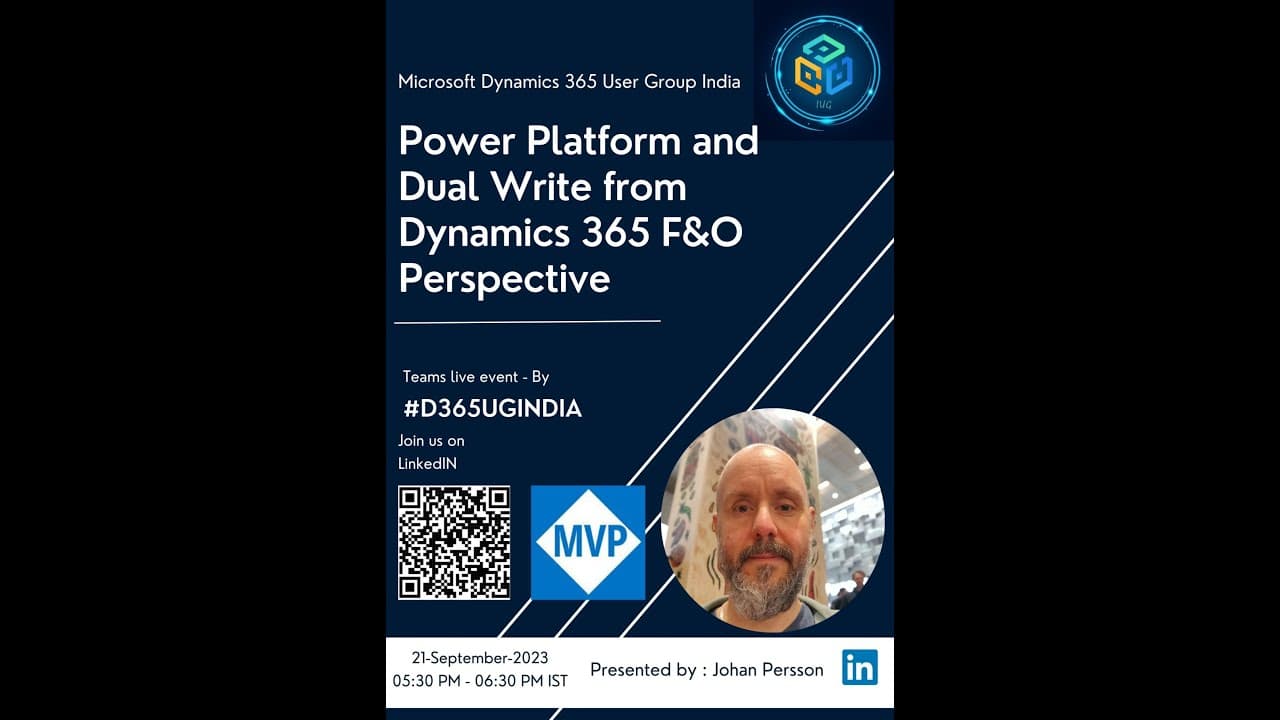
Session on Power Platform and Dual Write from Dynamics 365 F&O Perspective
TL;DR
Understand the intricacies of Dual Write, a synchronization service between Dynamics 365 and Power Platform, including setup, field mappings, and challenges.
Transcript
yep the recording is started Deepak over to you okay I'm sharing my screen uh which uh talks about uh Community introduction the group introduction here so welcome and thank you so much everyone to joining uh us together here on our 33rd session I hope it's called 33rd right and introduction and uh a few things about the race session and towards we... Read More
Key Insights
- 🔄 Dual Write relies on initial syncs and incremental syncs for data alignment between CE and FNO.
- ❓ A proof of concept is suggested before implementing Dual Write to address specific challenges and customized scenarios.
- 🏑 The setup and field mappings need careful consideration to avoid dependencies and ensure data consistency.
- 🍵 Dual Write does not support syncing attachments; custom integration is recommended for handling attachments.
- 😫 Consider the differing data structures and terminologies between CE and FNO when setting up address syncing.
Install to Summarize YouTube Videos and Get Transcripts
Explore YouTube Video Summarizer or Get YouTube Transcript Extractor
Questions & Answers
Q: Can I set up Dual Write in a trial environment without providing credit card details?
No, a trial environment may not support the Dual Write integration. It is recommended to use an existing environment with Power Platform integration for a successful setup.
Q: Is it possible to sync attachments from CE to FNO using Dual Write?
No, Dual Write does not support syncing attachments. It is recommended to create a custom integration to handle attachments separately.
Q: How can I handle addresses from two systems (CE and FNO) with the Global Address Book and ensure data consistency?
Global Address Book entities (e.g., customers, contacts, vendors) have different structures in CE and FNO. Use a proof of concept to test and bootstrap the data to ensure correct syncing. Install the Global Address Book solution in CE and follow best practices for managing address data.
Q: Can I map fields from different entities in FNO to a single table in Power Platform using Dual Write?
While not impossible, mapping fields from different entities to a single table may require creating a custom entity as an intermediary joining the two entities. However, it is recommended to evaluate the use case and consider if this mapping approach is necessary.
Key Insights:
- Dual Write relies on initial syncs and incremental syncs for data alignment between CE and FNO.
- A proof of concept is suggested before implementing Dual Write to address specific challenges and customized scenarios.
- The setup and field mappings need careful consideration to avoid dependencies and ensure data consistency.
- Dual Write does not support syncing attachments; custom integration is recommended for handling attachments.
- Consider the differing data structures and terminologies between CE and FNO when setting up address syncing.
- Existing environments can be transitioned to Power Platform Admin Center (PPAC) in the future, but a migration path from LCS to PPAC is yet to be confirmed.
Summary & Key Takeaways
-
Dual Write is a bi-directional synchronization service that moves data between Dynamics 365 (CE) and Finance and Operations (FNO), ensuring data consistency.
-
Dual Write involves an initial sync to establish data alignment and incremental syncs to update changes in real-time.
-
Customizations on both sides can complicate the Sync process, and addressing dependencies between entities is crucial.
Read in Other Languages (beta)
Share This Summary 📚
Summarize YouTube Videos and Get Video Transcripts with 1-Click
Try YouTube Summary with ChatGPT & Claude or YouTube Transcript Generator