NEW Customize iOS 13 ALL iPHONE'S! (NO COMPUTER!)
TL;DR
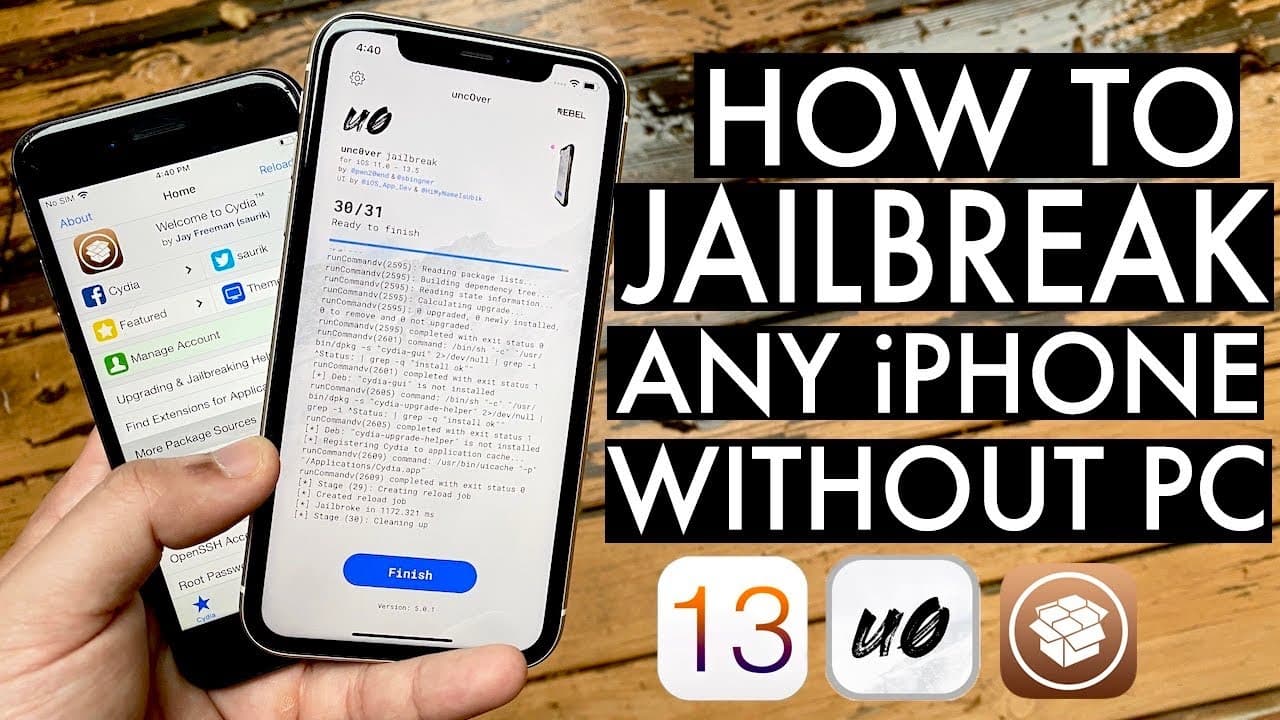
A new method allows jailbreak installation without a computer using App Valley.
Transcript
welcome back everyone this microphone might be a little weird so just keep that in mind but this is an emergency upload finally there is a way to actually go and install this new uncovered jailbreak without going through the alt store method without having to go and sideload it this way you can actually download it through app valley which is reall... Read More
Key Insights
- 👤 Users can now install the Uncovered jailbreak much more easily through App Valley instead of sideloading via a computer.
- 😀 The installation process involves downloading a profile, installing the app, and navigating settings to trust the app’s developer.
- ❓ Errors like "untrusted developer" are common, but easily fixed by adjusting settings on the device.
- 💱 Being aware of when the jailbreak might be unsigned is crucial, as the process can change frequently.
- 👤 Version control is important; users need to ensure they are downloading the correct version of the jailbreak, specifically version 5.0.1.
- 🫵 The video emphasizes community engagement, encouraging viewers to interact for additional information and support.
- 🦻 Short instructional videos can provide clear guidance for complex tech procedures, aiding users in navigating hurdles.
Install to Summarize YouTube Videos and Get Transcripts
Explore YouTube Video Summarizer or Get YouTube Transcript Extractor
Questions & Answers
Q: What is the primary benefit of the new jailbreak installation method?
The new installation method allows users to jailbreak their iOS devices without needing a computer or using the traditional AltStore method. This convenience is particularly appealing for those who may not have access to a computer or wish to avoid complex installation processes.
Q: What should users do if they encounter an "untrusted developer" error after installing the app?
If users encounter an "untrusted developer" error when trying to open the Uncover app, they need to navigate to their settings. From there, they should go to General > Profiles & Device Management, find the relevant profile, and select "Trust" to grant permission and resolve the error.
Q: Why might the installation method stop working at times?
The installation method may occasionally stop working because the jailbreak is not signed, a common issue with unofficial app installations. Such status changes can happen frequently, but App Valley generally maintains the service well, even though temporary outages can occur.
Q: How does the process change depending on the iOS version?
Depending on whether a user is on iOS 12 or iOS 13, the steps for accessing the downloaded profile will differ slightly. iOS 13 shows a profile downloaded icon directly, whereas on iOS 12, users must navigate through General settings to find Profiles & Device Management.
Summary & Key Takeaways
-
The video presents a streamlined method for installing the Uncovered jailbreak on iOS devices without using a computer, specifically through App Valley.
-
The tutorial is straightforward: users need to download a profile from the website, trust it in settings, and install the Uncovered app.
-
The jailbreak process is detailed step-by-step, demonstrating how to manage potential errors and trust the developer profile to successfully complete the jailbreak.
Read in Other Languages (beta)
Share This Summary 📚
Summarize YouTube Videos and Get Video Transcripts with 1-Click
Try YouTube Summary with ChatGPT & Claude or YouTube Transcript Generator
Explore More Summaries from Simple Alpaca 📚






Summarize YouTube Videos and Get Video Transcripts with 1-Click
Try YouTube Summary with ChatGPT & Claude or YouTube Transcript Generator