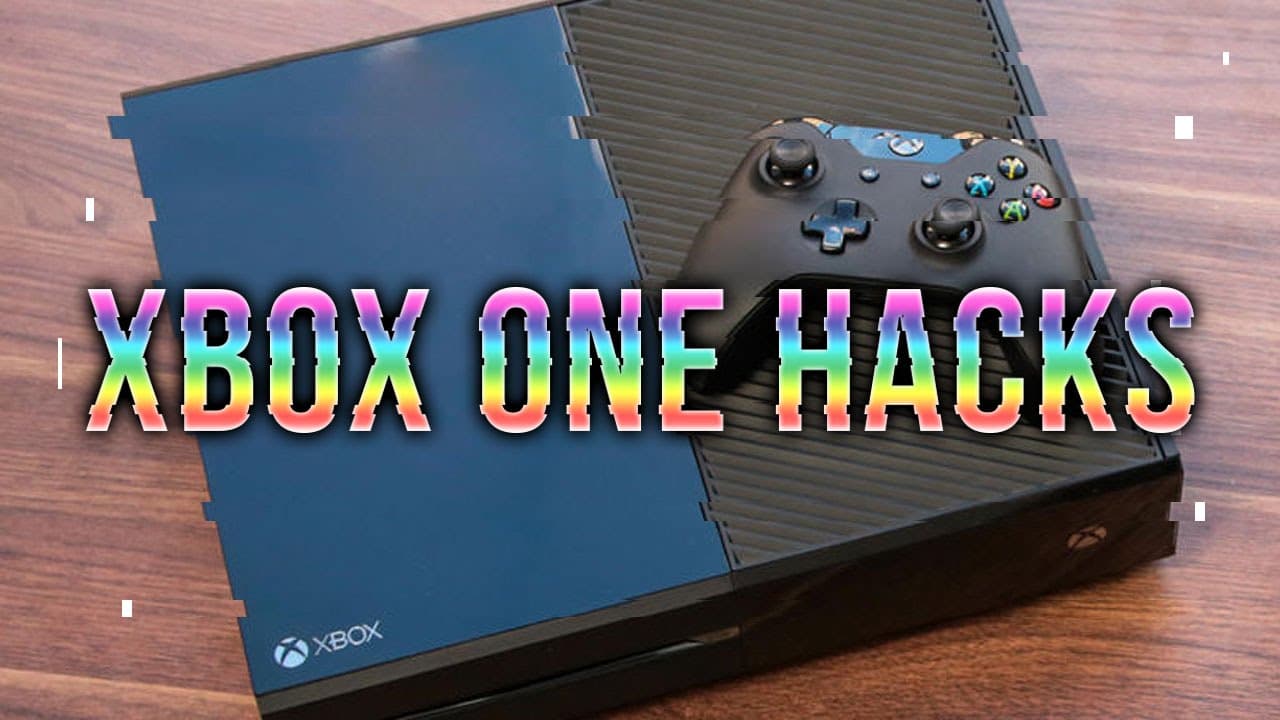
10 Xbox One HACKS & Tricks You Probably Didn't Know
TL;DR
Discover 10 helpful Xbox One hacks to enhance your gaming experience.
Transcript
game ranks presents 10 Xbox one hacks and tricks you probably didn't know we've already covered the ps4 so once again we've devised a list for you to get the most out of your Xbox one so let's get started with number 10 a lot of people use the YouTube app on Xbox one because hey you're watching youtube videos you're watching one right now it'd be p... Read More
Key Insights
- 🎮 Voice commands for YouTube on Xbox require prefacing commands with "YouTube" for control.
- 🔄 A quick button shortcut can refresh a sluggish Xbox One dashboard without restarting the system.
- 📺 Optimal display settings can improve gaming graphics significantly, depending on the TV used.
- 👏 Pinning websites and apps enhances the accessibility of frequently used resources on the Xbox dashboard.
- 🍕 Xbox Live Gold members can leverage Skype to place pizza orders effortlessly during gaming.
- 👶 Joining the Xbox Live preview program offers early access to new features and updates.
- 👾 Game hubs on Xbox facilitate tracking of friend activity, leaderboards, and downloadable content for specific titles.
Install to Summarize YouTube Videos and Get Transcripts
Explore YouTube Video Summarizer or Get YouTube Transcript Extractor
Questions & Answers
Q: What is the unique command required to control the YouTube app on Xbox One using Kinect?
To use voice commands in the YouTube app on Xbox One, you first need to say "YouTube" followed by your command. For example, to play or pause a video, just say "YouTube play" or "YouTube stop." This method allows you to effectively use voice controls tailored specifically for the YouTube app.
Q: How can Xbox One users refresh a slow or unresponsive dashboard?
To refresh the Xbox One dashboard, users can press and hold the left and right trigger buttons along with the Y button simultaneously. Releasing all three buttons in quick succession triggers a dashboard refresh, which can resolve issues when the interface is lagging or stuck without needing a full system reboot.
Q: What is the benefit of using game mode on an HD TV with Xbox One?
Many newer HD TVs feature a game mode that optimizes refresh rates specifically for gaming. Enabling this mode can reduce input lag, ensuring a smoother and more responsive gaming experience. It optimizes the synchronization between the Xbox One output and the TV, greatly enhancing overall gameplay performance.
Q: How does the Xbox Live preview program work, and why should a user join?
The Xbox Live preview program allows users to access new features and updates for Xbox One ahead of the general public. Members can try out the latest changes and provide feedback to Microsoft. To join, you need an invitation from a current member on your friends list, making it essential to network with other Xbox users.
Q: How can users pin specific Netflix shows for easier access?
Users can streamline their Netflix experience by pinning shows directly to their Xbox One dashboard. This can be done by finding the show in the Netflix app, pressing the menu button, and selecting "pin to home." This allows for quicker access to favorite shows without browsing through the app each time.
Q: What is the "pizza trick" mentioned in the video?
The "pizza trick" refers to a clever use of Xbox Live Gold, where members can use Skype to order pizza hands-free. By adding a pizza place as a contact, users can simply say "Xbox call Pizza" while enjoying their games, making ordering food extremely convenient without interrupting their gaming session.
Q: What type of content can users pin to their Xbox One home screen?
Users can pin not only apps like Netflix but also specific shows within those apps to their home screen. This feature enhances ease of use by allowing immediate access to the selected content, saving time scrolling through menus when looking to watch specific favorite programs or shows.
Q: How can the HDMI pass-through feature on Xbox One be utilized?
Xbox One’s HDMI pass-through feature allows users to connect various devices like cable boxes, other gaming consoles, or streaming devices. This essentially turns the Xbox One into a central hub for all entertainment, providing a seamless way to access different media sources through the Xbox interface.
Summary & Key Takeaways
-
The video presents a list of ten lesser-known hacks and tricks for maximizing the usage of Xbox One, particularly in gaming and media management.
-
Tips include voice commands for the YouTube app, refreshing the dashboard, optimizing display settings, and using HDMI pass-through for additional devices.
-
The final tips focus on the Xbox Live preview program, game hubs for updates, and streamlining the Netflix binge-watching experience through pinning shows.
Read in Other Languages (beta)
Share This Summary 📚
Summarize YouTube Videos and Get Video Transcripts with 1-Click
Try YouTube Summary with ChatGPT & Claude or YouTube Transcript Generator
Explore More Summaries from gameranx 📚




Summarize YouTube Videos and Get Video Transcripts with 1-Click
Try YouTube Summary with ChatGPT & Claude or YouTube Transcript Generator