Add Text To Any Surface With Fusion Planar Tracker - DaVinci Resolve 17
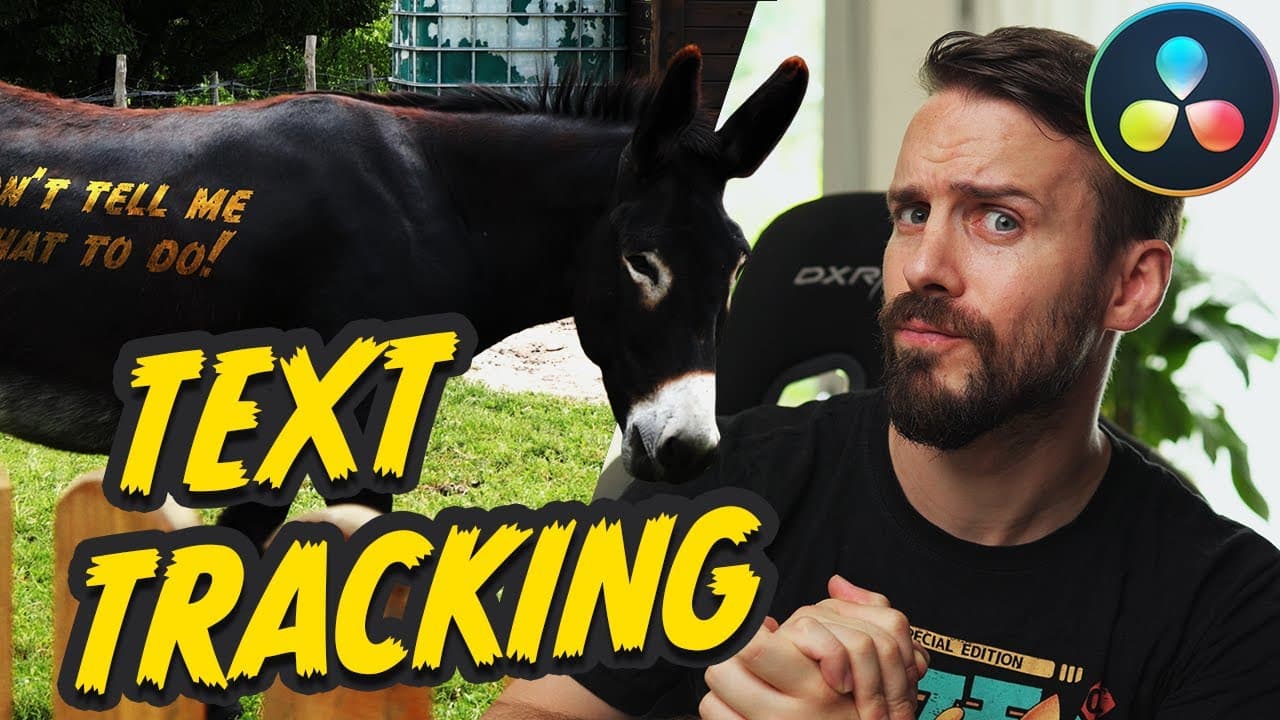
TL;DR
Learn how to use the Planar Tracker tool in DaVinci Resolve to seamlessly add text to moving scenes in this tutorial.
Transcript
Compositing digital elements into a scene is something very common nowadays and with little efforts you can really add this little extra that will bring your videos to the next level. In today's tutorial we will have fun compositing some text into a scene where the camera is moving with both static and moving subjects. And for this, we wil... Read More
Key Insights
- 🎑 Compositing digital elements into a scene has become common in video editing.
- 👣 The Planar Tracker tool in DaVinci Resolve can be used to accurately track textures and apply digital elements, such as text.
- 🎑 Adding multiple elements to a scene is possible by using multiple Corner Pins within a single Planar Tracker.
Install to Summarize YouTube Videos and Get Transcripts
Explore YouTube Video Summarizer or Get YouTube Transcript Extractor
Questions & Answers
Q: What is the purpose of using the Planar Tracker tool in compositing?
The Planar Tracker tool is used to track a texture or surface in a scene, allowing you to accurately apply digital elements, such as text, to the moving footage.
Q: How do you set the reference time for the Planar Tracker?
To set the reference time, you choose a frame in the footage that offers a clear view of the area you want to track. This frame will be used as a reference for tracking the motion.
Q: Can you add multiple elements to a scene using the Planar Tracker?
Yes, you can add multiple elements by adding extra Corner Pins to a single Planar Tracker. This is useful for overlapping elements or textures that are on the same plane.
Q: Is it possible to add text to organic or warping surfaces using the Planar Tracker?
Yes, the Planar Tracker can handle some warping, but it's best to avoid areas that could cause severe warping. For complex organic surfaces, tools like Mocha Pro may be more suitable.
Key Insights:
- Compositing digital elements into a scene has become common in video editing.
- The Planar Tracker tool in DaVinci Resolve can be used to accurately track textures and apply digital elements, such as text.
- Adding multiple elements to a scene is possible by using multiple Corner Pins within a single Planar Tracker.
- The Planar Tracker has some limitations when it comes to compositing on organic surfaces, but good results can still be achieved with careful adjustments.
Summary & Key Takeaways
-
This tutorial focuses on compositing text into a scene using the Planar Tracker tool in DaVinci Resolve.
-
The tutorial provides step-by-step instructions on how to set up the Planar Tracker, track a texture, and apply the text.
-
It also explains how to add additional elements to the scene using multiple Corner Pins and provides tips for compositing on organic surfaces.
Read in Other Languages (beta)
Share This Summary 📚
Summarize YouTube Videos and Get Video Transcripts with 1-Click
Try YouTube Summary with ChatGPT & Claude or YouTube Transcript Generator