How to Bulk Create Social Media Posts With ChatGPT and Canva - 30X Content Automation
TL;DR
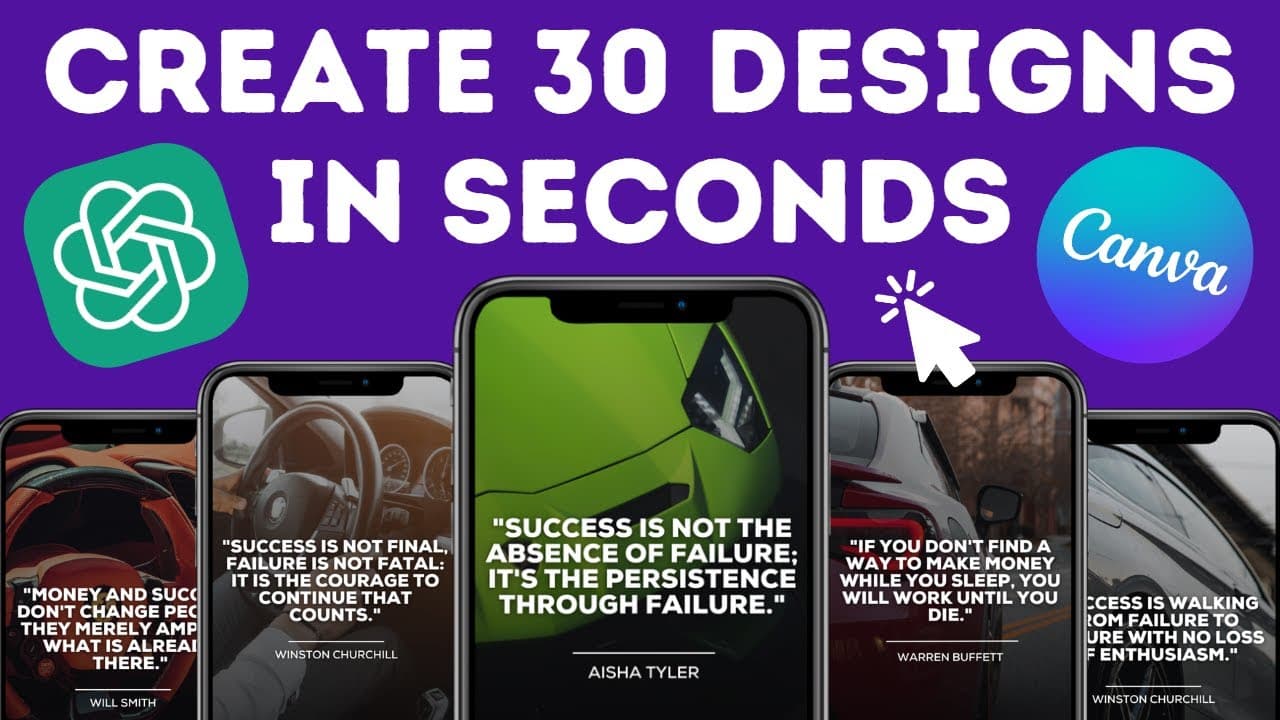
Learn how to save time and increase productivity by using Canva and Chat GPT to design 30 social media posts with custom quotes and images.
Transcript
welcome back guys in this video I'm going to show you how you can design a month worth of content in just a few clicks with the help of canva and chat GPT the technique I'm about to show you is a real Time Saver which will definitely boost your productivity and the best thing is that you don't need to have any writing or graphic design skills as th... Read More
Key Insights
- 🎨 Chat GPT and Canva can be powerful tools for designing social media content without the need for writing or graphic design skills.
- ⌛ The bulk create feature in Canva can save a significant amount of time and increase productivity in content creation.
- 👻 Customization options in Canva allow for branded and personalized designs.
- 🌱 Canva's paid plan offers additional features like scheduling posts.
- 💌 Chat GPT can be used for various types of content creation, including social media captions, articles, and emails.
- 🥶 Canva offers a free 30-day trial for its paid features.
- 🔉 The dimensions and templates in Canva can be customized to match different social media platforms.
Install to Summarize YouTube Videos and Get Transcripts
Explore YouTube Video Summarizer or Get YouTube Transcript Extractor
Questions & Answers
Q: What is Chat GPT and how does it help in content creation?
Chat GPT is a tool that helps you write articles, blog posts, emails, and more. It can be used to generate content, including captions for social media posts, saving time and effort in content creation.
Q: Can I customize the designs created in Canva?
Yes, Canva allows you to edit the designs as per your preference. You can change fonts, colors, text placement, and even replace the images to match your brand or style.
Q: Is the bulk create feature in Canva available for free?
No, the bulk create feature in Canva is a paid feature and is not available in the free plan. However, you can use Canva for free for 30 days by using the link provided in the description.
Q: Can I schedule the generated posts on social media platforms?
If you are on a paid plan, you can schedule the posts directly from Canva. However, if you are on the free plan, you can download the posts as PNG or JPEG and schedule them using other social media scheduling tools.
Key Insights:
- Chat GPT and Canva can be powerful tools for designing social media content without the need for writing or graphic design skills.
- The bulk create feature in Canva can save a significant amount of time and increase productivity in content creation.
- Customization options in Canva allow for branded and personalized designs.
- Canva's paid plan offers additional features like scheduling posts.
- Chat GPT can be used for various types of content creation, including social media captions, articles, and emails.
- Canva offers a free 30-day trial for its paid features.
- The dimensions and templates in Canva can be customized to match different social media platforms.
- Canva's extensive library of images and frames allows for endless design possibilities.
Summary & Key Takeaways
-
Use Chat GPT to generate 35 quotes about wealth, success, money, and motivation along with their authors.
-
Open Canva and create a design template for Instagram using a chosen quote and author.
-
Customize the design, add text, images, and frames, and use Canva's bulk create feature to generate 30 unique posts.
Read in Other Languages (beta)
Share This Summary 📚
Summarize YouTube Videos and Get Video Transcripts with 1-Click
Try YouTube Summary with ChatGPT & Claude or YouTube Transcript Generator
Explore More Summaries from Digital Sculler 📚

Summarize YouTube Videos and Get Video Transcripts with 1-Click
Try YouTube Summary with ChatGPT & Claude or YouTube Transcript Generator