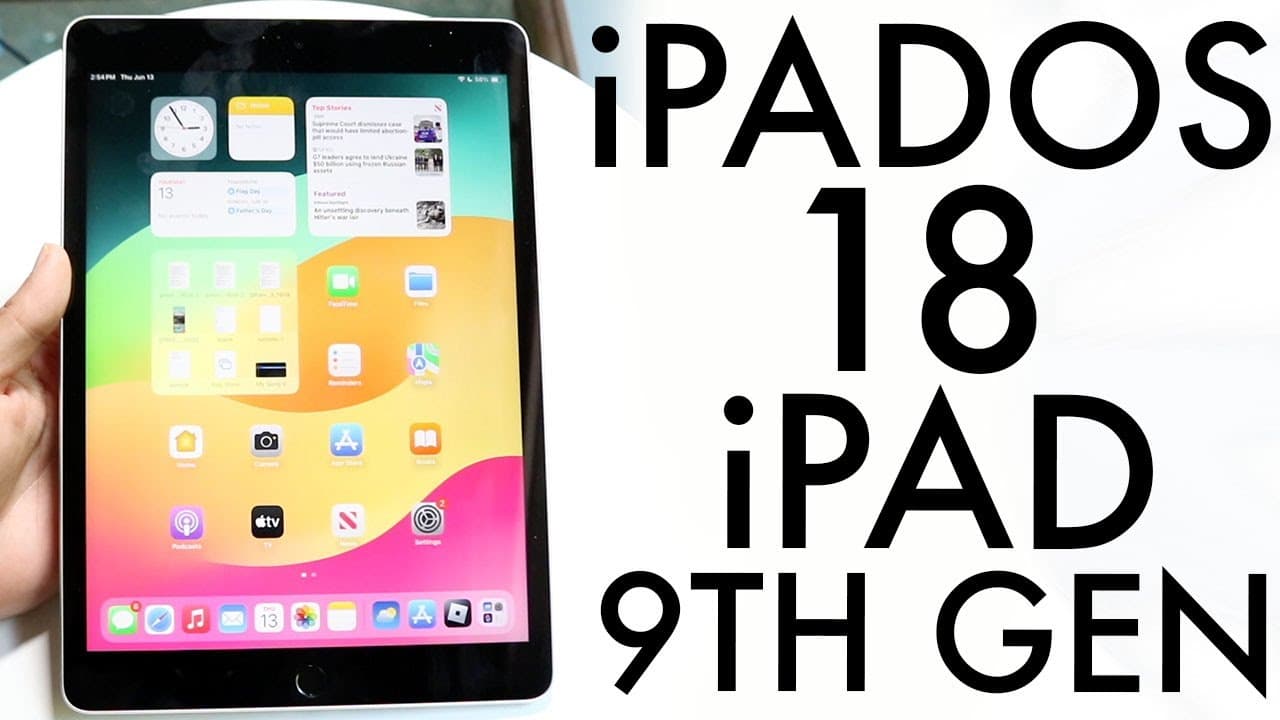
iPadOS 18 On iPad 9th Generation! (Review)
TL;DR
iPad OS 18 introduces new customization options and features for iPad 9.
Transcript
hello everyone iPad OS 18 just officially came out for the iPad 9th generation so let's go and take a look at it I literally just went and bought another iPad 9 so we can go and take a look at it and I'll definitely tell you there are lots of cool little features in this particular update and it's funny it feels like it's been a year since I even t... Read More
Key Insights
- 😀 Users can now customize the placement of apps and widgets on their iPad 9, enhancing the device's personalization.
- 📟 The Control Center offers increased functionality with customizable toggles and multi-page support in iPad OS 18.
- 🔒 iPad OS 18 enables app locking using Touch ID, improving application security for users.
- 😀 The update includes significant improvements to the Messages app, including scheduling capabilities and enhanced text effects.
- 👾 Gaming on the iPad 9 is enhanced with a dedicated game mode that optimizes performance.
- 😀 The redesigned Photos app and Wallet app provide a more intuitive experience for users.
- 🇰🇼 Despite being a substantial upgrade, the recommendation is to wait for the final release before installing.
Install to Summarize YouTube Videos and Get Transcripts
Explore YouTube Video Summarizer or Get YouTube Transcript Extractor
Questions & Answers
Q: What are the key customization features in iPad OS 18 for iPad 9?
iPad OS 18 introduces significant customization options, allowing users to freely move apps and widgets anywhere on the screen. Additionally, users can switch between light mode and dark mode or adjust the overall contrast. These features make it easier for users to personalize their iPad to suit their preferences.
Q: How has the Control Center changed in iPad OS 18?
The Control Center in iPad OS 18 has a revamped interface, allowing for multiple pages and customizable toggles. Users can add or remove toggles by tapping the plus button, ensuring that they can personalize their experience by having quick access to the features they use most.
Q: Can you explain the new app locking feature in iPad OS 18?
The new app locking feature allows users to lock specific applications using Touch ID. By holding down on an app icon, a menu appears that enables locking the selected app, adding an extra layer of security for personal applications, especially useful for devices with sensitive information.
Q: What improvements does iPad OS 18 bring to messaging and gaming?
iPad OS 18 supports RCS messaging on cellular models of the iPad 9, allowing users to enjoy updated texting features such as scheduling messages and adding text effects. Additionally, the update includes a game mode that optimizes performance when playing games, giving users a better gaming experience.
Summary & Key Takeaways
-
iPad OS 18 allows users to move apps and widgets freely on the display, enhancing personalization on the iPad 9.
-
The updated Control Center features multiple pages and customizable toggles, offering more flexibility than previous versions.
-
New functionalities, including app locking with Touch ID and message scheduling, enrich the user experience on the iPad 9.
Read in Other Languages (beta)
Share This Summary 📚
Summarize YouTube Videos and Get Video Transcripts with 1-Click
Try YouTube Summary with ChatGPT & Claude or YouTube Transcript Generator
Explore More Summaries from Simple Alpaca 📚






Summarize YouTube Videos and Get Video Transcripts with 1-Click
Try YouTube Summary with ChatGPT & Claude or YouTube Transcript Generator