How to Optimize WordPress for SEO Beginners
TL;DR
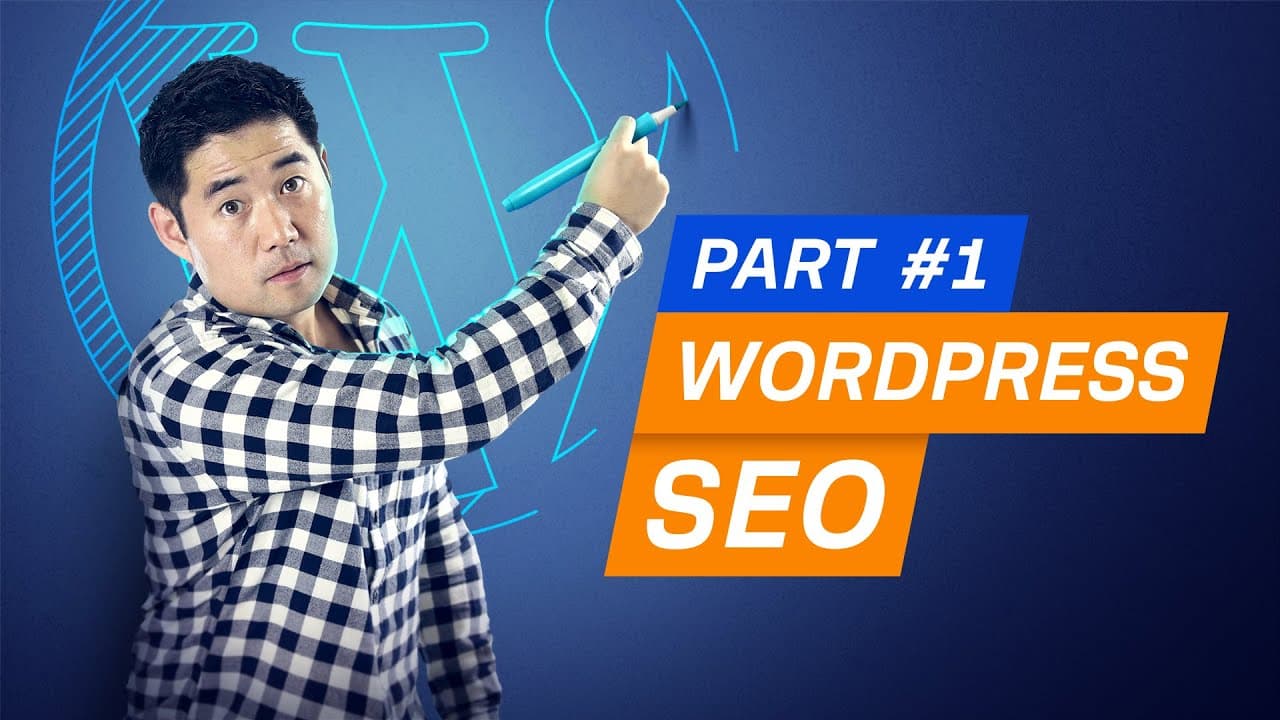
WordPress itself won't directly improve your Google rankings, but it simplifies implementing SEO best practices. By using the right themes, permalink structures, and plugins like Yoast SEO, even beginners can enhance their website's search engine optimization. This tutorial covers essential on-page SEO techniques and settings for WordPress users.
Transcript
So you're new to WordPress and you want to get more search traffic through SEO. Well, I've got some good news and some bad news for you. The bad news is that WordPress alone isn't going to help you rank in Google. It's just a tool. But the good news is that WordPress makes it dead simple to implement search engine optimization best practices. So ev... Read More
Key Insights
- WordPress is a versatile CMS that supports various website types, not just blogs.
- SEO in WordPress involves using the platform to apply traditional SEO strategies more easily.
- Choosing a mobile-responsive theme without unnecessary plugins is crucial for technical SEO.
- Setting up the correct permalink structure can improve URL clarity and SEO performance.
- Yoast SEO is a recommended plugin for optimizing WordPress sites, offering features like XML sitemaps.
- On-page SEO in WordPress includes optimizing titles, URLs, and meta tags for better search rankings.
- Using headings and structured content helps Google understand and rank your pages more effectively.
- Nesting pages under subfolders can improve URL structure and site organization.
Install to Summarize YouTube Videos and Get Transcripts
Explore YouTube Video Summarizer or Get YouTube Transcript Extractor
Questions & Answers
Q: How to choose a WordPress theme for SEO?
When selecting a WordPress theme for SEO, ensure it is mobile-responsive, as mobile-friendly content tends to perform better in search results. Avoid themes bloated with unnecessary plugins or scripts, which can slow down your site. Use tools like Google's PageSpeed Insights to check the theme's performance before finalizing your choice.
Q: What is the best permalink structure for WordPress SEO?
The 'post name' permalink structure is recommended for WordPress SEO. This format keeps URLs short and descriptive, making it easier for users and search engines to understand the content. Short URLs have been found to rank better in Google, as they are more straightforward and user-friendly.
Q: How to configure Yoast SEO for a new WordPress site?
To configure Yoast SEO, first install and activate the plugin. Generate an XML sitemap and ensure only the pages you want indexed by search engines are included. Customize the title tags and meta descriptions for each post and page to improve click-through rates from search results. Avoid relying solely on Yoast's SEO scores, as they are merely guidelines.
Q: What are the differences between WordPress posts and pages?
WordPress posts are typically used for blog content and are organized chronologically. Pages, on the other hand, are for static content like 'About Us' or 'Contact' pages, which don't change often. Posts can be categorized and tagged, while pages can be nested under subfolders to create a hierarchical structure.
Q: How to optimize on-page SEO in WordPress?
To optimize on-page SEO in WordPress, focus on creating click-worthy titles that include primary keywords. Use headings, such as H2s and H3s, to structure content logically. Add alt text to images for better context and accessibility. Use internal and external links wisely, ensuring they open in new tabs to retain visitors on your site.
Q: How does WordPress make SEO easier?
WordPress simplifies SEO by providing a user-friendly interface for implementing best practices. It supports plugins like Yoast SEO that automate tasks such as sitemap generation and meta tag optimization. The platform's flexibility allows users to easily manage URLs, headings, and other on-page elements without needing technical expertise.
Q: Why is it important to choose between www and non-www versions?
Choosing between www and non-www versions prevents duplicate content issues, as search engines treat them as separate URLs. WordPress automatically redirects the non-preferred version to the chosen one, consolidating link equity and ensuring consistent indexing. Use tools like Ahrefs' Site Explorer to determine which version has more backlinks before making a decision.
Q: What role do headings play in WordPress SEO?
Headings in WordPress SEO help organize content and improve readability. They provide a clear structure that search engines use to understand the hierarchy and relevance of information on a page. Proper use of H1, H2, and H3 tags can enhance user experience and contribute to better search engine rankings by highlighting key topics and subtopics.
Summary & Key Takeaways
-
WordPress is a powerful CMS that facilitates the implementation of SEO best practices. By choosing a mobile-responsive theme and setting up optimal permalink structures, users can enhance their site's technical SEO. Plugins like Yoast SEO further simplify the process by offering tools for generating sitemaps and optimizing meta tags.
-
On-page SEO in WordPress involves creating compelling titles, concise URLs, and informative meta descriptions. Using headings and structured content improves readability and helps search engines understand your pages. The Yoast SEO plugin provides additional settings for fine-tuning on-page elements without needing to code.
-
WordPress allows the creation of both posts and pages, each serving different purposes. Posts are typically for blog content, while pages are for static information. By organizing pages under subfolders, users can create a logical URL structure that enhances both user experience and SEO.
Read in Other Languages (beta)
Share This Summary 📚
Summarize YouTube Videos and Get Video Transcripts with 1-Click
Try YouTube Summary with ChatGPT & Claude or YouTube Transcript Generator
Explore More Summaries from Ahrefs 📚

![Why Your Blog Content Has to be Great [6.1] thumbnail](/_next/image?url=https%3A%2F%2Fi.ytimg.com%2Fvi%2F4qPaHyOQA9c%2Fhqdefault.jpg&w=750&q=75)

![Three Customer Acquisition Channels That Actually Work [1.2] thumbnail](/_next/image?url=https%3A%2F%2Fi.ytimg.com%2Fvi%2F1HhE_ewaOxQ%2Fhqdefault.jpg&w=750&q=75)
Summarize YouTube Videos and Get Video Transcripts with 1-Click
Try YouTube Summary with ChatGPT & Claude or YouTube Transcript Generator