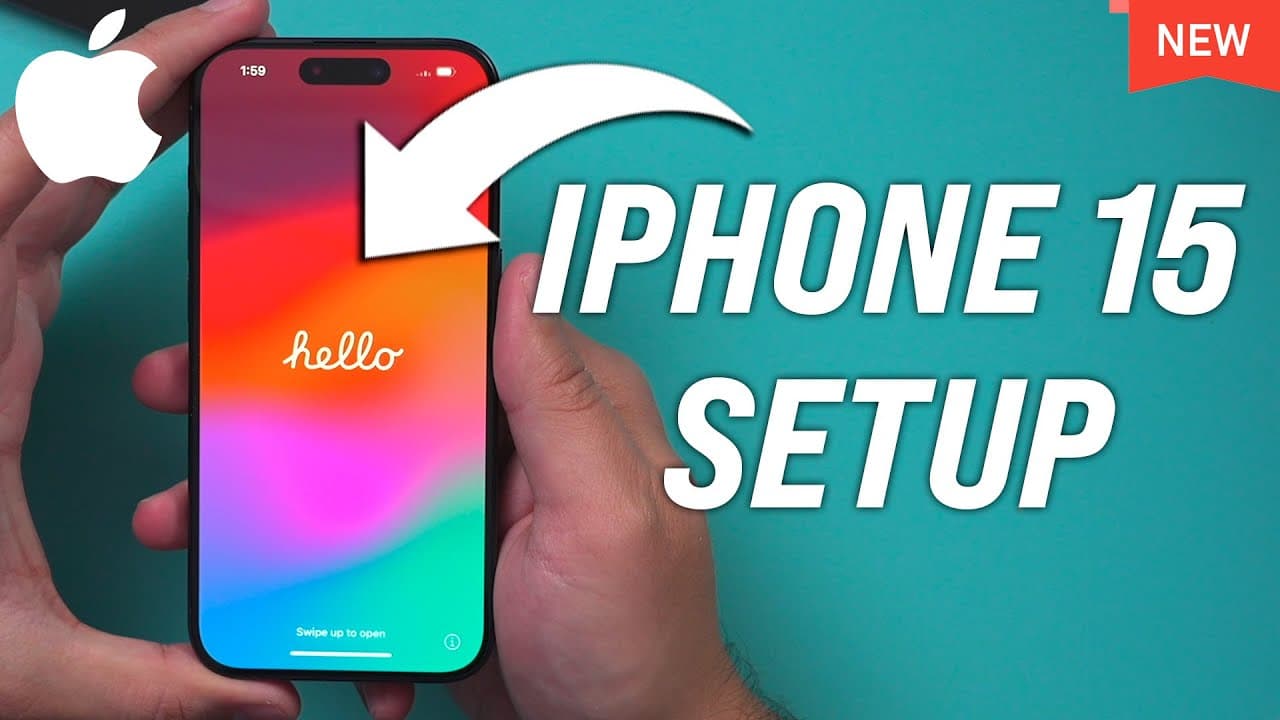
How to Setup iPhone 15 and iPhone 15 Pro - Unboxing and Setup
TL;DR
Learn how to set up the new iPhone 15 Pro with a new USBC cable and easy transfer options.
Transcript
let me show you exactly how to set up an iPhone 15 or iPhone 15 Pro from scratch the setup process is exactly the same regardless of which iPhone 15 you have so you should be able to follow along with this video I have the iPhone 15 Pro here let me go ahead and open it up because there are a couple of different things with the iPhone 15 and what's ... Read More
Key Insights
- 🚠 iPhone 15 Pro comes with a new USBC cable instead of the traditional lightning cable.
- 😫 The setup process for the iPhone 15 Pro involves selecting language, quick start with another device, and choosing to transfer data or set up as a new phone.
- 👶 The esim setup feature simplifies transferring your phone number to the new iPhone without physical SIM cards.
- 😀 Face ID setup can be skipped during the initial setup and completed later in the settings.
- 😫 Setting up the new iPhone 15 Pro involves agreeing to terms and conditions for the Apple ID and customizing settings.
- 👻 The cellular setup for the iPhone 15 Pro allows you to transfer your phone number using the new e-sim technology.
- 👶 Resetting an old iPhone as a new phone allows you to transfer all data to the new iPhone 15 Pro.
Install to Summarize YouTube Videos and Get Transcripts
Explore YouTube Video Summarizer or Get YouTube Transcript Extractor
Questions & Answers
Q: What is included in the box of the iPhone 15 Pro?
The iPhone 15 Pro box contains the phone, a new USBC cable, Apple sticker, and instructions, replacing the old lightning cable.
Q: How can you transfer data from an old iPhone to the new iPhone 15 Pro?
You can transfer data from an old iPhone by selecting the option to transfer from a different phone during the setup process and following the prompts to scan and set up the new phone.
Q: What is an esim setup, and how does it work for the iPhone 15 Pro?
The esim setup for the iPhone 15 Pro allows you to transfer your phone number without physical SIM cards, making the process easier and more streamlined.
Q: How do you set up the face ID on the iPhone 15 Pro during the initial setup?
You can choose to set up the face ID later during the initial setup process by skipping that step and setting it up at a later time in the settings.
Summary & Key Takeaways
-
Unboxing the iPhone 15 Pro reveals a new USBC cable and instructions.
-
Setup options include starting as a new phone or transferring data from an old iPhone.
-
The process involves language selection, quick start with another device, esim setup, software updates, and Apple ID setup.
Read in Other Languages (beta)
Share This Summary 📚
Summarize YouTube Videos and Get Video Transcripts with 1-Click
Try YouTube Summary with ChatGPT & Claude or YouTube Transcript Generator
Explore More Summaries from Howfinity 📚






Summarize YouTube Videos and Get Video Transcripts with 1-Click
Try YouTube Summary with ChatGPT & Claude or YouTube Transcript Generator