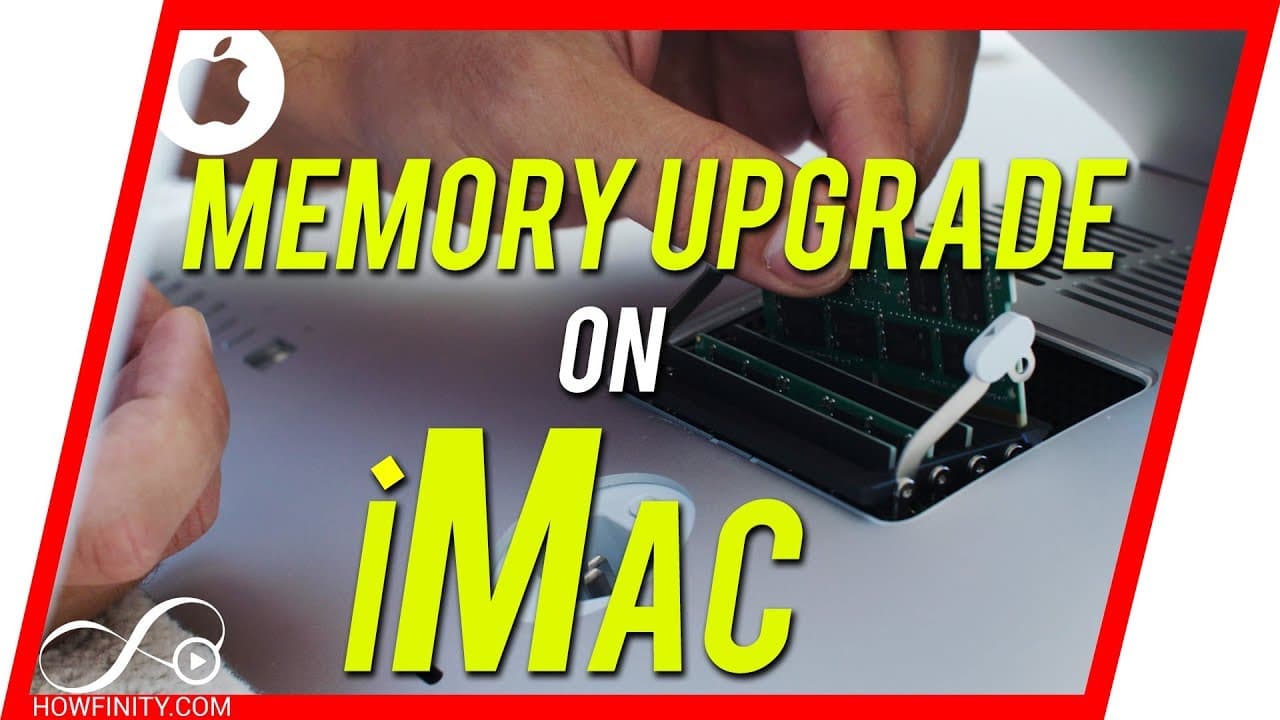
How to UPGRADE Ram on Apple iMac (2012-2018) Models
TL;DR
Learn how to upgrade iMac memory for better performance and savings.
Transcript
Hey everyone. Today, I wanted to show you how you could upgrade your memory on an iMac and I'm gonna show you how to do it on a 2017, 27-inch iMac, but the process been the same for many years the 2012 iMac for example was the previous Mac that was sitting here the process was the same. So if your Mac is newer than 2012, this should be the right vi... Read More
Key Insights
- ❓ Installing memory in pairs is essential for optimal performance on an iMac.
- 🇲🇰 You can determine the maximum memory capacity of your iMac through the 'About this Mac' section.
- 🤑 Purchasing memory from third-party websites like macsales.com can save you money.
- 🔨 The installation process for upgrading iMac memory is straightforward and requires no special tools.
- 👻 Upgrading memory on your own allows for customization and cost savings.
- 💋 Consider your iMac model's max memory capacity before purchasing memory sticks.
- ❓ Upgrading memory can significantly improve the performance of your iMac.
Install to Summarize YouTube Videos and Get Transcripts
Explore YouTube Video Summarizer or Get YouTube Transcript Extractor
Questions & Answers
Q: How do you determine the maximum memory capacity for your iMac?
To find the maximum memory capacity for your iMac, click on the Apple icon, go to 'About this Mac,' and check the memory tab. It will show the max capacity based on your iMac model.
Q: Why is it necessary to install memory sticks in pairs on an iMac?
Installing memory sticks in pairs on an iMac is crucial because it optimizes performance and prevents compatibility issues. It ensures efficient utilization of the memory for better system operation.
Q: Where can you purchase compatible memory sticks for an iMac?
You can buy compatible memory sticks for your iMac from websites like macsales.com, which offers a variety of options at lower prices than Apple's. Ensure you match the memory with your specific iMac model.
Q: What is the benefit of upgrading iMac memory on your own?
Upgrading iMac memory on your own saves you money compared to Apple's charges. It also allows you to customize the memory capacity according to your needs and enhances your iMac's performance.
Summary & Key Takeaways
-
Tutorial on upgrading iMac memory for improved performance and cost savings.
-
Detailed steps on finding the right memory, determining max capacity, and physical installation process.
-
Emphasizes the importance of installing memory in pairs and saving money compared to Apple's options.
Read in Other Languages (beta)
Share This Summary 📚
Summarize YouTube Videos and Get Video Transcripts with 1-Click
Try YouTube Summary with ChatGPT & Claude or YouTube Transcript Generator
Explore More Summaries from Howfinity 📚






Summarize YouTube Videos and Get Video Transcripts with 1-Click
Try YouTube Summary with ChatGPT & Claude or YouTube Transcript Generator