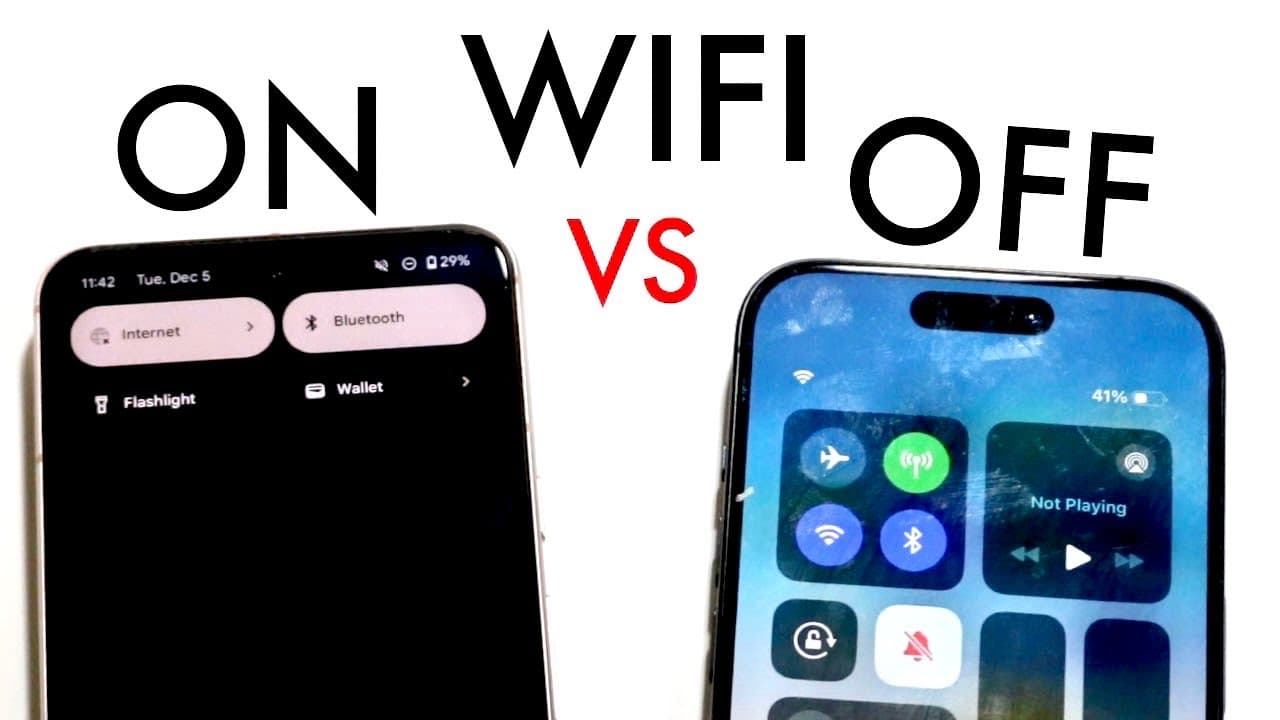
WIFI On Vs WIFI Off On iPhone/Android! (Should You Keep It On?)
TL;DR
Keeping Wi-Fi on can save data and enhance device functionality, but turning it off may conserve battery.
Transcript
well everyone you're probably trying to figure out if you're actually trying to go ahead and keep your Wi-Fi on or off depending on your particular iPhone or Android that you have now I will tell you that there's a lot of advantages and a lot of capability between having your Wi-Fi on and your Wi-Fi off but between an Android and iPhone it's kind o... Read More
Key Insights
- 🌱 Keeping Wi-Fi on can prevent issues related to connectivity and data usage, especially for those with limited data plans.
- 😀 iPhones may face functional disruptions when Wi-Fi is off, affecting features like AirDrop and connectivity with other Apple devices.
- 👻 Android devices often allow for smoother operation without Wi-Fi, with fewer notably negative impacts.
- 🪡 Users should balance Wi-Fi usage according to their data plans and battery conservation needs.
- 💨 Disabling Wi-Fi can be a practical way to save battery life, as suggested by low power mode settings on smartphones.
- 🖐️ Regularly managing Wi-Fi settings can enhance the smartphone user experience by optimizing connectivity or conserving battery as needed.
- ⚾ The decision to keep Wi-Fi on or off may vary based on routine usage and personal preferences.
Install to Summarize YouTube Videos and Get Transcripts
Explore YouTube Video Summarizer or Get YouTube Transcript Extractor
Questions & Answers
Q: What are some advantages of keeping Wi-Fi on?
Keeping Wi-Fi on allows for continuous connectivity, enabling features like AirDrop and faster internet access. It also saves users from incurring extra data charges, which is especially beneficial for those without unlimited data plans. Furthermore, Wi-Fi can provide a more stable connection compared to mobile data, especially in places with poor service.
Q: How does turning off Wi-Fi affect battery life?
Turning off Wi-Fi can help conserve battery life as it prevents the device from continuously searching for Wi-Fi networks and maintaining connections. This is particularly useful for users who prioritize battery preservation, especially while utilizing low power mode on their devices, which often recommends disabling Wi-Fi.
Q: Are there any specific scenarios where it is better to turn off Wi-Fi?
It may be advantageous to turn off Wi-Fi when you are in an area with poor connectivity or when you are not near any networks. By disabling Wi-Fi, users avoid battery drain and potential frustrations from constant network disconnections, allowing them to rely solely on a more stable mobile data connection.
Q: Do both iPhones and Androids handle Wi-Fi disconnection differently?
Yes, iPhones tend to have more integrated features reliant on Wi-Fi, such as the Apple Watch and AirDrop, leading to more noticeable issues when Wi-Fi is turned off. In contrast, Android devices usually handle Wi-Fi disconnection with fewer disruptions to core functionalities.
Summary & Key Takeaways
-
The content discusses the effects of keeping Wi-Fi on versus turning it off on iPhones and Android devices, highlighting advantages for both.
-
For iPhone users, turning off Wi-Fi can disrupt features like AirDrop and Apple Watch connectivity, while Android users experience fewer annoyances.
-
Maintaining Wi-Fi connections can prevent data overage fees, enhance battery usage, and provide faster internet services in various conditions.
Read in Other Languages (beta)
Share This Summary 📚
Summarize YouTube Videos and Get Video Transcripts with 1-Click
Try YouTube Summary with ChatGPT & Claude or YouTube Transcript Generator
Explore More Summaries from Simple Alpaca 📚






Summarize YouTube Videos and Get Video Transcripts with 1-Click
Try YouTube Summary with ChatGPT & Claude or YouTube Transcript Generator