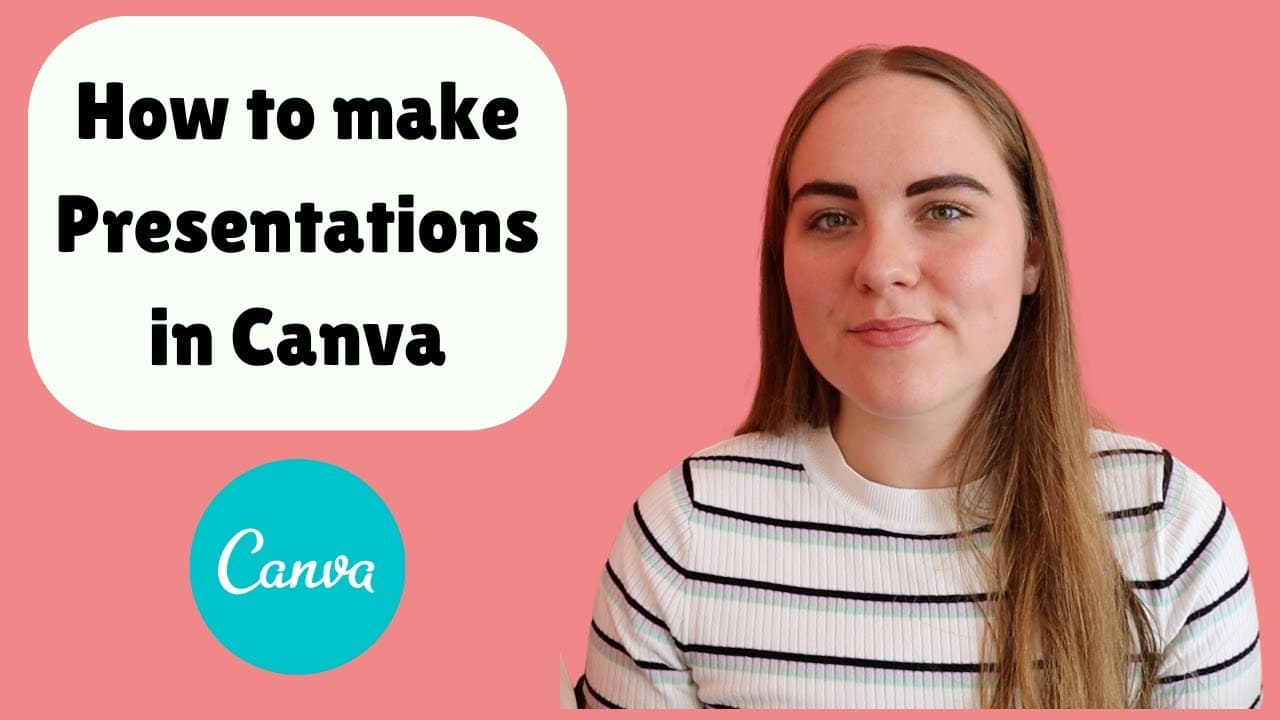
How to Make a Presentation Using Canva - PhD Student Conference Presentation
TL;DR
Learn how to use Canva to create professional and visually appealing presentations, with tips on design, transitions, and customizing graphics.
Transcript
hey everyone and welcome back to my channel today's video i'm going to be sharing with you how i make presentations using canva if you've never heard of canva before i do have an affiliate link down below so if you want to try it out there is a totally free version i personally use the pro version just because there's a lot more elements to use in ... Read More
Key Insights
- 🔨 Canva is a powerful tool for creating presentations, offering a variety of templates, icons, and images that can enhance the visual appeal.
- 🪗 Organizing presentation content according to the structure of the paper can improve the cohesiveness and clarity of the presentation.
- 🎨 Customization and attention to design details, such as color schemes and transitions, can make presentations more visually engaging.
- 😊 Canva's pro version provides access to additional features, including high-quality images and advanced design tools, which can elevate the quality of presentations.
Install to Summarize YouTube Videos and Get Transcripts
Explore YouTube Video Summarizer or Get YouTube Transcript Extractor
Questions & Answers
Q: What is the benefit of using Canva for presentations?
Canva offers a wide range of templates, icons, and images that can enhance the visual appeal and professionalism of presentations. It also provides a user-friendly interface for customization and design.
Q: How should the content be organized in a presentation?
The presenter suggests starting with a solid introduction to captivate the audience, followed by sections on methods and results relevant to the topic. It's important to allocate similar time and attention to each section, aligning with the word count distribution of the corresponding paper.
Q: Are Canva's pro features essential for creating impressive presentations?
While Canva's free version offers many useful resources, such as templates and icons, upgrading to the pro version provides access to additional elements, including high-quality images and advanced features like the background remover tool. The pro version can enhance the overall quality and customization options.
Q: How can Canva help in creating app mock-ups for presentations?
Canva's smart mock-up feature allows users to showcase app designs by integrating screenshots within phone mock-ups. This feature adds a professional touch and proves useful for pitching presentations or demonstrating app concepts.
Summary & Key Takeaways
-
The video tutorial demonstrates how to use Canva to create presentations, covering topics such as selecting templates, adding transitions, and customizing graphics.
-
The presenter emphasizes the importance of organizing presentation content, including introduction, methods, and results, and advises against starting with templates before finalizing the information.
-
The video showcases different features of Canva, such as the use of high-quality images, the background remover tool, and the creation of smart mock-ups for app demonstrations.
Read in Other Languages (beta)
Share This Summary 📚
Summarize YouTube Videos and Get Video Transcripts with 1-Click
Try YouTube Summary with ChatGPT & Claude or YouTube Transcript Generator
Explore More Summaries from PhD and Productivity 📚



Summarize YouTube Videos and Get Video Transcripts with 1-Click
Try YouTube Summary with ChatGPT & Claude or YouTube Transcript Generator