Rotoscoping anything with Grease Pencil | Blender 3 3
TL;DR
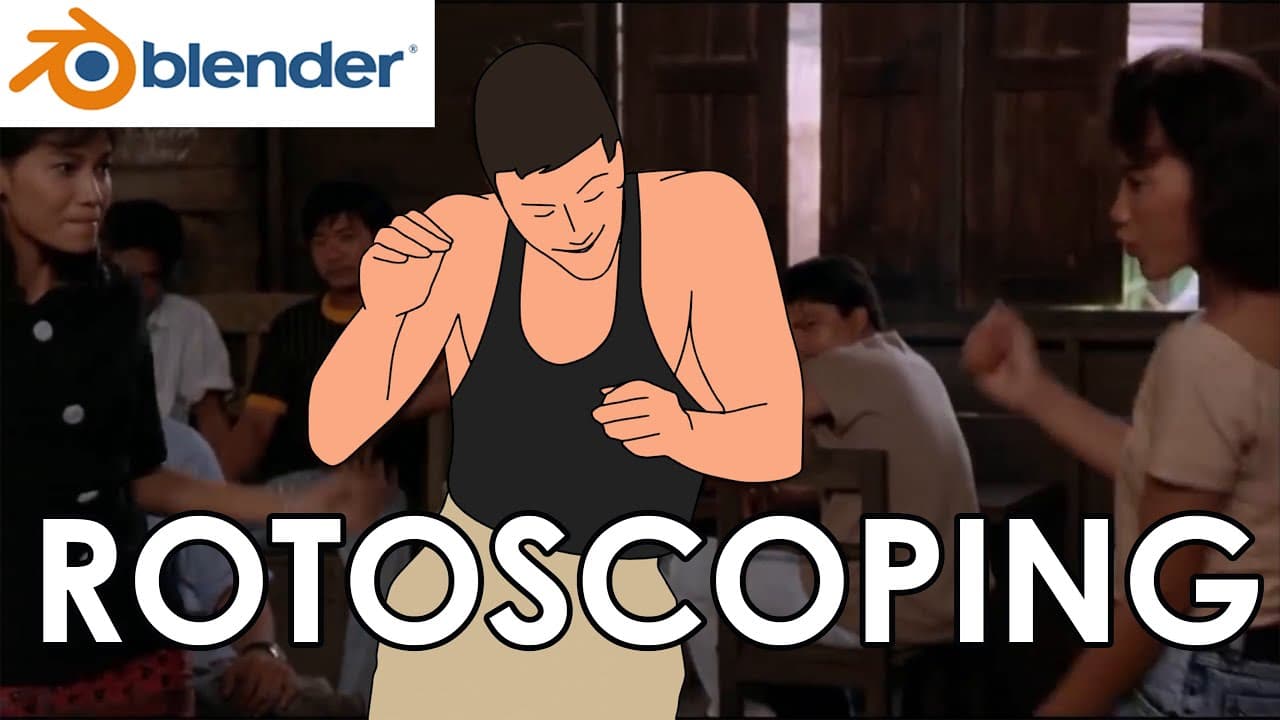
Learn basic rotoscoping using Blender's Grease Pencil tool effectively.
Transcript
hi everyone so today I'm going to show you how I use blender grease pencil for rotoscoping alright let's open blender go to file new to the animation now switch to object mode shift a to add animate reference locate your reference don't forget to tick movie files so you can see videos so mine is this one and loaded press s t... Read More
Key Insights
- Blender's Grease Pencil is a versatile tool for rotoscoping, allowing users to overlay animations on video references effectively.
- Setting the video reference correctly in Blender ensures the animation aligns with the intended frames and speeds, crucial for accurate rotoscoping.
- Using layers in Blender helps organize different elements of the animation, making it easier to manage complex projects.
- Duplicating keyframes and using interpolation tools can speed up the animation process, especially for in-betweens.
- Manual adjustments are often necessary to refine animations, ensuring that interpolated frames match the intended motion.
- The tutorial emphasizes the importance of experimenting with different methods to find the most efficient workflow for rotoscoping.
- Merging completed layers and performing cleanup operations are essential final steps to ensure a polished animation.
- The video encourages viewers to explore and adapt the techniques demonstrated, highlighting the flexibility of Blender's tools for creative projects.
Install to Summarize YouTube Videos and Get Transcripts
Explore YouTube Video Summarizer or Get YouTube Transcript Extractor
Questions & Answers
Q: How do you set up a video reference in Blender for rotoscoping?
To set up a video reference in Blender, open a new animation file and switch to object mode. Add the video reference by using 'Shift + A' and ensure the 'movie files' option is ticked to view videos. Adjust the scale and set the reference to 'back' to overlay animations.
Q: What is the importance of using layers in Blender for animation?
Using layers in Blender is crucial for organizing different parts of an animation. It helps manage complex projects by separating elements like the body, head, and arms, allowing for easier adjustments and ensuring that changes in one layer do not affect others.
Q: How does interpolation help in the animation process?
Interpolation in animation helps create in-between frames automatically, saving time and effort. By placing the timeline between two keyframes, Blender's interpolation tool can generate intermediate frames, smoothing out the motion and reducing the need for manual drawing.
Q: What manual adjustments might be necessary after using interpolation?
After using interpolation, manual adjustments may be needed to correct any inaccuracies in the generated frames. This involves editing the interpolated frames to ensure they align with the motion and style intended, as interpolation might not always perfectly match the desired effect.
Q: Why is it important to experiment with different rotoscoping methods?
Experimenting with different rotoscoping methods is important because it allows animators to find the most efficient and effective workflow for their projects. Different techniques may work better for various animation styles, and personal preference plays a significant role in choosing the right approach.
Q: What final steps are recommended after completing the animation layers?
After completing the animation layers, it is recommended to merge them and perform a cleanup. This involves removing any unnecessary elements and ensuring the animation is polished and cohesive. These steps help finalize the project and prepare it for presentation or further editing.
Q: How can viewers benefit from this rotoscoping tutorial?
Viewers can benefit from this rotoscoping tutorial by gaining a foundational understanding of using Blender's Grease Pencil for animation. The tutorial provides practical techniques and encourages experimentation, helping viewers develop their own workflows and improve their animation skills.
Q: What role does the Grease Pencil play in Blender's animation capabilities?
The Grease Pencil in Blender plays a significant role in its animation capabilities by allowing users to create 2D animations over 3D spaces. It provides tools for drawing, organizing, and editing animations, making it a versatile option for artists looking to integrate 2D and 3D elements in their work.
Summary & Key Takeaways
-
This tutorial demonstrates how to use Blender's Grease Pencil for rotoscoping, highlighting the process of setting up video references and creating animations over them. Key techniques include using layers, duplicating keyframes, and applying interpolation to streamline the animation process.
-
Viewers are guided through creating animations by manually drawing keyframes and using Blender's interpolation tools to fill in gaps. The tutorial emphasizes the importance of organizing animations with layers and performing manual adjustments for optimal results.
-
The video concludes with tips on merging layers and cleaning up animations, encouraging viewers to experiment with different methods to find their preferred workflow. The tutorial aims to provide a foundational understanding of rotoscoping in Blender.
Read in Other Languages (beta)
Share This Summary 📚
Summarize YouTube Videos and Get Video Transcripts with 1-Click
Try YouTube Summary with ChatGPT & Claude or YouTube Transcript Generator