How to Edit YouTube Videos for High Engagement
TL;DR
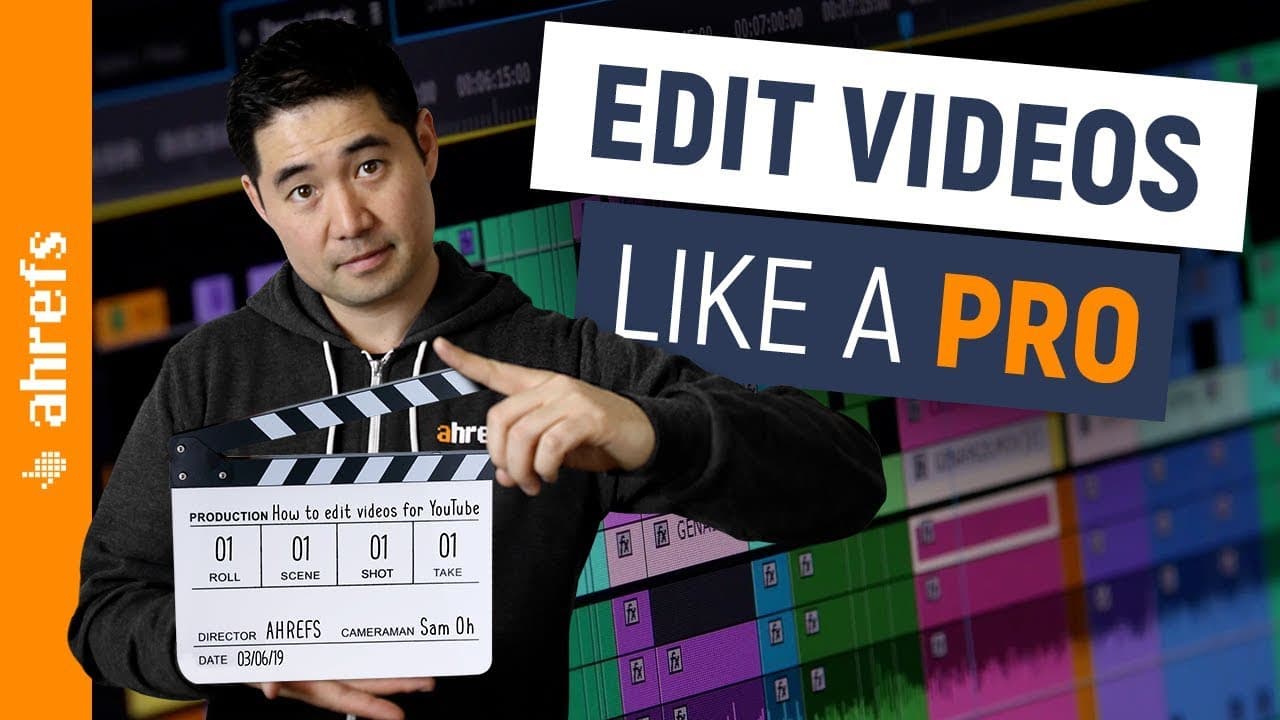
Learn to edit YouTube videos for maximum audience engagement.
Transcript
Making a good video for YouTube isn't about flashy special effects or custom animations. In fact, no fancy camera, software or trick is going to make you the next YouTube star. But if you're a beginner and you want to learn how to edit videos for YouTube, I'm going to show you the exact workflow we use to drive what really matters to gain traction ... Read More
Key Insights
- Engagement is the key metric for YouTube success, and editing plays a critical role in achieving it.
- A structured 10-step editing process can significantly enhance video quality and viewer retention.
- High-quality audio is vital; use tools like Adobe Audition or Audacity to clean and enhance sound.
- Cutting mistakes and unnecessary footage is essential to maintain viewer interest and video flow.
- Using screencasts and b-roll footage enriches the content, making it more dynamic and engaging.
- Closing gaps in footage prevents viewer drop-off and maintains a smooth viewing experience.
- Jump cuts add dynamism and help emphasize important points in the video content.
- Collaboration and feedback loops between editors and marketers ensure the final product is polished and effective.
Install to Summarize YouTube Videos and Get Transcripts
Explore YouTube Video Summarizer or Get YouTube Transcript Extractor
Questions & Answers
Q: What is the primary focus of the video editing process outlined?
The primary focus of the video editing process outlined in the content is to drive engagement and audience retention on YouTube. The tutorial emphasizes that engagement is the key metric for success on the platform, and editing plays a crucial role in achieving this by maintaining viewer interest and enhancing the overall quality of the video.
Q: Why is audio quality emphasized in the editing process?
Audio quality is emphasized because bad audio can significantly detract from the viewer's experience, leading to disengagement. The tutorial advises using tools like Adobe Audition or Audacity to clean and enhance audio, ensuring that background noise is minimized and the speaker's voice is clear and pleasant to listen to, which is crucial for maintaining viewer interest.
Q: How does the use of screencasts and b-roll footage enhance videos?
Screencasts and b-roll footage enhance videos by providing dynamic visual elements that make the content more engaging and easier to understand. Screencasts are particularly useful for how-to videos as they illustrate concepts clearly, while b-roll footage adds variety and helps connect with the audience by showing relatable real-life visuals, making the video more interesting and visually appealing.
Q: What is the 'gap system' mentioned in the editing process?
The 'gap system' is a technique used to polish video content by identifying and closing gaps in the footage that may cause viewer drop-off. Large gaps can indicate slow pacing or unnecessary content, and closing these gaps helps maintain a smooth flow, keeping the audience engaged throughout the video. This system focuses on creating the best user experience to increase audience retention rates.
Q: What role do jump cuts play in video editing?
Jump cuts play a role in video editing by adding dynamism and emphasis to the content. They are transitions between two shots from the same position, creating a 'jumping' effect that can highlight important points or make content appear more polished. Jump cuts help maintain viewer interest by keeping the video visually engaging and enhancing the overall flow of the narrative.
Q: Why are production notes important for video editors?
Production notes are important for video editors as they provide guidance on how to implement design and marketing elements effectively. These notes help bridge the gap between creative ideas and technical execution, ensuring that the final video aligns with the intended vision and marketing goals. They facilitate communication and collaboration among team members, leading to a more cohesive and polished final product.
Q: What is the significance of the final review and feedback loop?
The final review and feedback loop are significant because they ensure that the video meets quality standards and is optimized for viewer engagement. This phase involves checking for inaccuracies, typos, and sloppy transitions, and making necessary adjustments. The feedback loop allows for collaborative input from team members, enhancing the video's effectiveness and ensuring that it resonates well with the target audience.
Q: How does the tutorial suggest handling animations and effects?
The tutorial suggests handling animations and effects towards the end of the editing process. This approach allows editors to have a complete view of the video's structure and content, preventing wasted time on unnecessary additions. By adding effects and animations at this stage, editors can ensure that these elements enhance the video's engagement without overwhelming the core message or disrupting the narrative flow.
Summary & Key Takeaways
-
The video outlines a comprehensive 10-step process to edit YouTube videos, focusing on driving engagement and audience retention. It emphasizes the importance of high-quality audio, cutting unnecessary footage, and using dynamic visual elements like screencasts and b-roll.
-
Key editing tools include Adobe Premiere, After Effects, and Audition, though alternatives are available. The process involves cleaning audio, syncing footage, closing gaps, adding jump cuts, and applying effects and animations to create a polished final product.
-
Collaboration and feedback are crucial in the final stages to ensure the video meets quality standards. The tutorial highlights the importance of planning and structuring video content to maintain viewer interest and enhance engagement.
Read in Other Languages (beta)
Share This Summary 📚
Summarize YouTube Videos and Get Video Transcripts with 1-Click
Try YouTube Summary with ChatGPT & Claude or YouTube Transcript Generator
Explore More Summaries from Ahrefs 📚





Summarize YouTube Videos and Get Video Transcripts with 1-Click
Try YouTube Summary with ChatGPT & Claude or YouTube Transcript Generator