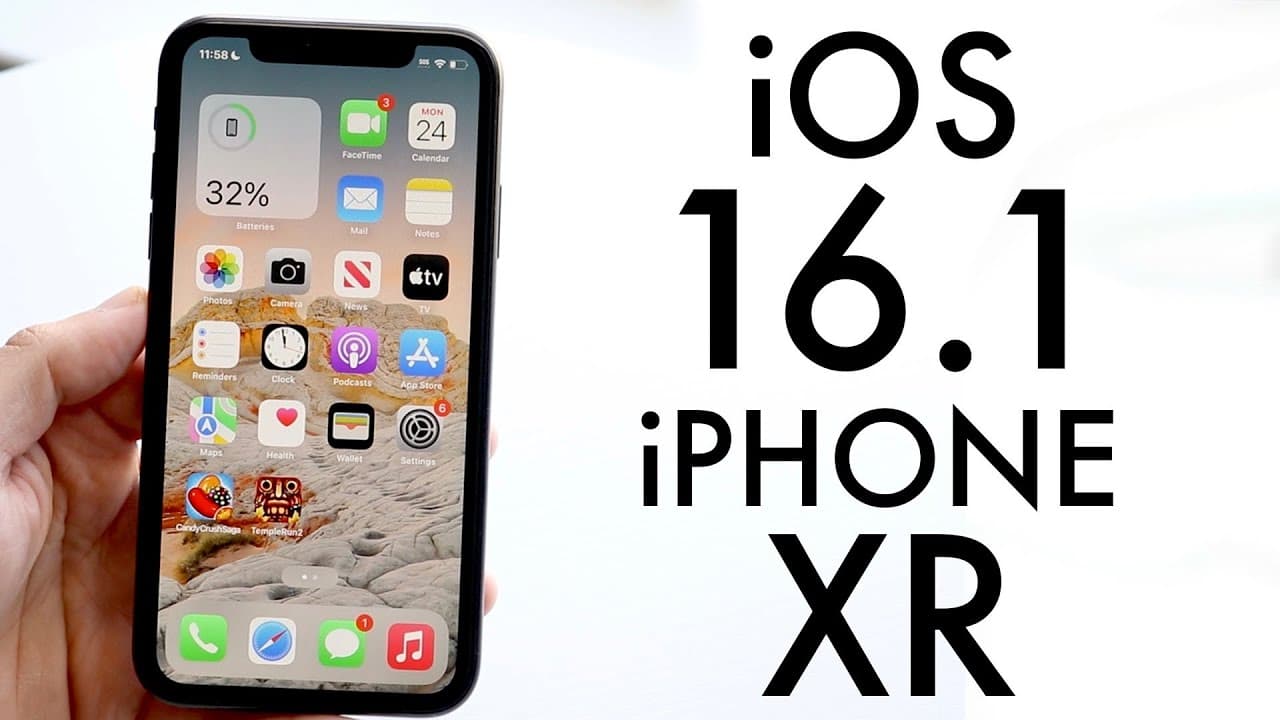
iOS 16.1 On iPhone XR! (Review)
TL;DR
iOS 16.1 is a significant update for iPhone users but consider waiting for stability.
Transcript
well everyone iOS 16.1 just officially came out so let's go ahead and take a look at it on the iPhone 10r and see if it's worth installing now this is a massive update and it brings a ton of different things to the table and as you can see I literally just installed it so I'm still going through the initial process but I will tell you with this spe... Read More
Key Insights
- 📷 iOS 16.1 features iCloud photo sharing, enhancing collaborative photo albums for users.
- 👤 The update improves notifications through live activities, keeping users updated without overwhelming them with alerts.
- ❓ Clean energy charging reflects Apple's focus on environmental responsibility and sustainable technology practices.
- 👤 Users currently on iOS 15 should thoughtfully consider the timing of their upgrade to ensure system stability.
- 👾 The update is relatively large, at about four gigabytes, which may require adequate storage space for installation.
- 🏝️ The dynamic island feature is enhanced for iPhone 14 Pro models, showcasing Apple’s innovative UI adjustments.
- 👶 Regular updates, like iOS 16.1, are crucial for maintaining device security and introducing new functionalities.
Install to Summarize YouTube Videos and Get Transcripts
Explore YouTube Video Summarizer or Get YouTube Transcript Extractor
Questions & Answers
Q: What are the primary new features of iOS 16.1?
iOS 16.1 introduces several significant features including iCloud photo sharing, live activities for third-party apps, and clean energy charging. The iCloud photo sharing option allows users to create a shared library, making it easier to organize and share photos with friends and family. Live activities enhance notifications by updating in real time, reducing notification clutter. Clean energy charging aims to minimize the carbon footprint of iPhone users by optimizing battery charging based on the energy sources in their region.
Q: Should users on older iOS versions upgrade to iOS 16.1 now?
It’s advisable for users still on iOS 15 to wait a few days before upgrading to iOS 16.1. Although the update includes vital new features, monitoring the stability of the new version is essential. Users coming from iOS 16.0.3 should note that the transition might be smoother, given that they are already on a relatively recent version. Users should ensure they have adequate backups in case of any unexpected issues during the update.
Q: What is clean energy charging, and how does it work?
Clean energy charging is a new feature in iOS 16.1 designed to enhance battery management by reducing the carbon footprint of charging. When activated, this feature allows the device to learn about the electrical grid's energy sources in the user’s region and prioritize charging during cleaner energy periods. This initiative reflects Apple's commitment to sustainability and allows users to contribute to a greener future by optimizing their charging habits based on available clean energy.
Q: How does the live activities feature enhance notifications?
The live activities feature revolutionizes how users receive notifications by consolidating multiple updates into one real-time notification. For instance, if you're following a sports game, you won't receive multiple notifications for each score change; instead, you'll see a single notification that updates live. This simplifies user interactions and reduces notification fatigue, offering a more streamlined experience while staying informed.
Summary & Key Takeaways
-
iOS 16.1 introduces features like iCloud photo sharing and improved live activities notifications, streamlining user experience on the iPhone 10R.
-
Although the update is substantial, users on iOS 15 may want to hold off on upgrading for a few days to assess stability.
-
New features include clean energy charging, which allows users to reduce their carbon footprint, showcasing Apple's dedication to environmentally friendly tech.
Read in Other Languages (beta)
Share This Summary 📚
Summarize YouTube Videos and Get Video Transcripts with 1-Click
Try YouTube Summary with ChatGPT & Claude or YouTube Transcript Generator
Explore More Summaries from Simple Alpaca 📚






Summarize YouTube Videos and Get Video Transcripts with 1-Click
Try YouTube Summary with ChatGPT & Claude or YouTube Transcript Generator