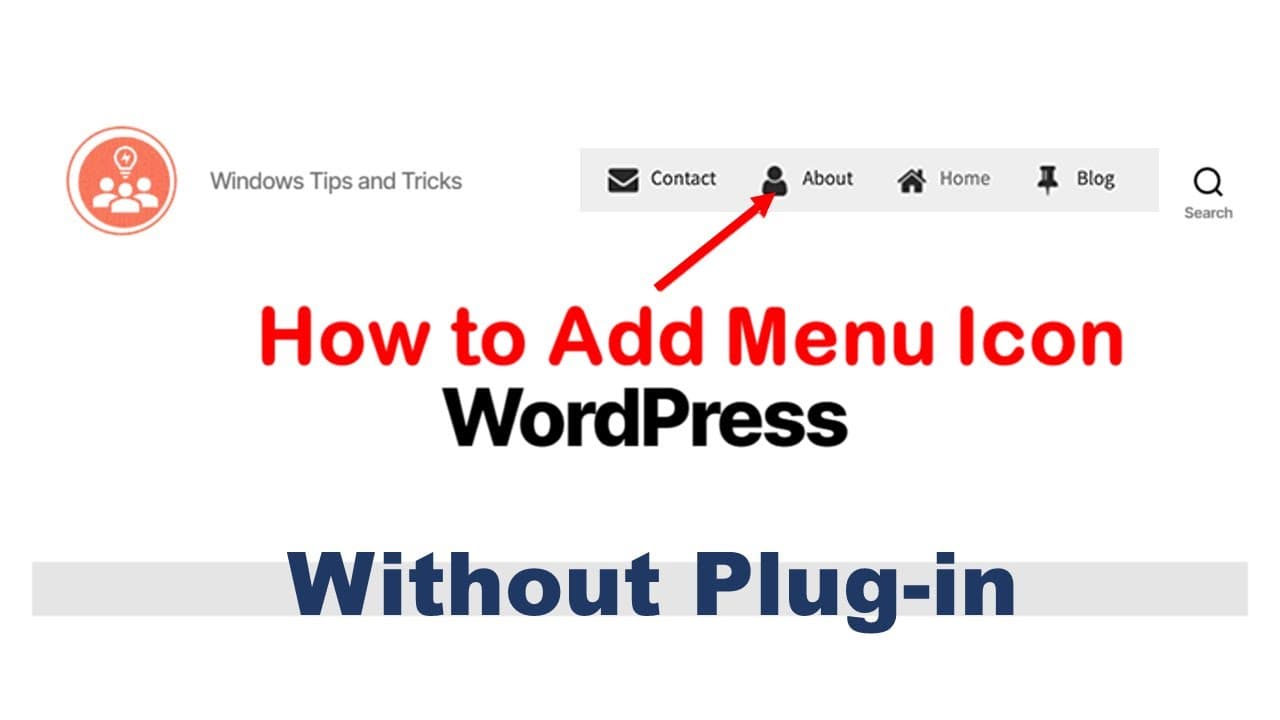
How to add icon image to WordPress menu
TL;DR
Learn how to add icons to WordPress menu items using SVG files.
Transcript
so today I will show you how to add icon in front of the manual like this so firstly you need a funder icon the formula of the icon is usually we use our zeg format so you can find some SVG file from the internet but they can make it by yourself using PowerPoint open PowerPoint open a new document under the insert I come for her here you can find a... Read More
Key Insights
- 🎨 Using SVG files for icons enhances website design due to their scalability and clarity.
- 👤 PowerPoint can be a useful tool for creating custom icons, as it provides user-friendly design features.
- 🎮 Uploading files directly via FTP offers better control and security than using the default media upload method.
- 👻 CSS is essential for styling icons, allowing for detailed customization of their placement and appearance in navigation menus.
- 🔉 Proper organization of media files within WordPress enhances efficiency in the uploading and management process.
- 👤 Incorporating icons into menus can improve user experience by making navigation more visually distinct and informative.
- 👾 Non-breaking spaces in HTML play a key role in adjusting layout and spacing when customizing text-heavy displays.
Install to Summarize YouTube Videos and Get Transcripts
Explore YouTube Video Summarizer or Get YouTube Transcript Extractor
Questions & Answers
Q: What is the significance of using SVG format for icons?
SVG (Scalable Vector Graphics) format is crucial for icons because it offers scalability without loss of quality. This means icons remain sharp and clear at any size, making them ideal for responsive web design. Furthermore, SVG files tend to have smaller file sizes and can be easily manipulated with CSS, which is beneficial for customizing website aesthetics.
Q: How can icons be created if you don't have one readily available?
If a suitable icon isn't available, you can create one using PowerPoint. Start by opening a new document and using shapes and colors to design an icon that fits your needs. Once satisfied, you can save the design as an SVG file, enabling its easy upload and utilization within WordPress.
Q: What steps should I follow to upload an icon to WordPress securely?
Securely uploading an icon involves logging into your WordPress hosting account, typically through an FTP client. After selecting the icon file to upload, place it in the correct folder, such as the media folder. This method is preferred, especially when dealing with larger files or files that may face restrictions through the WordPress dashboard.
Q: What role does CSS play in adding icons to WordPress menus?
CSS is fundamental when it comes to styling and positioning icons in WordPress menus. By writing custom CSS code, you can define the background image of the menu items as SVG files, adjust padding, and control how icons are displayed, ensuring they align correctly with text and maintain a consistent visual appeal.
Summary & Key Takeaways
-
The process begins with finding or creating an SVG icon using tools like PowerPoint, which allows for the design of custom icons suitable for WordPress.
-
After obtaining the icon, it is uploaded to the WordPress website through the media library or via FTP, which allows for greater security in file handling.
-
The final step involves adding specific CSS code and HTML non-breaking spaces to customize the manual appearance and display icons alongside menu items effectively.
Read in Other Languages (beta)
Share This Summary 📚
Summarize YouTube Videos and Get Video Transcripts with 1-Click
Try YouTube Summary with ChatGPT & Claude or YouTube Transcript Generator
Explore More Summaries from E Micro Tech 📚

Summarize YouTube Videos and Get Video Transcripts with 1-Click
Try YouTube Summary with ChatGPT & Claude or YouTube Transcript Generator