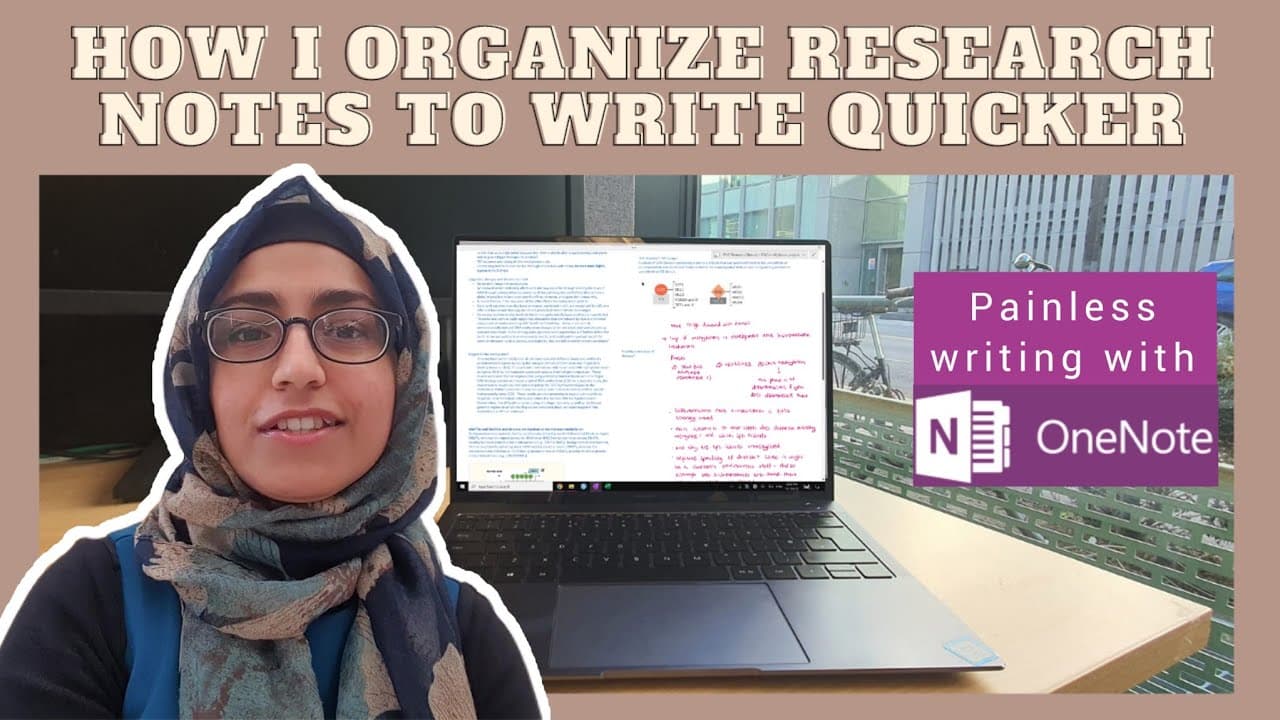
How I organize my research notes to write my PhD thesis quicker (& why OneNote is still the best)
TL;DR
Learn a note-taking and organization system that can significantly speed up the writing process for academic papers and dissertations.
Transcript
hey everyone so writing sucks right well it doesn't have to be that way let me show you my note-taking and organization system which I've used for years to write every dissertation every essay and now my PhD thesis it's made my life so much less painful and I hope it helps you as well so keep watching okay so tip number one write as you read this h... Read More
Key Insights
- 🫠 Writing as you read saves time by eliminating the need to revisit and decipher notes.
- 🫠 Maintaining a comprehensive database of read papers allows for easy retrieval of information.
- ✍️ Recycled writing can serve as a valuable resource for future projects and reduce the need for extensive research.
- ✍️ Copying and pasting content during note-taking can streamline the writing process.
- 💁 Organizing notes in a searchable format, such as OneNote, enhances efficiency and accessibility.
- ✍️ Utilizing previous writings can accelerate the speed of writing and improve productivity.
- 🫠 Having dual intentions when reading (to understand and to write) helps in effectively taking notes.
Install to Summarize YouTube Videos and Get Transcripts
Explore YouTube Video Summarizer or Get YouTube Transcript Extractor
Questions & Answers
Q: How does writing as you read help speed up the essay-writing process?
By rewriting the content in your own words as you read, you avoid the need to revisit and decipher your notes later, saving time and ensuring accurate understanding and citation.
Q: What are the benefits of maintaining a comprehensive Excel file of all read papers?
This Excel file helps in easily retrieving relevant articles for future reference without the need to repeat extensive searches. It streamlines the research process and saves time.
Q: How can recycled writing be used to speed up the writing process?
By revisiting previous writings, notes, and ideas, you can repurpose and rewrite existing content, reducing the need to start from scratch and saving time and effort in producing new material.
Q: What is the difference between the slow way and the quick way of taking notes?
The slow way involves rewriting information in your own words while reading, which can be time-consuming. The quick way is to copy and paste content directly, saving time during the initial reading and allowing rewriting when required.
Key Insights:
- Writing as you read saves time by eliminating the need to revisit and decipher notes.
- Maintaining a comprehensive database of read papers allows for easy retrieval of information.
- Recycled writing can serve as a valuable resource for future projects and reduce the need for extensive research.
- Copying and pasting content during note-taking can streamline the writing process.
- Organizing notes in a searchable format, such as OneNote, enhances efficiency and accessibility.
- Utilizing previous writings can accelerate the speed of writing and improve productivity.
- Having dual intentions when reading (to understand and to write) helps in effectively taking notes.
- Thorough and searchable notes contribute to a more organized and efficient writing process.
Summary & Key Takeaways
-
Tip #1: Write as you read - Copy and paste the content on the left and rewrite in your own words on the right, including the title and source. This eliminates the need to revisit your notes later.
-
Tip #2: Maintain a comprehensive Excel file with details of every paper read, including title, link, usefulness, date, and main points. This allows for easy retrieval of information without having to search for articles again.
-
Tip #3: Recycle your writing by using old notes, reports, and ideas. Keep a repository of previous writings that can be repurposed for current work.
Read in Other Languages (beta)
Share This Summary 📚
Summarize YouTube Videos and Get Video Transcripts with 1-Click
Try YouTube Summary with ChatGPT & Claude or YouTube Transcript Generator