How to Make Cartoon Portrait Logo on Your Phone
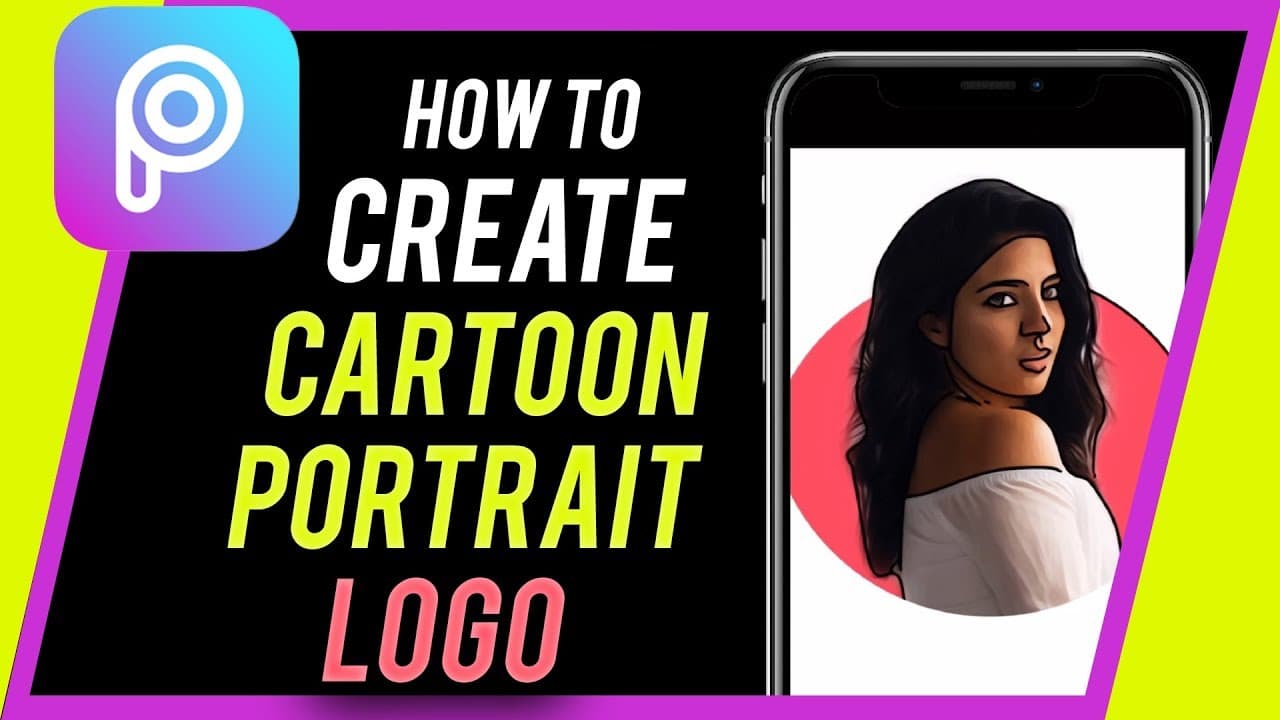
TL;DR
Learn to make a cartoon portrait logo using a free app on your mobile device.
Transcript
everyone in today's video I want to show you how to create a cartoon portrait logo on your mobile device this works on iPhone and Android and it's a totally free app you could use this logo as your Instagram profile for example to really stand out on Instagram and if it's your first time here I make easy-to-follow social media and tech videos every... Read More
Key Insights
- 🥶 Pixart photo editor on mobile devices offers free tools to create a cartoon portrait logo.
- 😷 Customization options like color backgrounds, shapes, effects, and masks enhance logo creativity.
- 🎮 Creating a cartoon portrait logo on Pixart is simple, with step-by-step instructions provided in the video tutorial.
- 🧍 The created cartoon portrait logo can be used for social media profiles to stand out online.
- 😷 Features like cutting out backgrounds, applying oil painting, sketch effects, and shape masks add depth to the logo design.
- 🧘 Pixart provides a user-friendly interface for designing and editing cartoon portrait logos on the go.
- 👻 Personalizing elements like color, shape, opacity, and size allows for a unique and tailored logo creation process.
Install to Summarize YouTube Videos and Get Transcripts
Explore YouTube Video Summarizer or Get YouTube Transcript Extractor
Questions & Answers
Q: How can I create a cartoon portrait logo on my mobile device?
You can use the Pixart photo editor app to create a cartoon portrait logo by following a few simple steps like adding shapes, inserting a picture, cutting out backgrounds, and applying effects.
Q: What tools are available in Pixart for creating a cartoon portrait logo?
Pixart provides tools like adding shapes, inserting photos, cutting out backgrounds, applying effects like oil painting and sketch, and customizing with shape masks for creating a unique cartoon portrait logo.
Q: Can I personalize the color, shape, and size of elements in the logo?
Yes, you can customize the color background, shape, size, and opacity of elements in the logo using Pixart to create a personalized and appealing cartoon portrait logo.
Q: How can I use the cartoon portrait logo created in Pixart?
You can save the cartoon portrait logo to your photos, share it on social media platforms like Instagram, Facebook, or Snapchat, or use it as a profile logo to enhance your online presence.
Summary & Key Takeaways
-
Use Pixart photo editor on your phone to create a cartoon portrait logo.
-
Start with a white background, add a shape, insert a picture, cut out the background, apply effects, and save the logo.
-
Customize the logo with various tools like oil painting, sketch, and shape masks for a unique look.
Read in Other Languages (beta)
Share This Summary 📚
Summarize YouTube Videos and Get Video Transcripts with 1-Click
Try YouTube Summary with ChatGPT & Claude or YouTube Transcript Generator
Explore More Summaries from Howfinity 📚






Summarize YouTube Videos and Get Video Transcripts with 1-Click
Try YouTube Summary with ChatGPT & Claude or YouTube Transcript Generator