Forget MidJourney, This Is How I Make AI Art Now
TL;DR
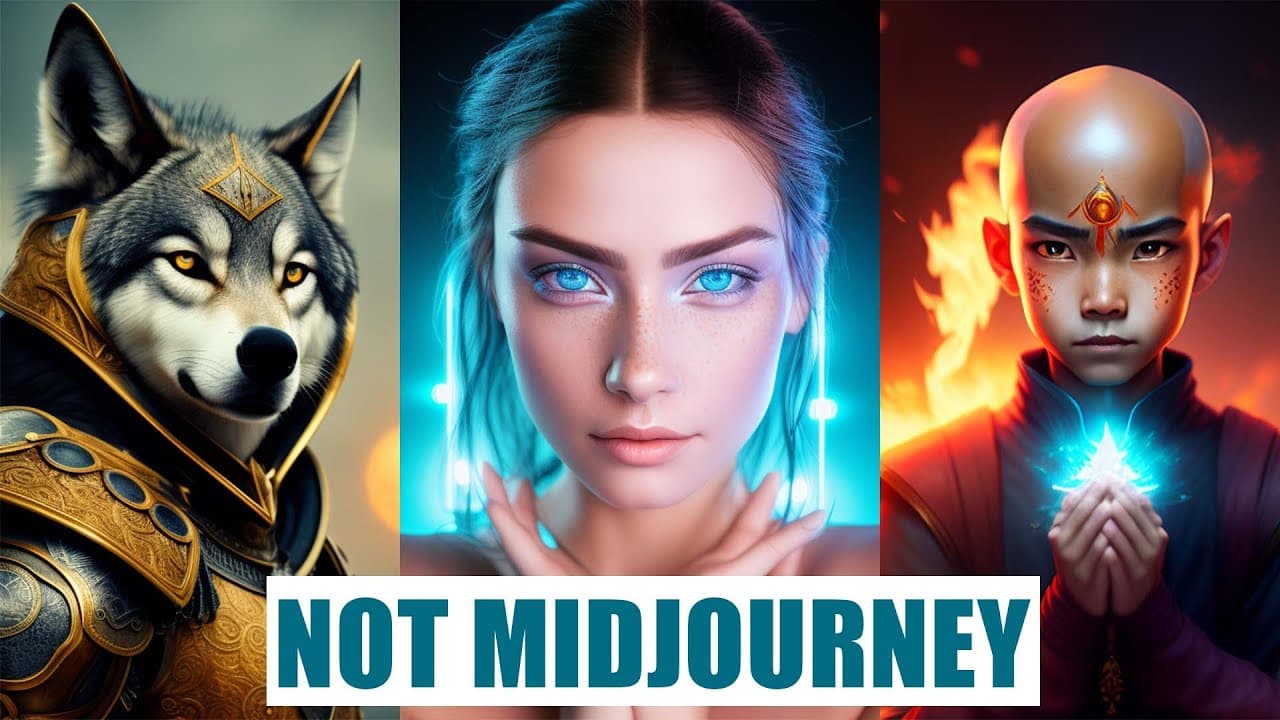
Two free tools, Instant Art and Dreamlike.art, can generate high-quality images similar to Mid-journey, without the need for a subscription.
Transcript
we all know mid-journey makes amazing images but if you want to use mid-journey a lot you need to use a subscription so today I will show you two tools that are totally free that can create amazing images as well so you can create images that look like this or like this so the first tool I want to show is instant art the nice thing about instant ar... Read More
Key Insights
- 🥶 Instant Art and Dreamlike.art are two free tools that allow users to create high-quality images reminiscent of Mid-journey.
- ❓ Instant Art offers various prompts and customization options, while Dreamlike.art provides different models and aspects to prioritize in image generation.
- 🔨 Both tools have their unique features and can be used to explore different artistic styles and concepts.
- 👻 Instant Art has a live feed feature that allows users to view and be inspired by images created by others.
- 🫵 Dreamlike.art offers a studio feature where users can view details and information about their generated images.
- ❓ The image quality in Instant Art may vary, and it is recommended to explore different models to achieve desired results.
- 😒 Dreamlike.art uses credits for image generation, with new credits allocated every hour, making it accessible and free to use.
Install to Summarize YouTube Videos and Get Transcripts
Explore YouTube Video Summarizer or Get YouTube Transcript Extractor
Questions & Answers
Q: How can I access Instant Art and start creating images?
To access Instant Art, simply go to instantart.io, create an account, and explore the various prompts provided on the website. You can use these prompts or create your own to generate stunning images.
Q: Can I customize the image generated by Instant Art?
Yes, you can customize the image by describing your desired image in the "Describe your image" section. You can also use negative prompts to exclude specific elements like colors or objects from the generated image.
Q: Is there an option to choose different dimensions for the image in Instant Art?
Yes, Instant Art provides various dimension options including landscape, square, and portrait. You can choose the dimension that suits your requirement before generating the image.
Q: What are the different models available in Dreamlike.art?
Dreamlike.art offers three different models, namely diffusion one, dreamlike diffusion, and stable diffusion, each producing images with distinct styles. You can choose the model that aligns with your creative vision.
Key Insights:
- Instant Art and Dreamlike.art are two free tools that allow users to create high-quality images reminiscent of Mid-journey.
- Instant Art offers various prompts and customization options, while Dreamlike.art provides different models and aspects to prioritize in image generation.
- Both tools have their unique features and can be used to explore different artistic styles and concepts.
- Instant Art has a live feed feature that allows users to view and be inspired by images created by others.
- Dreamlike.art offers a studio feature where users can view details and information about their generated images.
- The image quality in Instant Art may vary, and it is recommended to explore different models to achieve desired results.
- Dreamlike.art uses credits for image generation, with new credits allocated every hour, making it accessible and free to use.
- Both tools offer a user-friendly interface and provide an opportunity for artists and creators to experiment and create visually stunning images without any cost.
Summary & Key Takeaways
-
Instant Art is a browser-based tool that allows users to generate beautiful images using various prompts and download them.
-
Dreamlike.art is another free tool that offers different models and prompts to create realistic and visually appealing images.
-
Both tools provide an opportunity to explore different styles and generate images similar to Mid-journey without any cost.
Read in Other Languages (beta)
Share This Summary 📚
Summarize YouTube Videos and Get Video Transcripts with 1-Click
Try YouTube Summary with ChatGPT & Claude or YouTube Transcript Generator
Explore More Summaries from Maximize 📚
Summarize YouTube Videos and Get Video Transcripts with 1-Click
Try YouTube Summary with ChatGPT & Claude or YouTube Transcript Generator