What Are the Different Types of Networking Cables?
TL;DR
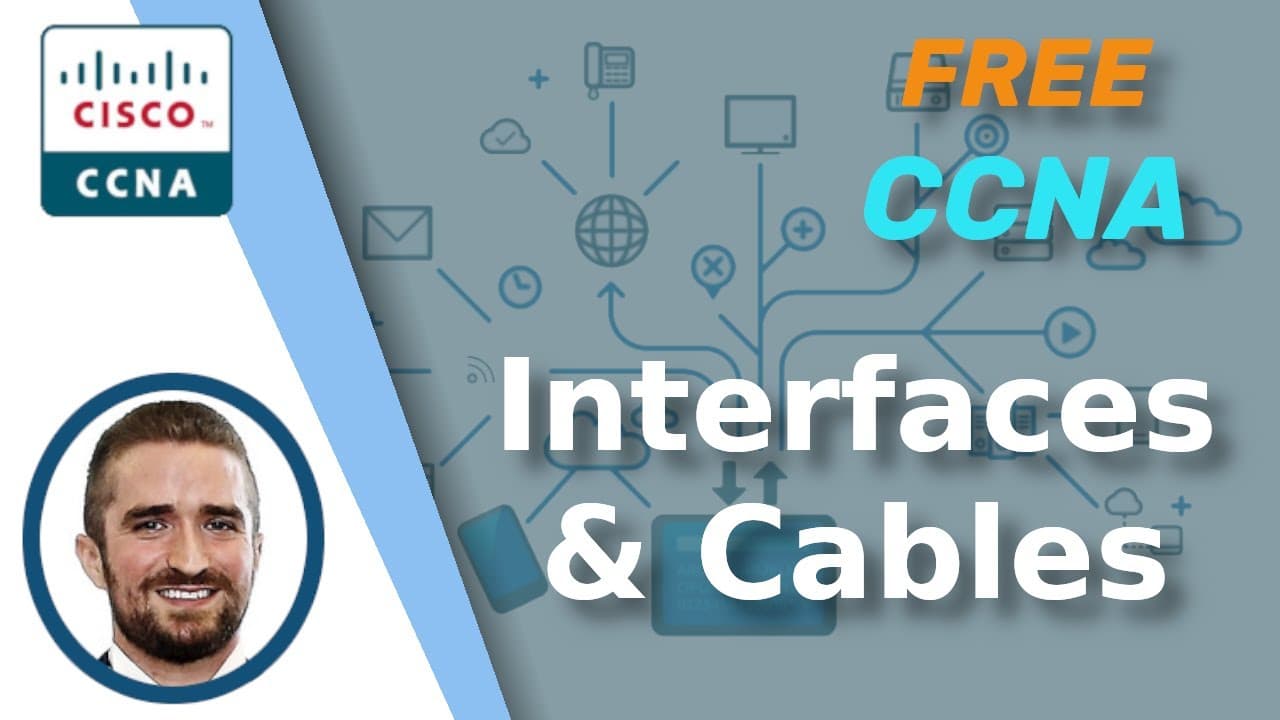
Networking cables primarily include UTP (Unshielded Twisted Pair) and fiber-optic cables. UTP cables are cost-effective but limited to 100 meters, while fiber-optic cables support longer distances and are more secure. Understanding the characteristics and standards of these cables is essential for effective network setups.
Transcript
Welcome to my complete CCNA, Cisco Certified Network Associate course. This is Jeremy’s IT Lab. This course aims to be a complete course for the CCNA, including everything you need to pass the exam, all 100% free. Stay tuned till the end of the video for the quiz to test your knowledge of the material in this video. Also, remember to download and u... Read More
Key Insights
- 🚠 UTP cables, also known as copper Ethernet cables, are commonly used for short-range connections in local area networks (LANs).
- 🚄 Fiber-optic cables are becoming increasingly popular for long-distance and high-speed connections.
- 😴 Auto MDI-X is a feature that allows devices to automatically detect and adjust to the pins and wires used for data transmission and reception.
- 🐎 Standards such as IEEE 802.3 define different cable types and speeds, ensuring compatibility and interoperability between network devices.
- 😫 It is important to understand the differences and limitations of UTP and fiber-optic cables when planning and setting up a network.
- 🚠 Straight-through and crossover cables are used to connect devices with different or similar functions, respectively.
- 🚠 Single-mode fiber-optic cables support longer distances than multimode fiber-optic cables, but are more expensive.
- 🫦 Network speeds are measured in bits per second (bps), with various units such as kilobits per second (Kbps) and gigabits per second (Gbps).
Install to Summarize YouTube Videos and Get Transcripts
Explore YouTube Video Summarizer or Get YouTube Transcript Extractor
Questions & Answers
Q: What is the purpose of network protocols and standards?
Network protocols and standards provide an agreed-upon system of communication between network devices, ensuring compatibility and efficient data transmission.
Q: What is the difference between straight-through and crossover cables?
Straight-through cables are used to connect devices with different functions, while crossover cables are used to connect devices with the same function, such as two routers or two PCs.
Q: How do UTP cables transmit and receive data?
UTP cables transmit data on specific pairs of wires, while receiving data on other pairs. This allows for full-duplex transmission, where devices can send and receive data simultaneously.
Q: What are the advantages of using fiber-optic cables?
Fiber-optic cables support longer distances, offer higher security, and are immune to electromagnetic interference. They are commonly used for long-distance connections between buildings or offices.
Key Insights:
- UTP cables, also known as copper Ethernet cables, are commonly used for short-range connections in local area networks (LANs).
- Fiber-optic cables are becoming increasingly popular for long-distance and high-speed connections.
- Auto MDI-X is a feature that allows devices to automatically detect and adjust to the pins and wires used for data transmission and reception.
- Standards such as IEEE 802.3 define different cable types and speeds, ensuring compatibility and interoperability between network devices.
- It is important to understand the differences and limitations of UTP and fiber-optic cables when planning and setting up a network.
- Straight-through and crossover cables are used to connect devices with different or similar functions, respectively.
- Single-mode fiber-optic cables support longer distances than multimode fiber-optic cables, but are more expensive.
- Network speeds are measured in bits per second (bps), with various units such as kilobits per second (Kbps) and gigabits per second (Gbps).
- Understanding the different cable types and standards is crucial for passing the CCNA exam and for real-world networking scenarios.
Summary & Key Takeaways
-
The video covers the different interfaces and cables used in networking, focusing on UTP and fiber-optic cables.
-
UTP cables, also known as copper Ethernet cables, are cheaper but have shorter maximum cable lengths.
-
Fiber-optic cables are more expensive but support longer distances and offer higher security.
Read in Other Languages (beta)
Share This Summary 📚
Summarize YouTube Videos and Get Video Transcripts with 1-Click
Try YouTube Summary with ChatGPT & Claude or YouTube Transcript Generator
Explore More Summaries from Jeremy's IT Lab 📚

Summarize YouTube Videos and Get Video Transcripts with 1-Click
Try YouTube Summary with ChatGPT & Claude or YouTube Transcript Generator