How to Create Flashcards with Articulate Storyline (Tutorial for Beginners)
TL;DR
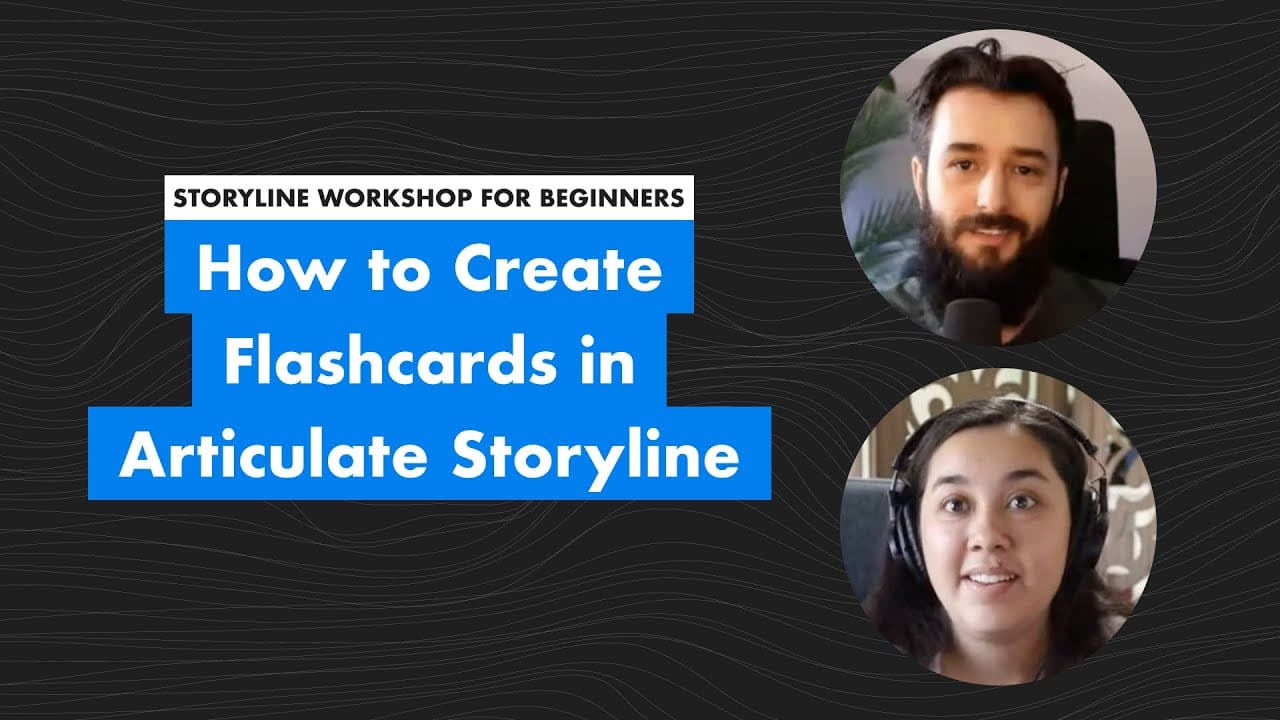
Isabella leads a beginner-friendly workshop on creating flashcards in Storyline, demonstrating project setup and triggers in detail.
Transcript
all right hi everybody and welcome to a beginner storyline workshop we are here with isabella the newest content creator on the team who's going to help lead some weekly storyline content for you all here in the new community space um so yeah today we are building flashcards with isabella i'm gonna join you again at the end but we're gonna hand it ... Read More
Key Insights
- 🏛️ Isabella provides a beginner-friendly approach to building interactive flashcards in Storyline.
- 🛝 The workshop covers foundational concepts such as slide size adjustment, shape handling, text formatting, and trigger setup.
- 🔄 Participants in the workshop can learn practical skills like creating questions, answers, and interactive navigation buttons.
- 🦮 Isabella's tutorial sessions offer a step-by-step guide for learners to understand and implement flashcard creation effectively.
- ❓ The workshop highlights the importance of organizing content in a Google Doc for easy transfer to Storyline.
- 🤗 Participants get hands-on experience in adjusting slide elements, setting up triggers, and ensuring interactive functionality.
- 👤 Isabella's detailed explanations and demonstrations help novice users grasp essential Storyline functionalities for creating engaging e-learning content.
Install to Summarize YouTube Videos and Get Transcripts
Explore YouTube Video Summarizer or Get YouTube Transcript Extractor
Questions & Answers
Q: Who is leading the beginner storyline workshop?
Isabella, the newest content creator on the team, is leading the workshop, guiding participants through flashcard creation.
Q: How does Isabella showcase creating flashcards with Storyline?
Isabella uses a Google Doc for content, shows adjusting slide size, adding shapes, formatting text, and setting up triggers.
Q: How does Isabella demonstrate the interactive nature of the flashcards?
Isabella demonstrates how users can view questions, answers, and click on next buttons to navigate through the flashcards interactively.
Q: What features does Isabella emphasize for the flashcard design?
Isabella focuses on changing shape colors, alignment, text formatting, setting up answer layers, and showcasing hover effects on buttons.
Summary & Key Takeaways
-
Isabella introduces herself and shows how to create flashcards in Storyline using a Google Doc for content.
-
In the workshop, she guides participants through adjusting slide size, adding shapes, formatting text, and setting up triggers.
-
The workshop concludes with a demo of three slides with questions, answers, and interactive next buttons.
Read in Other Languages (beta)
Share This Summary 📚
Summarize YouTube Videos and Get Video Transcripts with 1-Click
Try YouTube Summary with ChatGPT & Claude or YouTube Transcript Generator
Explore More Summaries from Devlin Peck 📚






Summarize YouTube Videos and Get Video Transcripts with 1-Click
Try YouTube Summary with ChatGPT & Claude or YouTube Transcript Generator