Understanding Google VR SDK and Google VR
TL;DR
This content provides an overview of why and how to use Google VR Cardboard to develop virtual reality experiences using Unity.
Transcript
good day everyone in our previous lectures we have looked at an introduction to virtual reality we have understood the basics of virtual reality what is it required to develop a virtual reality experience what are the different types of hardware softwares and various other things in virtual reality we also have looked at unity which is our intended... Read More
Key Insights
- 🪡 Google VR Cardboard offers a cost-effective solution for developing virtual reality experiences, reducing the need for expensive equipment.
- 🫵 The design for Google VR Cardboard is freely available on Google's website, making it accessible for anyone to create their own VR viewer.
- 🏆 The Google VR SDK, when used with Unity, provides a powerful combination for developing and testing virtual reality experiences.
- 🎮 The emulator and reticle pointer functions in Unity are essential for visualizing and controlling the virtual reality experience.
- 👻 Google VR Cardboard is ideal for prototyping and demonstrating VR experiences, allowing developers and startups to showcase their ideas without high costs.
- 🚶 Users can experience a first-person view in virtual reality, with the ability to walk and teleport in the VR environment.
- ❓ By using Google VR Cardboard, developers can explore various opportunities and features in virtual reality.
Install to Summarize YouTube Videos and Get Transcripts
Explore YouTube Video Summarizer or Get YouTube Transcript Extractor
Questions & Answers
Q: What is the purpose of using Google VR Cardboard for virtual reality development?
Google VR Cardboard is a cost-effective option that allows developers to quickly prototype and demonstrate virtual reality experiences without significant expenses. It offers various opportunities, such as walking in virtual reality and teleporting.
Q: How does one obtain Google VR Cardboard?
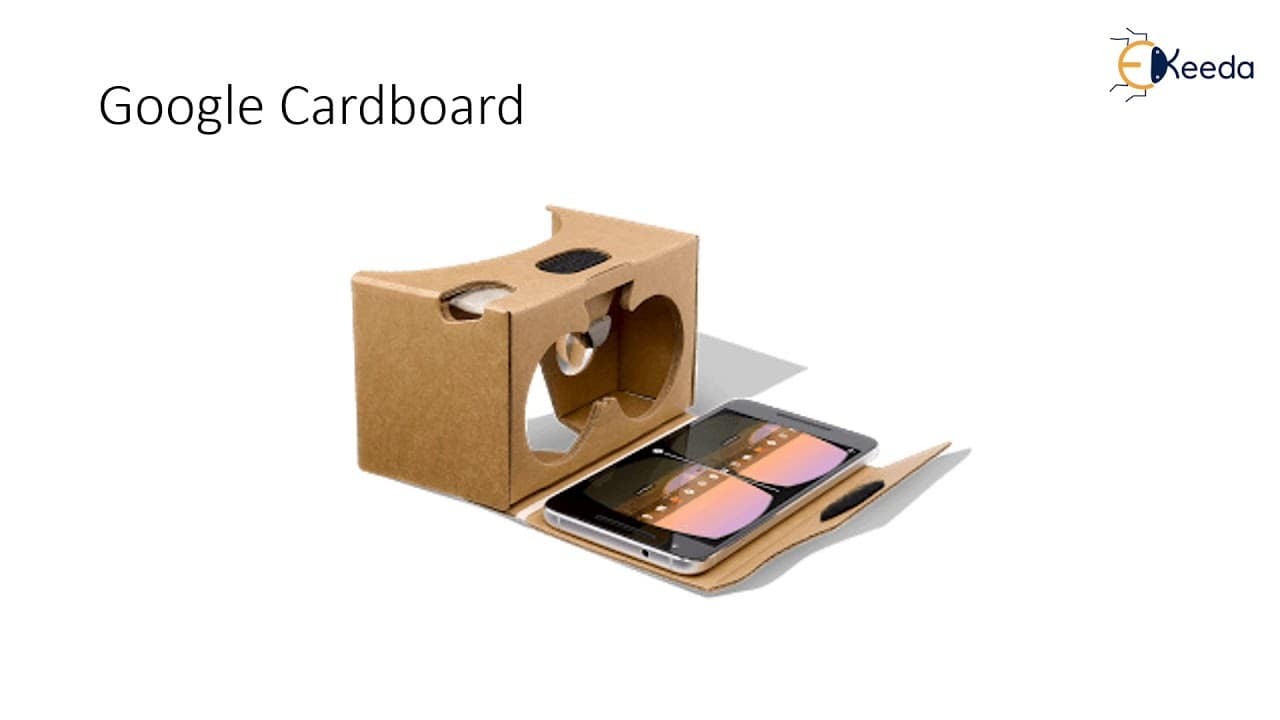
The design for Google VR Cardboard is freely available on Google's website. By following the design and using affordable materials, such as cardboard and specialized lenses, anyone can create their own Google VR Cardboard.
Q: Can Google VR Cardboard work with any cell phone?
Yes, Google VR Cardboard is compatible with both Android and iOS cell phones. It is not restricted to any particular software, making it highly versatile for developers and users.
Q: What is the role of the Google VR SDK and Unity in virtual reality development?
The Google VR SDK, which can be downloaded from the GitHub page, is used in conjunction with Unity to create virtual reality experiences. Unity provides an easy-to-use platform for utilizing the Google VR SDK features and developing VR content.
Summary & Key Takeaways
-
The content introduces the use of Google VR Cardboard, a low-cost and accessible option to develop virtual reality experiences.
-
Google VR Cardboard requires a simple cardboard design, specialized lenses, and any Android or iOS cell phone.
-
The Google VR SDK, available on GitHub, is used with Unity to develop the virtual reality experiences.
Read in Other Languages (beta)
Share This Summary 📚
Summarize YouTube Videos and Get Video Transcripts with 1-Click
Try YouTube Summary with ChatGPT & Claude or YouTube Transcript Generator
Explore More Summaries from Ekeeda 📚






Summarize YouTube Videos and Get Video Transcripts with 1-Click
Try YouTube Summary with ChatGPT & Claude or YouTube Transcript Generator