Is it finally worth being an iPad artist?
TL;DR
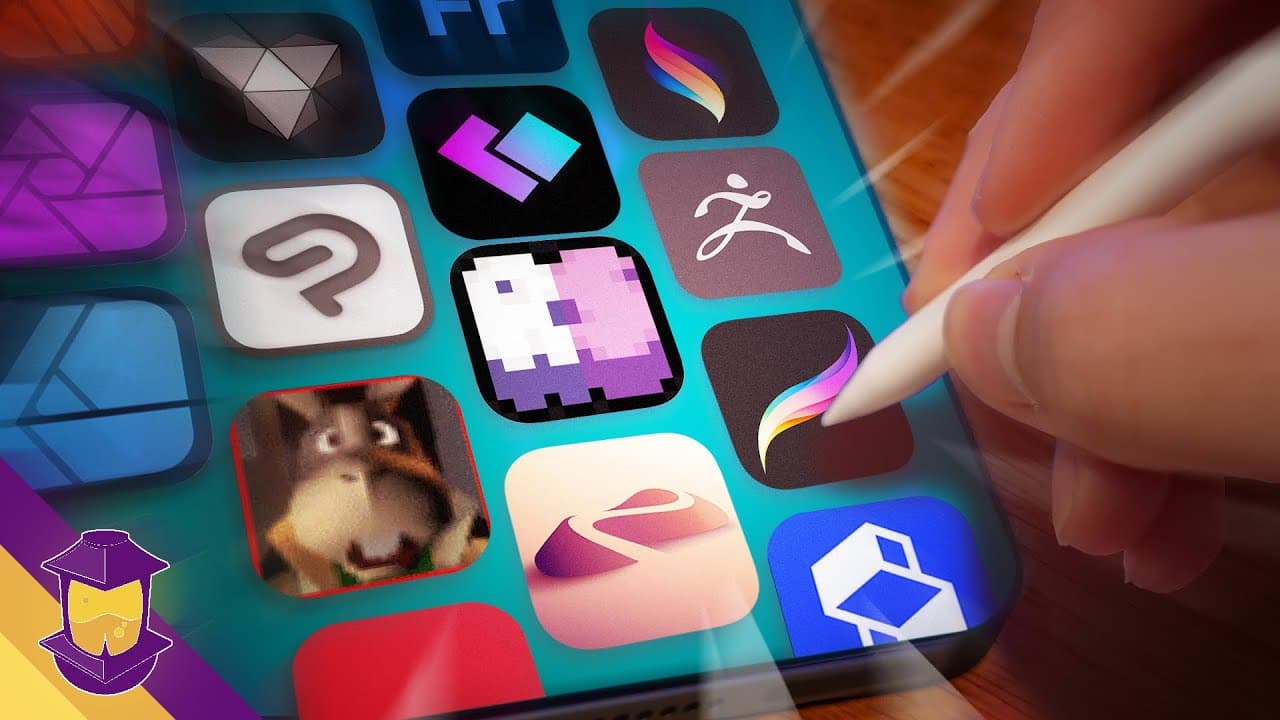
Exploring the new iPad Pro's impact on digital art.
Transcript
oh nothing just trying to find one angle of my office that isn't messy hey there folks this is a quick little video that I'm trying to make practical for you as an artist this isn't a hardware review Channel but the perspective that I can offer is that of an artist who has been using the iPad Pro for I think it's actually been 10 whole years now fo... Read More
Key Insights
- The new iPad Pro features the M4 chip and Apple Pencil Pro, enhancing performance and user experience for artists.
- The iPad Air's larger screen and improved internals lower the entry cost for aspiring digital artists.
- OLED screens on iPads offer better color accuracy, though concerns about burn-in persist for heavy users.
- The iPad ecosystem provides a cost-effective alternative to traditional desktop setups with fewer ongoing software costs.
- Procreate's software improvements, including potential infinite layers, make it a powerful tool for digital artists.
- Apple's integration of AI, primarily through neural engines, focuses on enhancing user experience with smart tasks.
- The iPad supports a range of creative applications, from 2D illustration to 3D sculpting, though limitations exist for full 3D modeling.
- Procreate's potential expansion to desktop could disrupt the digital art software market significantly.
Install to Summarize YouTube Videos and Get Transcripts
Explore YouTube Video Summarizer or Get YouTube Transcript Extractor
Questions & Answers
Q: What are the key features of the new iPad Pro for artists?
The new iPad Pro includes the M4 chip, which enhances speed and performance, and the Apple Pencil Pro, which introduces a physical button and barrel roll feature for better control. These features make the iPad Pro a powerful tool for digital artists, offering improved user experience and future-proofing for professional work.
Q: How does the iPad Air compare to the iPad Pro for digital art?
The iPad Air now features a larger screen and improved internals, making it a more affordable option for aspiring digital artists. While it lacks some of the advanced features of the iPad Pro, such as the M4 chip and Apple Pencil Pro, it provides a cost-effective alternative with sufficient capabilities for most digital art needs.
Q: What concerns exist regarding the OLED screens on iPads?
While OLED screens offer better color accuracy and brightness, there are concerns about burn-in for elements displayed constantly, such as the Procreate interface. However, experiments suggest that burn-in is a non-issue for most users, as it takes extensive use to show signs of wear.
Q: How does the iPad ecosystem offer a cost-effective alternative for digital artists?
The iPad ecosystem allows artists to purchase a device, an Apple Pencil, and Procreate for a one-time fee, eliminating ongoing software subscription costs typical of desktop setups. This makes it a more affordable option for artists, especially those starting in digital art.
Q: What improvements have been made to Procreate software?
Procreate has overhauled its architecture, potentially allowing for infinite layers in the future. This improvement, along with the advancements in iPad hardware, makes Procreate a powerful tool for digital artists, offering extensive creative possibilities without the limitations previously associated with layer count.
Q: How is Apple integrating AI into its products, and what are the implications?
Apple integrates AI primarily through its neural engines, focusing on smart tasks like background isolation in Final Cut. While these enhancements improve user experience, Apple's mention of AI in the context of machine learning-generated images raises concerns about ethical data use, though they may be using licensed datasets.
Q: What creative applications does the iPad support, and what are its limitations?
The iPad supports a range of creative applications, from 2D illustration with Procreate to 3D sculpting with Nomad Sculpt. However, it still faces limitations for full 3D modeling and animation, with desktop applications like Blender offering more comprehensive features for these purposes.
Q: What impact could Procreate's potential expansion to desktop have on the market?
Procreate's expansion to desktop could significantly disrupt the digital art software market, offering a powerful alternative to established programs like Adobe Photoshop. This move could attract artists seeking a cost-effective, feature-rich solution for their digital art needs, challenging the dominance of subscription-based software.
Summary & Key Takeaways
-
The new iPad Pro, featuring the M4 chip and Apple Pencil Pro, offers significant improvements for digital artists. It enhances performance and user experience, making it a viable option for professional work.
-
With the iPad Air's larger screen and improved internals, the entry cost for aspiring digital artists is lower, providing a cost-effective alternative to traditional desktop setups.
-
The iPad supports a range of creative applications, from 2D illustration to 3D sculpting, though it still faces limitations for full 3D modeling. Procreate's potential expansion to desktop could significantly impact the digital art software market.
Read in Other Languages (beta)
Share This Summary 📚
Summarize YouTube Videos and Get Video Transcripts with 1-Click
Try YouTube Summary with ChatGPT & Claude or YouTube Transcript Generator