How To Make Your iPhone Battery Twice As Good!
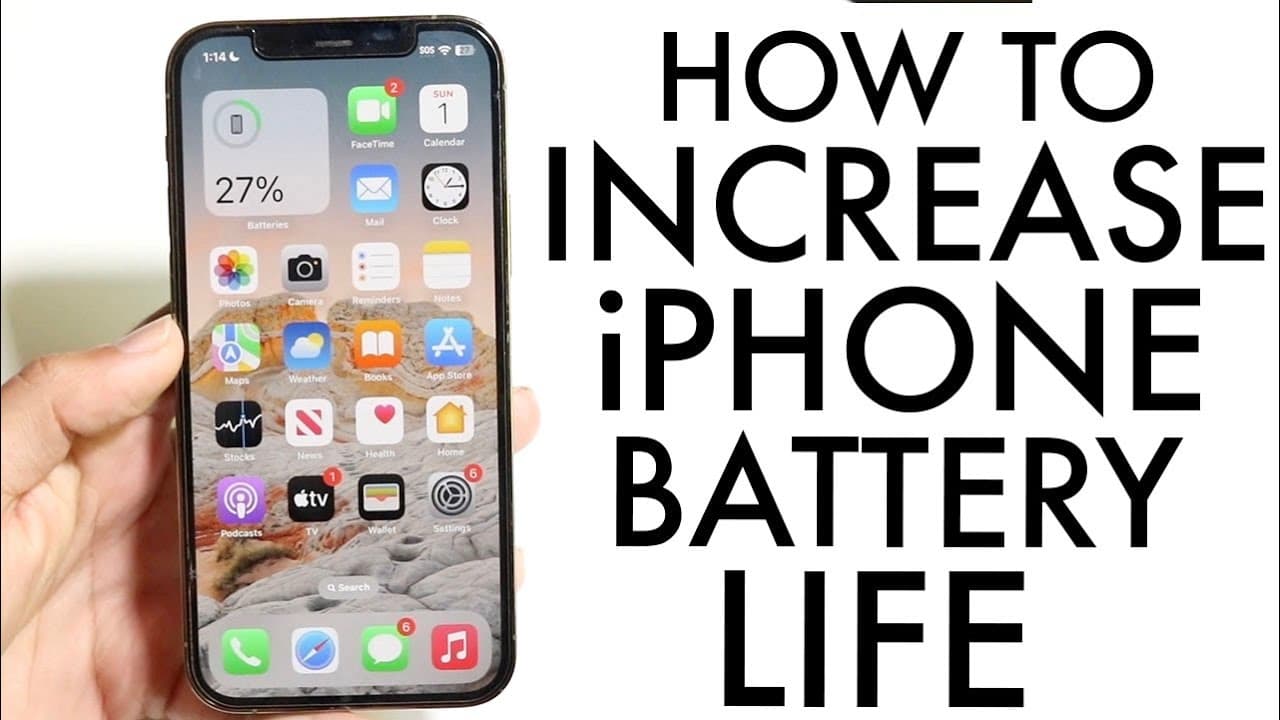
TL;DR
Learn effective strategies to enhance your iPhone's battery life significantly.
Transcript
everyone I wanted to go and show you a few different ways of making your iPhone battery twice as good as it could be now it may not be twice is good maybe it'll be more maybe it'll be less but there's a lot of things I'd recommend doing just to go ahead and kind of make sure that your iPhone battery life is better than it was you know before the ea... Read More
Key Insights
- 🛟 Managing screen brightness is an essential step in preserving iPhone battery life.
- 🔋 Enabling Low Power Mode can prevent background processes from draining the battery rapidly.
- 🧑🤝🧑 Keeping your device's software up to date is crucial for optimal battery performance.
- 🕶️ Dark mode can significantly reduce battery consumption on OLED displays.
- 🔋 Reducing or removing unused widgets can minimize battery drain from constant updates.
- 🇫🇮 A strong Wi-Fi connection offers better battery efficiency compared to fluctuating between Wi-Fi and cellular.
- 😘 Disabling 5G in low-coverage areas helps maintain battery life.
Install to Summarize YouTube Videos and Get Transcripts
Explore YouTube Video Summarizer or Get YouTube Transcript Extractor
Questions & Answers
Q: What is the most effective way to optimize iPhone battery life?
One of the best methods to optimize your iPhone battery life is by managing screen brightness. Keeping brightness at lower levels rather than maximum can significantly reduce battery consumption. Additionally, opting for manual brightness control instead of automatic adjustments allows for better management based on your current use and environment.
Q: How does enabling Low Power Mode affect battery performance?
Low Power Mode is designed to extend battery life by turning off or reducing background activities such as automatic downloads, mail fetching, and visual effects. For iPhones with a 120Hz display, activating this mode also switches the display refresh rate to 60Hz, which conserves power without sacrificing the user experience significantly.
Q: Why should I keep my iPhone's software updated?
Keeping your iPhone's software updated is critical for battery management. Software updates often contain optimizations that improve battery efficiency, fix bugs that may cause excessive battery drain, and provide new features that enhance battery performance. An out-of-date system can lead to significant battery life issues.
Q: Does using dark mode really help save battery life?
Yes, enabling dark mode can conserve battery life, especially on OLED screens where black pixels do not emit light. This can lead to reduced power consumption compared to light mode. On IPS displays, the effect is less noticeable, but dark mode is still a worth-considering feature for visual comfort and potential battery savings.
Q: What settings should I change for better battery management?
Key settings to modify for improved battery management include turning off unused widgets, reducing background app refresh, and ensuring a stable Wi-Fi connection rather than fluctuating between Wi-Fi and cellular data. Each of these adjustments can alleviate unnecessary battery drainer and prolong your device's battery life.
Q: Is it beneficial to disable 5G for battery saving?
Disabling 5G can be beneficial for battery conservation, particularly in areas where 5G connectivity is weak or fluctuating. Switching to 4G LTE may result in a more stable connection while using less power than 5G, preventing the phone from continually searching for a strong 5G signal.
Q: How can reducing widgets impact my battery life?
Widgets consume battery life as they often refresh data in real-time. By reducing the number of active widgets on your iPhone, you can minimize unnecessary power usage, potentially leading to noticeable improvements in battery lifespan.
Q: What role does Wi-Fi play in conserving battery life?
Maintaining a strong and stable Wi-Fi connection is crucial for battery conservation. If your device constantly switches from Wi-Fi to cellular data due to a weak signal, it can consume more power. A strong Wi-Fi signal allows your iPhone to perform tasks more efficiently, thus saving battery life.
Summary & Key Takeaways
-
Managing brightness levels on your iPhone is crucial; keeping brightness low can greatly reduce battery drain, helping maintain battery health.
-
Enabling Low Power Mode is a simple yet effective strategy that can conserve battery life by limiting background processes and lowering refresh rates.
-
Regular software updates and optimizing settings like Wi-Fi and widget management are vital for maximizing battery efficiency on your iPhone.
Read in Other Languages (beta)
Share This Summary 📚
Summarize YouTube Videos and Get Video Transcripts with 1-Click
Try YouTube Summary with ChatGPT & Claude or YouTube Transcript Generator
Explore More Summaries from Simple Alpaca 📚





Summarize YouTube Videos and Get Video Transcripts with 1-Click
Try YouTube Summary with ChatGPT & Claude or YouTube Transcript Generator