Kaspersky Plus Review: First Impressions
TL;DR
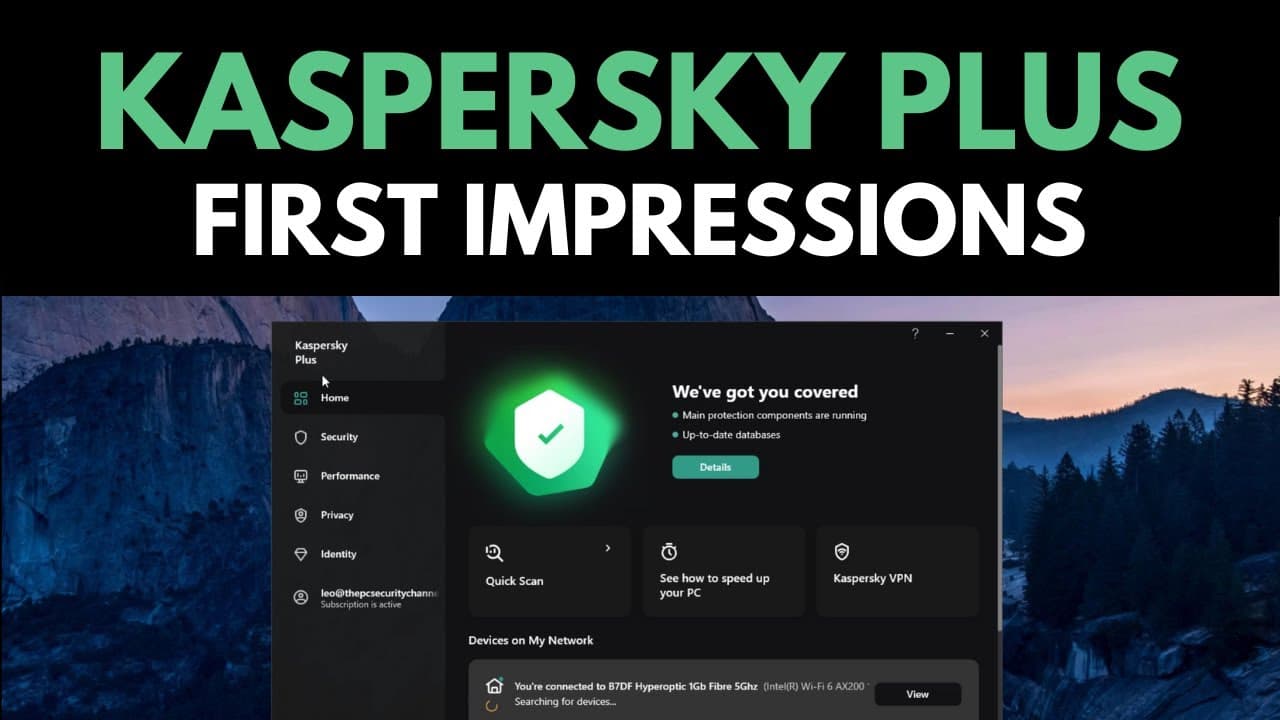
Kaspersky has released new versions of their home products, including a dark theme, timeline of events, network view, PC speed-up tools, customizable deep settings, intrusion prevention, app updater, backup and restore feature, and a clean UI.
Transcript
kaspersky just released new versions of all of their home products and they wanted us to do a first impressions video on day one so i've had access to this for a while i've been checking out some of the new features and as you can tell we've got a dark theme now first off i have kaspersky plus which is likely the successor to kaspersky internet sec... Read More
Key Insights
- 👪 Kaspersky's new home products offer a dark theme and a timeline of antivirus detections on the home screen.
- 🎑 The network view feature allows users to easily monitor the devices connected to their Wi-Fi network.
- 👤 The PC speed-up tools, customizable settings, and intrusion prevention provide users with control over their system's performance and security.
- 🈸 The app updater tool helps users keep their installed applications up to date, reducing vulnerabilities.
- 🧑⚕️ The additional tools, such as duplicate scanner and drive health monitor, are considered sensible inclusions and don't create clutter.
- 🙂 The UI is highly praised for its clean design and the ability to switch seamlessly between dark and light modes.
- 😆 The password manager and VPN have separate UIs, allowing users to uninstall them independently, but it also means a different UI experience.
Install to Summarize YouTube Videos and Get Transcripts
Explore YouTube Video Summarizer or Get YouTube Transcript Extractor
Questions & Answers
Q: What are the key features of Kaspersky's new home products?
The new Kaspersky home products include a dark theme, a timeline of events, network view, PC speed-up tools, customizable settings, intrusion prevention, app updater, backup and restore feature, and a clean UI.
Q: Can Kaspersky's VPN be considered as a reliable option?
Yes, based on the reviewer's experience, Kaspersky's VPN has performed on par with mainstream options or even better in terms of performance and usability.
Q: Are all the features accessible in the simplified UI?
Yes, despite the simplified UI, all the features and settings are still accessible through the actual settings, providing users with the same amount of control as before.
Q: How does Kaspersky's intrusion prevention compare to other home products?
The reviewer praises Kaspersky's intrusion prevention implementation for not being overly aggressive, balancing user control and security. It allows users to limit certain applications while avoiding excessive pop-ups.
Key Insights:
- Kaspersky's new home products offer a dark theme and a timeline of antivirus detections on the home screen.
- The network view feature allows users to easily monitor the devices connected to their Wi-Fi network.
- The PC speed-up tools, customizable settings, and intrusion prevention provide users with control over their system's performance and security.
- The app updater tool helps users keep their installed applications up to date, reducing vulnerabilities.
- The additional tools, such as duplicate scanner and drive health monitor, are considered sensible inclusions and don't create clutter.
- The UI is highly praised for its clean design and the ability to switch seamlessly between dark and light modes.
- The password manager and VPN have separate UIs, allowing users to uninstall them independently, but it also means a different UI experience.
- Overall, Kaspersky's new home products are seen as appealing and useful, and the reviewer is eager to test them against malware in a follow-up video.
Summary & Key Takeaways
-
Kaspersky has released new versions of their home products, featuring a dark theme and a timeline of antivirus detections.
-
The updated home screen includes a network view of all devices connected to the network, allowing users to easily monitor their Wi-Fi usage.
-
The new version also offers PC speed-up tools, customizable deep settings, intrusion prevention, app updater, backup and restore feature, and a clean UI.
Read in Other Languages (beta)
Share This Summary 📚
Summarize YouTube Videos and Get Video Transcripts with 1-Click
Try YouTube Summary with ChatGPT & Claude or YouTube Transcript Generator
Explore More Summaries from The PC Security Channel 📚






Summarize YouTube Videos and Get Video Transcripts with 1-Click
Try YouTube Summary with ChatGPT & Claude or YouTube Transcript Generator