Recover Files from Failing External HFS+ Mac Hard Drive using Windows
TL;DR
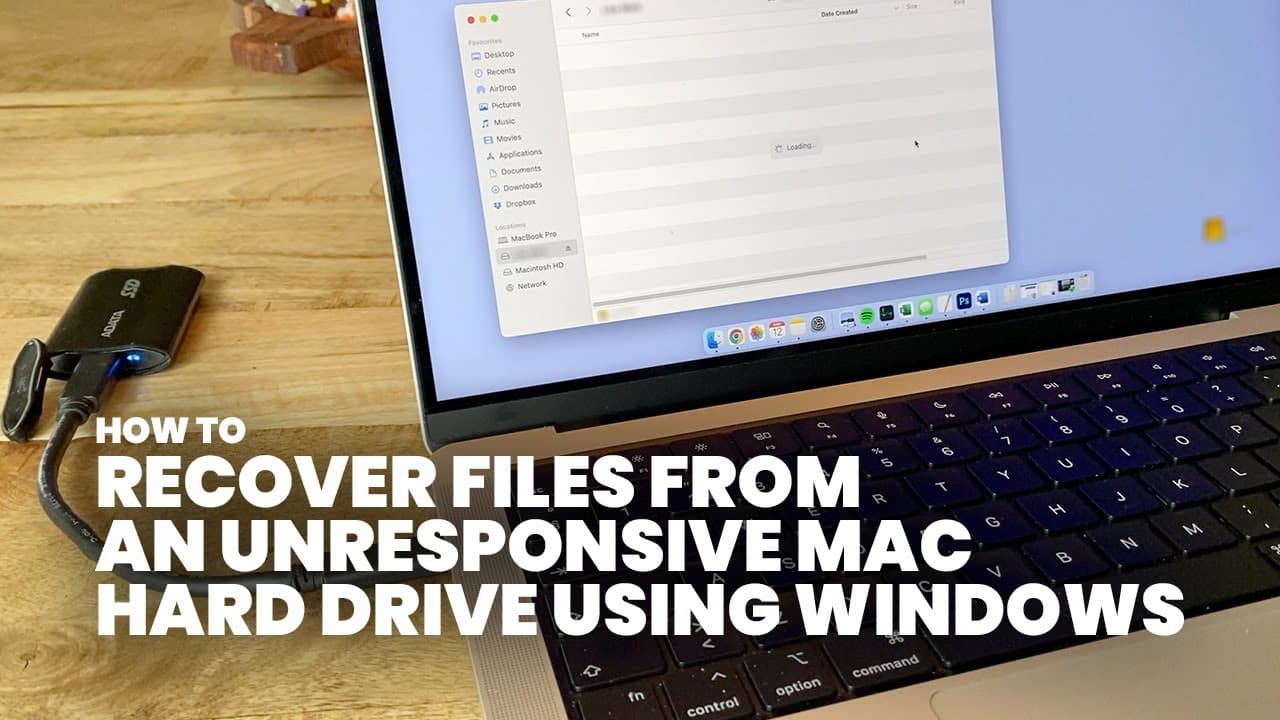
This guide explains how to recover files from a Mac-formatted external hard drive using Windows.
Transcript
hi I got this Mac OS HFS plus Mac OS extended formatted external hard drive that is for whatever reason not allowing me to browse its contents on my MacBook I've tried it on several Mac computers and it just says loading and that's about it now this might indicate that the drive is starting to fail however in this case I really needed some files of... Read More
Key Insights
- 😚 External hard drives formatted for Mac OS might become unreadable on Macs, signaling potential failure.
- 🦺 Attempting to recover files using Windows instead of formatting is a safer approach.
- 💁 HFS Explorer is a valuable tool for accessing Mac-formatted drives on Windows computers.
- 🌸 Proper procedures must be followed to avoid data loss when handling problematic drives.
- 🪛 Identifying the correct drive in storage management is critical to avoid accidental damage.
- 🎚️ There is a level of uncertainty in recovering data from deteriorating drives; using professional help is sometimes necessary.
- 🥹 Backing up important data regularly can prevent emergencies with failing drives.
Install to Summarize YouTube Videos and Get Transcripts
Explore YouTube Video Summarizer or Get YouTube Transcript Extractor
Questions & Answers
Q: What should I do if my Mac-formatted drive is not recognized on my MacBook?
If your Mac-formatted drive isn't recognized, especially as it loads endlessly, it might indicate potential failure. You can attempt recovery using a Windows PC and appropriate software. However, contacting a professional data recovery service is advised if the files are crucial, as they may ensure recovery in a safer manner.
Q: Why is formatting a Mac external drive on Windows dangerous?
Formatting a Mac external drive on a Windows system would erase all its data, as Windows does not recognize the HFS Plus format. It's imperative to click 'No' when prompted to format the drive to prevent permanent data loss, especially if the files on the drive are important.
Q: What software do I need to recover files from a Mac-formatted drive?
You will need HFS Explorer, a specific software tailored to read HFS Plus file systems. After installing this program on Windows, it allows users to load the file system of the external drive and extract the needed files without formatting or damaging the data.
Q: How can I ensure I’m selecting the correct drive in Windows?
Ensure you open the storage management settings on your Windows PC and identify your connected drives based on their listings. Typically, they will be labeled by designation, such as "dis 3." It's critical to confirm that you are not altering any settings or formatting anything within this management window to avoid data loss.
Q: Can this method guarantee recovery of all files on the drive?
There are no guarantees that all files can be recovered using this method. The success largely depends on the condition of the failing drive and the extent of the corruption. Following this guide provides a chance to recover accessible files, but results may vary.
Q: What should I do if HFS Explorer fails to recognize my hard drive?
If HFS Explorer does not recognize the hard drive, consider checking the drive's physical connections, trying a different USB cable or port, or rebooting your computer. If issues persist, the drive may be more damaged than initially thought, requiring professional assessment.
Summary & Key Takeaways
-
The guide describes a method to recover data from a failing Mac OS HFS plus formatted external hard drive using a Windows PC.
-
It emphasizes the importance of not formatting the drive if prompted, as this could erase all data.
-
The user is instructed to download and utilize HFS Explorer to access and extract files without risking data loss.
Read in Other Languages (beta)
Share This Summary 📚
Summarize YouTube Videos and Get Video Transcripts with 1-Click
Try YouTube Summary with ChatGPT & Claude or YouTube Transcript Generator
Explore More Summaries from Get There Faster 📚



Summarize YouTube Videos and Get Video Transcripts with 1-Click
Try YouTube Summary with ChatGPT & Claude or YouTube Transcript Generator