Why EVERYONE Should Use a Password Manager (I learned the hard way…)
TL;DR
Password managers enhance online security by generating and storing unique passwords.
Transcript
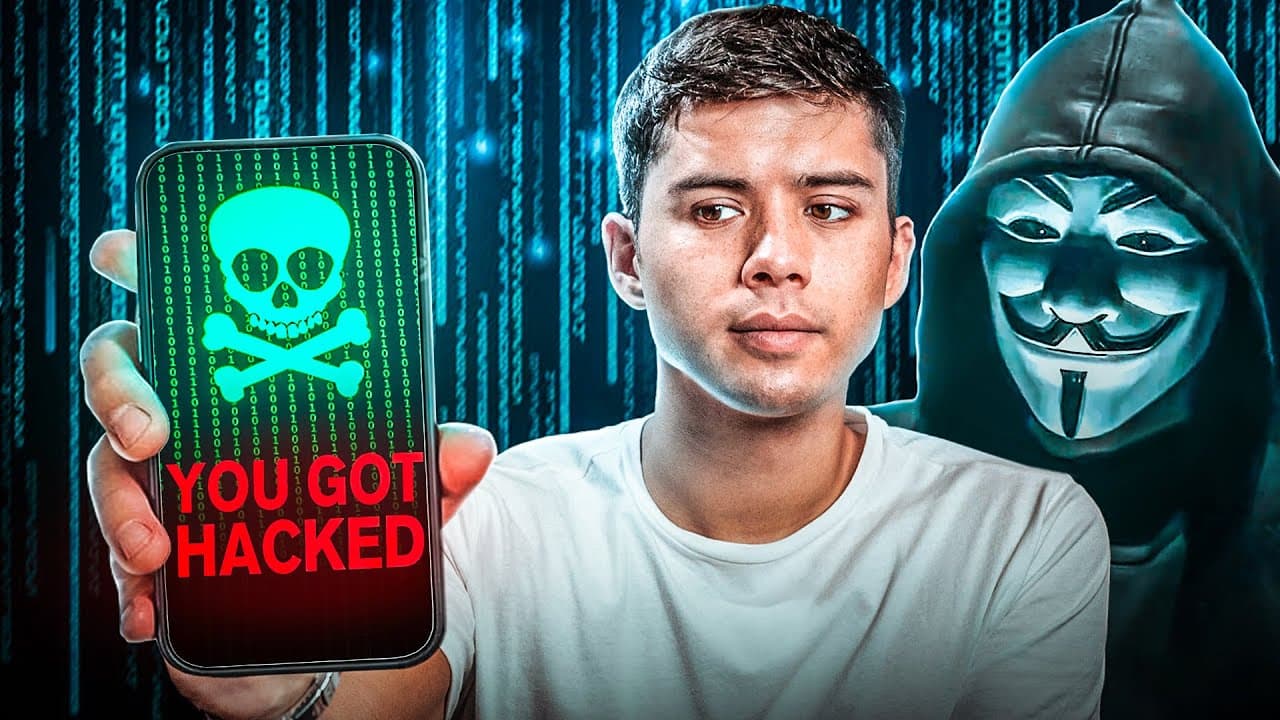
in 2016 a friend came up to me and he said Mike your online password is right and I just looked at him being shock I didn't know what to say I was thinking how do you know that and it was at that moment that I knew I needed to get a password manager and it turns out in 2012 the cloud storage company that I was using Dropbox their database was hacke... Read More
Key Insights
- The speaker learned about the importance of password managers after a friend revealed his password, highlighting the risk of reusing passwords across multiple accounts.
- In 2012, Dropbox was hacked, leaking 68 million passwords, emphasizing the need for unique passwords for each account to prevent unauthorized access.
- Password managers like Keeper Security simplify online security by generating strong passwords and storing them securely for easy access.
- Using a password manager reduces the risk of password breaches, as it encourages the use of long and complex passwords that are difficult to crack.
- Keeper Security offers a Chrome extension that facilitates quick and secure logins, reducing the hassle of manually entering login credentials.
- The tool provides a security audit feature, offering users an overview of their password strength and reuse across accounts, enhancing overall security awareness.
- Keeper Security not only manages passwords but also stores personal information and payment details, streamlining online transactions.
- The video promotes a 50% discount on Keeper Security's personal and family plans, encouraging viewers to adopt better security practices.
Install to Summarize YouTube Videos and Get Transcripts
Explore YouTube Video Summarizer or Get YouTube Transcript Extractor
Questions & Answers
Q: Why did the speaker decide to use a password manager?
The speaker decided to use a password manager after a friend revealed his password to him, which highlighted the risk of reusing the same password across multiple accounts. This incident made him realize the importance of having unique passwords for each account to enhance online security.
Q: What was the consequence of the Dropbox hack in 2012?
The Dropbox hack in 2012 resulted in the leak of 68 million passwords, including the speaker's. This breach underscored the importance of not reusing passwords across different accounts, as a single compromised password could lead to unauthorized access to multiple accounts.
Q: What features does Keeper Security offer?
Keeper Security offers several features, including generating strong passwords, storing them securely, and providing a Chrome extension for quick logins. It also includes a security audit feature that assesses password strength and reuse, and it stores personal information and payment details for streamlined online transactions.
Q: How does Keeper Security enhance password security?
Keeper Security enhances password security by generating long and complex passwords that are difficult to crack. It stores these passwords securely, allowing users to access them easily without the need to remember each one. This reduces the risk of password breaches and encourages better security practices.
Q: What is the benefit of using a password manager according to the speaker?
According to the speaker, using a password manager offers several benefits, including faster and more secure logins, the ability to generate strong passwords, and the convenience of securely storing personal information and payment details. It simplifies online security management and reduces the risk of unauthorized access.
Q: What promotional offer is mentioned in the video?
The video mentions a promotional offer of a 50% discount on Keeper Security's personal and family plans. This offer is intended to encourage viewers to adopt better online security practices by using a password manager to manage and protect their passwords and personal information.
Q: What is the purpose of the security audit feature in Keeper Security?
The security audit feature in Keeper Security provides users with an overview of their password strength and reuse across different accounts. This feature helps users identify weak or reused passwords and encourages them to strengthen their overall password security, reducing the risk of unauthorized access.
Q: How does the speaker recommend connecting on LinkedIn?
The speaker recommends connecting on LinkedIn by visiting his profile at 'mikedeeofficial.' He uses LinkedIn to post more business-related content and encourages viewers to connect with him there to stay updated on his professional insights and recommendations.
Summary & Key Takeaways
-
The video discusses the necessity of using password managers to enhance online security. After a personal experience of password exposure, the speaker emphasizes the importance of using unique passwords for each account and introduces Keeper Security as a solution.
-
Keeper Security simplifies password management by generating strong passwords and securely storing them for easy access. The tool also offers features like a security audit and personal information storage, making it a comprehensive solution for online security.
-
The speaker promotes Keeper Security's benefits, including a Chrome extension for quick logins and a security audit feature. A 50% discount on personal and family plans is offered, encouraging viewers to improve their online security practices.
Read in Other Languages (beta)
Share This Summary 📚
Summarize YouTube Videos and Get Video Transcripts with 1-Click
Try YouTube Summary with ChatGPT & Claude or YouTube Transcript Generator
Explore More Summaries from Mike Dee 📚


Summarize YouTube Videos and Get Video Transcripts with 1-Click
Try YouTube Summary with ChatGPT & Claude or YouTube Transcript Generator