How to Use Procreate for Beginners
TL;DR
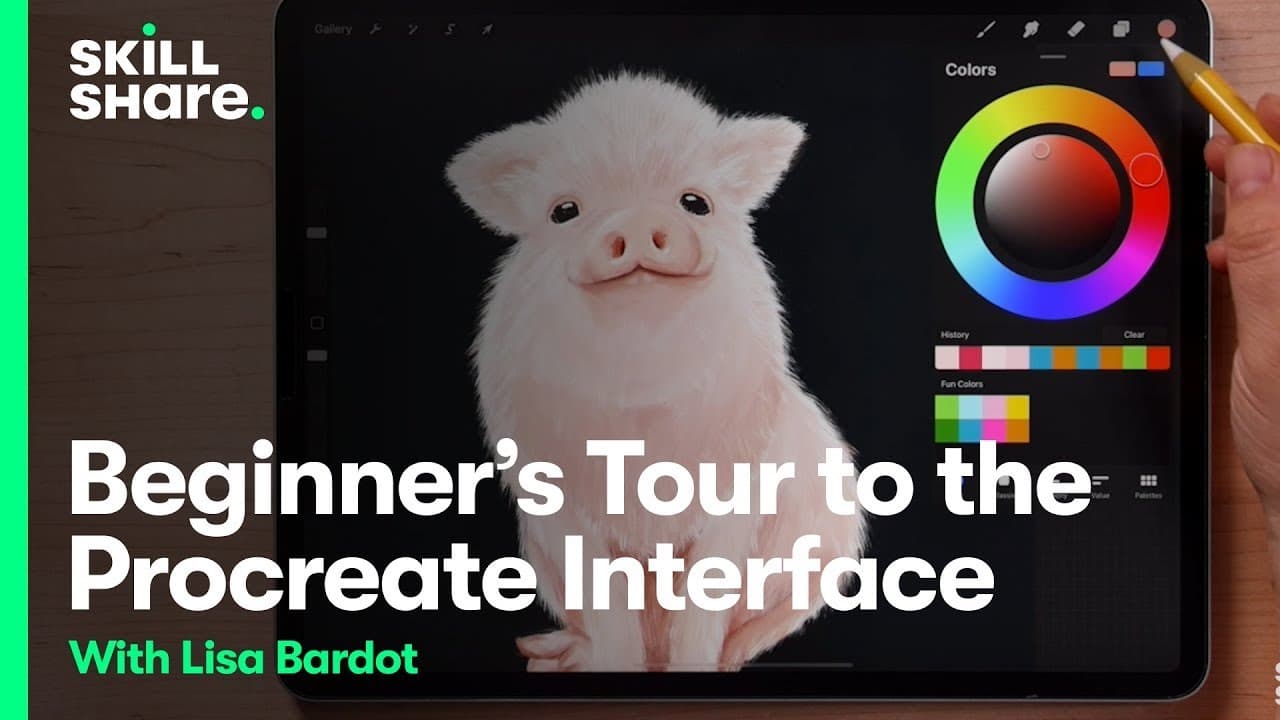
Lisa Bardeaux teaches Procreate basics, including color selection, tools like brushes and erasers, layers, sliders, gestures, and menus.
Transcript
hi I'm Lisa bardeaux and I help people find their creativity through drawing on the iPad you may know me from my YouTube channel where I teach people about drawing illustration and all things procreate I've helped millions of people all over the world learn new art making skills and discover their inner artist I'm going to give you a procreate inte... Read More
Key Insights
- ↗️ Select colors using the circle tool in the upper right and the colorful ring in Procreate.
- 🖌️ Explore the brush library to try out different brushes and textures on the canvas.
- ❓ Utilize layers to separate and manipulate elements of your digital artwork independently.
- 🎮 Adjust brush size and opacity with sliders for precise control over your brushstrokes.
- 🤟 Master useful gestures like undo and redo in Procreate for efficient editing.
- ⌚ Navigate through various menus in Procreate for actions like adding elements, sharing artwork, and watching time-lapse replays.
- 🔨 Understand the significance of tools like the smudge tool, eraser, selection tool, and transform tool in Procreate.
Install to Summarize YouTube Videos and Get Transcripts
Explore YouTube Video Summarizer or Get YouTube Transcript Extractor
Questions & Answers
Q: What is the first step Lisa Bardeaux recommends when using Procreate?
Lisa suggests starting with color selection by tapping on the circle tool in the upper right to choose colors using the colorful ring in Procreate. This helps artists establish their color palette before starting a drawing.
Q: How does Lisa Bardeaux advise artists to get familiar with the brushes in Procreate?
Lisa encourages artists to explore the brush library by tapping on the brush icon, scrolling through different brush sets, and testing brush strokes on the canvas. Playing with brushes helps artists understand textures and get comfortable with drawing.
Q: Why does Lisa Bardeaux highlight the importance of layers in digital art creation?
Layers in Procreate allow artists to separate elements of their artwork, making it easier to manipulate and edit specific parts independently. Lisa emphasizes the power of layers for organization and control in digital art projects.
Q: What role do sliders play in the Procreate interface according to Lisa Bardeaux?
Sliders in Procreate control brush size and opacity, allowing artists to adjust the size of their brush strokes and the transparency of their marks on the canvas. Lisa demonstrates how sliders enhance creative flexibility in digital drawing.
Summary & Key Takeaways
-
Lisa Bardeaux introduces the Procreate interface, covering color selection, brushes, smudge, eraser, layers, sliders, gestures, and menus.
-
She explains how to select colors, explore brushes, use the smudge tool, and work with layers effectively.
-
Lisa demonstrates the importance of sliders for brush size and opacity, useful gestures like undo/redo, and various menu options in Procreate.
Read in Other Languages (beta)
Share This Summary 📚
Summarize YouTube Videos and Get Video Transcripts with 1-Click
Try YouTube Summary with ChatGPT & Claude or YouTube Transcript Generator
Explore More Summaries from Skillshare 📚






Summarize YouTube Videos and Get Video Transcripts with 1-Click
Try YouTube Summary with ChatGPT & Claude or YouTube Transcript Generator