Coding Challenge #64.2: Inverse Kinematics
TL;DR
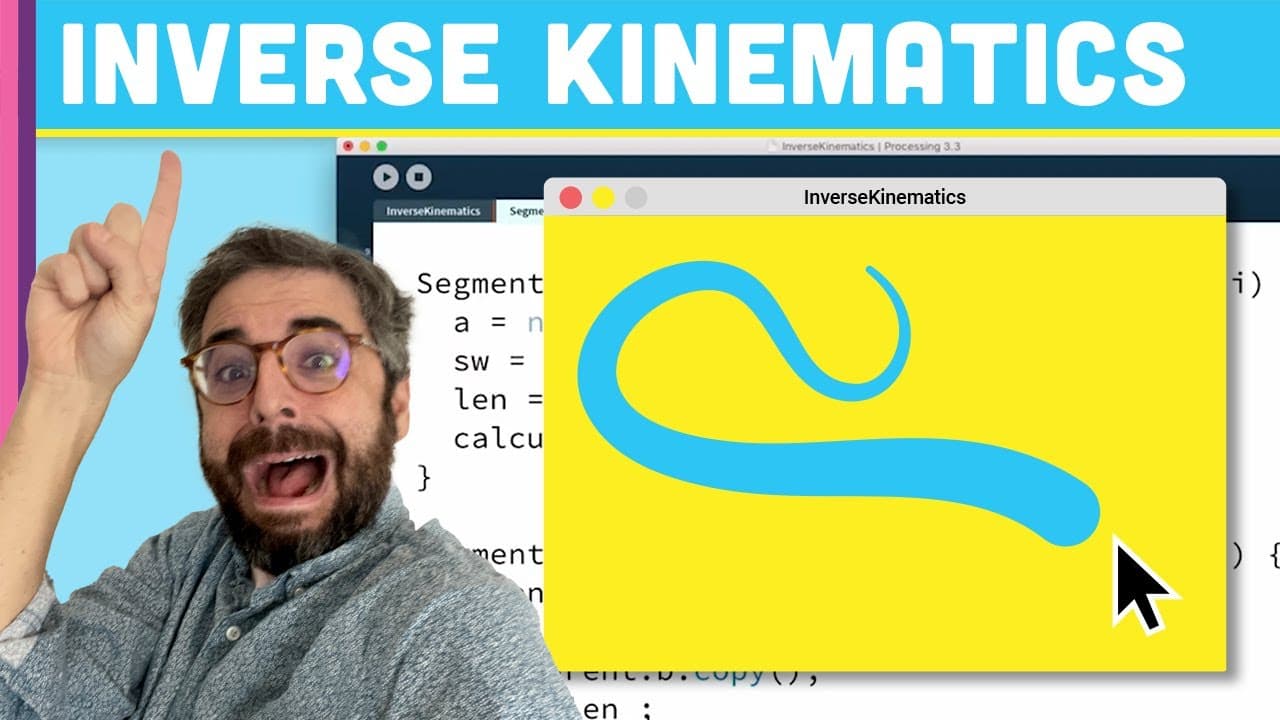
Creating a snake-like creature using inverse kinematics in a coding challenge.
Transcript
hello how are you doing welcome to a coding challenge where I'm going to make something called inverse kinematics you might say hey look at that did you do it already and I'll say though I have not this is actually from the previous video where I did a simulation called forward kinematics so one of the main things I need to do before I get started ... Read More
Key Insights
- 👨💻 Understanding the concept of inverse kinematics versus forward kinematics in coding simulations.
- 👂 Implementing a linked list structure for segments to achieve interconnected movement.
- 🏋️ Utilizing stroke weight variation to create visual depth in the snake-like creature.
- 👨💻 Refactoring code for better organization and scalability with multiple instances.
- ❓ Exploring possibilities like implementing movement logic for multiple creatures in the simulation.
- 👨💻 Demonstrating creative coding techniques in developing dynamic and interactive graphical animations.
- 🔺 Leveraging trigonometry functions for angle calculations in segment orientation.
Install to Summarize YouTube Videos and Get Transcripts
Explore YouTube Video Summarizer or Get YouTube Transcript Extractor
Questions & Answers
Q: What is the difference between forward and inverse kinematics?
Forward kinematics involves moving connected segments simultaneously, while inverse kinematics deals with calculating segment orientations based on the end goal position.
Q: How does the code implement segment following in the inverse kinematics simulation?
By creating a linked list of segments with each segment following the one in front, achieving a realistic snake-like movement.
Q: How is the stroke weight variation implemented in the segments?
Stroke weight varies based on the segment's position, with higher weights at the end closer to the cursor and lower weights towards the back.
Q: How can the code structure be refactored for more efficiency?
Refactoring involves organizing the code into a separate class for the segment logic, allowing for easier duplication and management of multiple instances.
Summary & Key Takeaways
-
Introduction to inverse kinematics compared to forward kinematics in coding.
-
Demonstrates building a linked list of segments moving to follow the mouse cursor.
-
Incorporates stroke weight variation based on segment location.
Read in Other Languages (beta)
Share This Summary 📚
Summarize YouTube Videos and Get Video Transcripts with 1-Click
Try YouTube Summary with ChatGPT & Claude or YouTube Transcript Generator
Explore More Summaries from The Coding Train 📚






Summarize YouTube Videos and Get Video Transcripts with 1-Click
Try YouTube Summary with ChatGPT & Claude or YouTube Transcript Generator