How to Create a Radial Graph for Sound Visualization
TL;DR
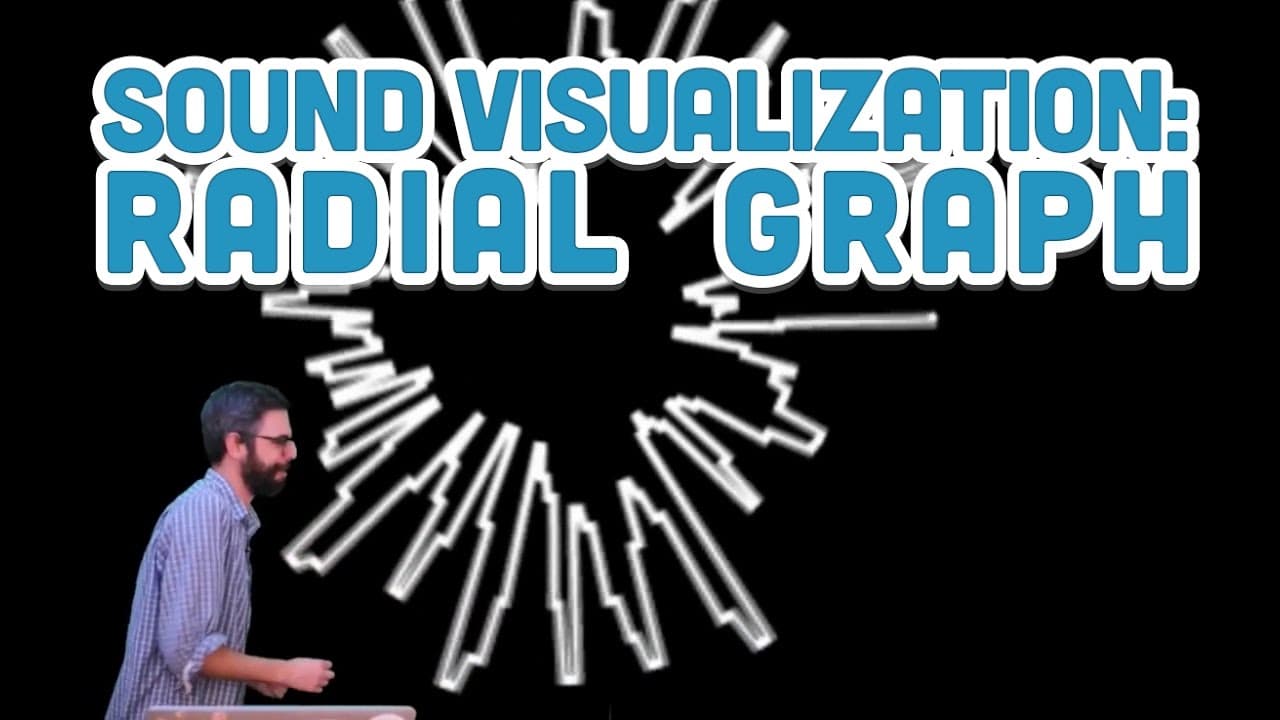
To create a radial graph for sound visualization, map audio volume to the radius of a circle based on degrees of angles. This allows you to visually represent sound characteristics engagingly, with potential enhancements like color changes and interactive elements for more dynamic visuals.
Transcript
as always another audio visualization video and the previous one left us weird like shaking crazy graphing the volume of a sound file and what I want to do now and it was a great suggestion from Oliver and the chat is instead of graphing as a graph along say an x-axis what if I took this graph and wrapped it around a circle and the way to do that i... Read More
Key Insights
- 🔇 Mapping audio volume data to a circle offers a unique and engaging way to visualize sound file characteristics.
- 🔺 Converting angle and radius to X and Y positions enables precise plotting of points on the circle graph.
- ⭕ Enhancements like color variations and circle filling can enhance the visual appeal and interactivity of the audio visualization.
Install to Summarize YouTube Videos and Get Transcripts
Explore YouTube Video Summarizer or Get YouTube Transcript Extractor
Questions & Answers
Q: How is audio volume data transformed into a circle visualization?
The audio volume data is mapped to the radius of a circle, where changes in volume correspond to changes in the radius of the circle, creating a visually dynamic representation of the sound file.
Q: What mathematical formulas are used to convert angle and radius to X and Y positions?
The formulas used are x = R * cos(angle) and y = R * sin(angle), where R is the radius and angle iterates around the circle, ensuring proper plotting of points on the graph.
Q: How can enhancements like color changes and circle filling be incorporated into the visualization?
By modifying the code to assign different colors based on volume levels and filling the circle with colors responsive to various audio parameters, the visualization can be further enriched and made more engaging.
Q: What future iterations or enhancements are suggested for the circle audio visualization?
Suggestions include adding rainbow colors, implementing stop colors, having colors respond to different audio elements, and exploring further possibilities to make the visualization more interactive and visually appealing.
Summary & Key Takeaways
-
The content discusses transforming audio volume data into a visual graph wrapped around a circle by mapping volume changes to radius values.
-
The presenter simplifies the code to convert angle and radius to X and Y positions, showcasing the visualization technique.
-
Various enhancements like color changes, filling the circle, and incorporating more features are suggested for future iterations.
Read in Other Languages (beta)
Share This Summary 📚
Summarize YouTube Videos and Get Video Transcripts with 1-Click
Try YouTube Summary with ChatGPT & Claude or YouTube Transcript Generator
Explore More Summaries from The Coding Train 📚






Summarize YouTube Videos and Get Video Transcripts with 1-Click
Try YouTube Summary with ChatGPT & Claude or YouTube Transcript Generator