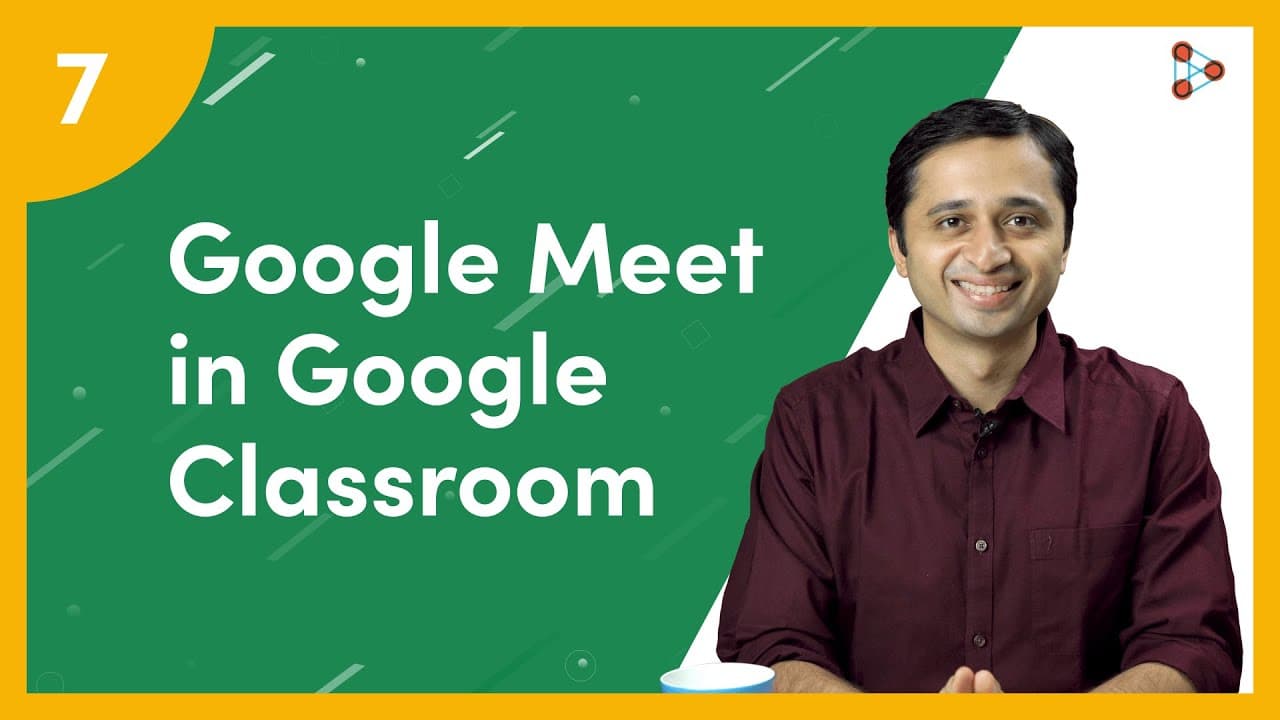
How to use Google Meet in Google Classroom? | Ep.07 | Don't Memorise
TL;DR
Learn how to use Google Meet to conduct live classes in Google Classroom, with features like generating a meet link, controlling student access, presenting slides, enabling chat, recording sessions, and using captions.
Transcript
[ YouTube Learning ] Now that you have created a class on Google Classroom, let’s see how we can use Google Meet to conduct a Live class! [ Don't Memorise intro music ] The best way to conduct a Live Class, for your students is by using Google Meet for which you need to generate a link! How do we do that? You can simply generate the Meet link by cl... Read More
Key Insights
- 🧑🎓 Generating the meet link in Google Classroom provides teachers with complete control over their live classes, including student access and management.
- 👍 Google Meet is a safe platform that ensures only approved participants can join the class.
- 💻 Teachers can utilize features like screen sharing, student screen sharing, chat, recording sessions, and captions to enhance the live class experience.
- 🧑🎓 Slide presentations during live classes can help students take notes and visualize concepts better.
- 😷 Enabling the chat feature allows students to ask questions and engage with the teacher during the session.
- 🧑🎓 Recording sessions can be beneficial for students who couldn't attend the live class.
- 🥰 Captions in Google Meet assist students with hearing impairments and those who may have missed out on certain parts of the session.
Install to Summarize YouTube Videos and Get Transcripts
Explore YouTube Video Summarizer or Get YouTube Transcript Extractor
Questions & Answers
Q: How do I generate a meet link for my Google Classroom live class?
To generate a meet link, simply click on the provided link in Google Classroom, and you'll have a meet link ready to share with your students.
Q: Can students join a Google Meet class without the teacher's approval?
No, students can only join a Google Meet class after the teacher has joined and can see who else has joined. The teacher has complete control over student access.
Q: Can I present slides during a live class in Google Meet?
Yes, you can share your screen during the live class and present slides by clicking on the "Present Now" button and selecting the tab with your presentation.
Q: Is it possible to record Google Meet sessions?
Yes, by clicking on the "Record Meeting" button, you can record the entire session and share it with students who missed the class.
Summary & Key Takeaways
-
Google Meet is the best tool for conducting live classes in Google Classroom, allowing teachers to generate a meet link for students to join.
-
Teachers have complete control over their live classes, with the ability to add or remove students, mute participants, and end the class.
-
Google Meet offers features like screen sharing for presentations, student screen sharing, chat for student engagement, recording sessions, and captions for accessibility.
Read in Other Languages (beta)
Share This Summary 📚
Summarize YouTube Videos and Get Video Transcripts with 1-Click
Try YouTube Summary with ChatGPT & Claude or YouTube Transcript Generator
Explore More Summaries from Infinity Learn NEET 📚

Summarize YouTube Videos and Get Video Transcripts with 1-Click
Try YouTube Summary with ChatGPT & Claude or YouTube Transcript Generator