How to Turn a TikTok Sound Into a Ringtone
TL;DR
Turn any TikTok video and song into a personalized ringtone with simple steps.
Transcript
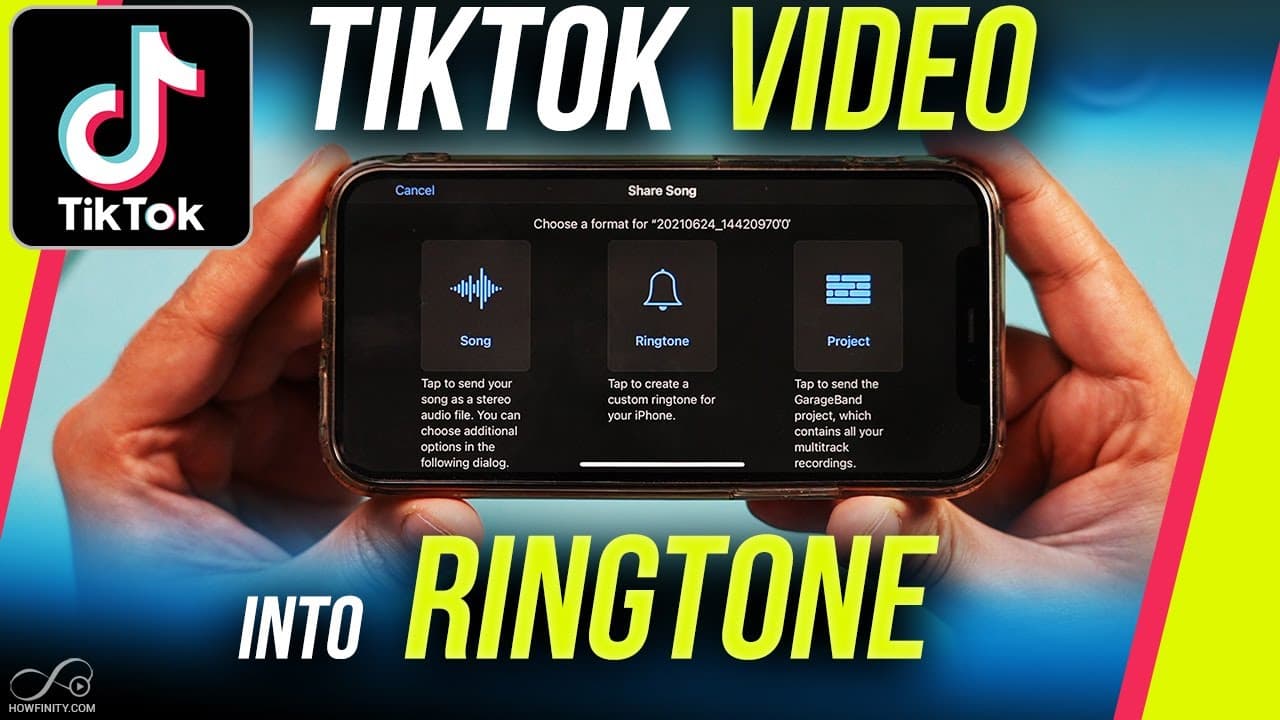
in today's video i'm going to show you how to take any video and the song from that video from tiktok and turn it into a ringtone it's a few different steps but i'll go very slowly step by step so you can follow along the first step is you need to open up tick tock here and anywhere on tick tock find a video that has the song that you want to make ... Read More
Key Insights
- 🎮 TikTok videos with catchy songs can be easily turned into personalized ringtones.
- 😀 Ringtone maker apps are essential for importing TikTok videos and converting them into ringtones.
- 🔨 GarageBand is a useful tool for finalizing and sharing your custom ringtone.
- 💨 The process involves simple steps but offers a unique way to personalize your phone.
- 😫 Setting a custom ringtone can be done through phone settings for easy access.
- 🆘 Choosing a specific name for your ringtone helps in identifying and selecting it later.
- ❓ The tutorial shares clear steps and ensures anyone can create a customized ringtone.
Install to Summarize YouTube Videos and Get Transcripts
Explore YouTube Video Summarizer or Get YouTube Transcript Extractor
Questions & Answers
Q: How can you turn a TikTok video song into a ringtone?
You need to download the video, use a ringtone maker app, import the video, make it a ringtone, and then set it as your ringtone through GarageBand or phone settings.
Q: Can you choose any song from TikTok to create a ringtone?
Yes, as long as you can download the TikTok video with the desired song, you can turn it into a ringtone using the described method.
Q: Do you need special apps to create a custom ringtone from a TikTok video?
Yes, you will need a ringtone maker app and GarageBand (or a similar app) to successfully create and set a TikTok video song as your ringtone.
Q: Can you customize the length and name of your TikTok video ringtone?
Yes, after importing the video into GarageBand, you can adjust the length, name the ringtone, and then easily set it as your custom ringtone.
Summary & Key Takeaways
-
Download a TikTok video with a song you want.
-
Use a ringtone maker app to import the video and create a ringtone.
-
Use GarageBand or phone settings to set the new ringtone.
Read in Other Languages (beta)
Share This Summary 📚
Summarize YouTube Videos and Get Video Transcripts with 1-Click
Try YouTube Summary with ChatGPT & Claude or YouTube Transcript Generator
Explore More Summaries from Howfinity 📚






Summarize YouTube Videos and Get Video Transcripts with 1-Click
Try YouTube Summary with ChatGPT & Claude or YouTube Transcript Generator