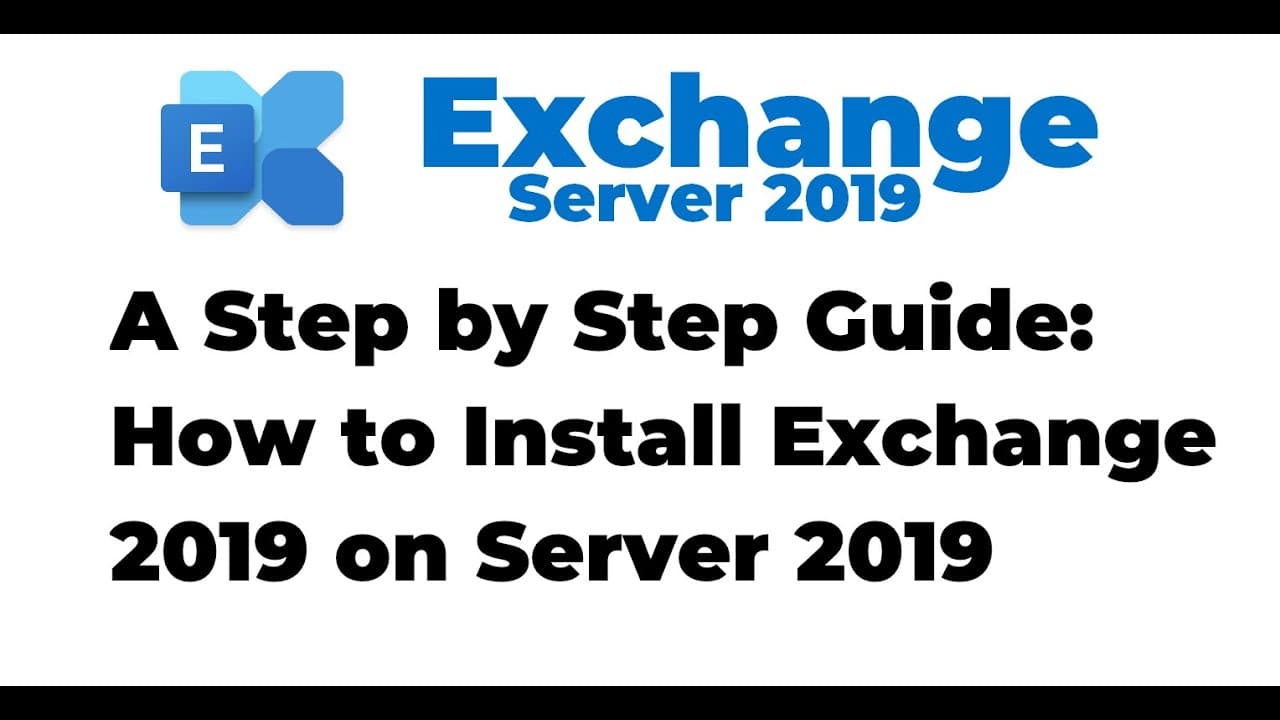
2. How to Install Exchange 2019 on Windows Server 2019
TL;DR
Guide to install Exchange 2019 on Windows Server 2019.
Transcript
hello everyone welcome to my september webcast in this video we are going to install microsoft exchange 2019 on windows server 2019 as we all know that the xen server is a messaging solution from microsoft and the latest version of exchange is action server 2019 in this demo i will cover the steps to graphically install exchange server 2019 on wind... Read More
Key Insights
- The video provides a step-by-step guide to installing Microsoft Exchange 2019 on Windows Server 2019 using a graphical interface.
- The setup involves two virtual machines: one as a domain controller and the other as a member server for Exchange installation.
- Prerequisites for the installation include extending the Active Directory schema and preparing the infrastructure for Exchange 2019.
- The installation requires mounting the Exchange 2019 ISO image and running the setup as an administrator.
- The video emphasizes the importance of checking for updates before installation, although it is skipped in this demonstration due to lack of internet connectivity.
- The Exchange 2019 installation includes selecting the mailbox role and configuring Windows server roles and features automatically if needed.
- Post-installation steps involve verifying the setup through the Exchange Administration Center and testing email functionality.
- The Exchange setup logs are a valuable resource for troubleshooting any errors encountered during installation.
Install to Summarize YouTube Videos and Get Transcripts
Explore YouTube Video Summarizer or Get YouTube Transcript Extractor
Questions & Answers
Q: What are the prerequisites for installing Exchange 2019?
Before installing Exchange 2019, it is essential to extend the Active Directory schema and prepare the directory infrastructure. Additionally, all required software and Windows components must be installed on the member server. These steps ensure that the environment is ready for Exchange installation and help prevent errors during the process.
Q: How is the Exchange 2019 installation media prepared?
The installation media for Exchange 2019 is prepared by mounting the ISO image of Exchange 2019 CU5 onto the Windows Server 2019. This is done using the file explorer, where the ISO is mounted to make the setup files accessible. The setup.exe file is then executed as an administrator to initiate the installation process.
Q: What role is selected during the Exchange 2019 installation?
During the installation of Exchange 2019, the mailbox role is selected. This role is crucial as it includes both the mailbox and transport services necessary for email functionality. The selection automatically includes the management tools, and the setup ensures that any missing Windows server roles and features are installed if necessary.
Q: How can installation errors be troubleshooted?
Installation errors can be troubleshooted using the Exchange setup logs. These logs provide detailed information about the installation process and any issues encountered. By examining these logs, users can identify specific errors and take corrective actions to resolve them, ensuring a successful installation of Exchange 2019.
Q: What is the Exchange Administration Center?
The Exchange Administration Center (EAC) is a web-based management console used to manage Exchange 2019. It is accessed through a web browser and provides a user-friendly interface for administrators to configure and manage various aspects of the Exchange server, such as mailboxes, transport rules, and more.
Q: How is email functionality tested post-installation?
Post-installation, email functionality is tested by accessing the Exchange Administration Center and sending a test email. This involves logging in with administrator credentials, composing a new email, and sending it. Successful delivery and receipt of the email confirm that the Exchange 2019 installation is functioning correctly.
Q: Why is it important to check for updates before installation?
Checking for updates before installation is crucial to ensure that the latest patches and security updates are applied. This helps prevent potential vulnerabilities and compatibility issues during and after the installation. However, in this demonstration, updates were skipped due to the virtual machine's lack of internet connectivity.
Q: What is the significance of the Exchange setup logs?
The Exchange setup logs are significant as they provide a comprehensive record of the installation process. They contain detailed information about each step, any errors encountered, and the status of the installation. These logs are invaluable for troubleshooting and ensuring that the Exchange 2019 installation is completed successfully.
Summary & Key Takeaways
-
This video tutorial provides a detailed walkthrough of installing Microsoft Exchange 2019 on Windows Server 2019. It covers the setup of virtual machines, preparation of Active Directory, and step-by-step installation using a graphical interface. Key steps include mounting the Exchange ISO, configuring server roles, and verifying installation through the Exchange Administration Center.
-
The tutorial uses a virtual lab environment with two Windows Server 2019 VMs: one as a domain controller and the other for Exchange installation. Prerequisites such as extending the Active Directory schema are addressed, and the installation process is demonstrated, including the importance of checking for updates and configuring server roles.
-
Post-installation verification involves accessing the Exchange Administration Center and testing email functionality. The video also highlights the use of Exchange setup logs for troubleshooting. This comprehensive guide ensures a successful Exchange 2019 installation on Windows Server 2019, making it accessible for beginners.
Read in Other Languages (beta)
Share This Summary 📚
Summarize YouTube Videos and Get Video Transcripts with 1-Click
Try YouTube Summary with ChatGPT & Claude or YouTube Transcript Generator
Explore More Summaries from MSFT WebCast 📚
Summarize YouTube Videos and Get Video Transcripts with 1-Click
Try YouTube Summary with ChatGPT & Claude or YouTube Transcript Generator